Category: Gaming

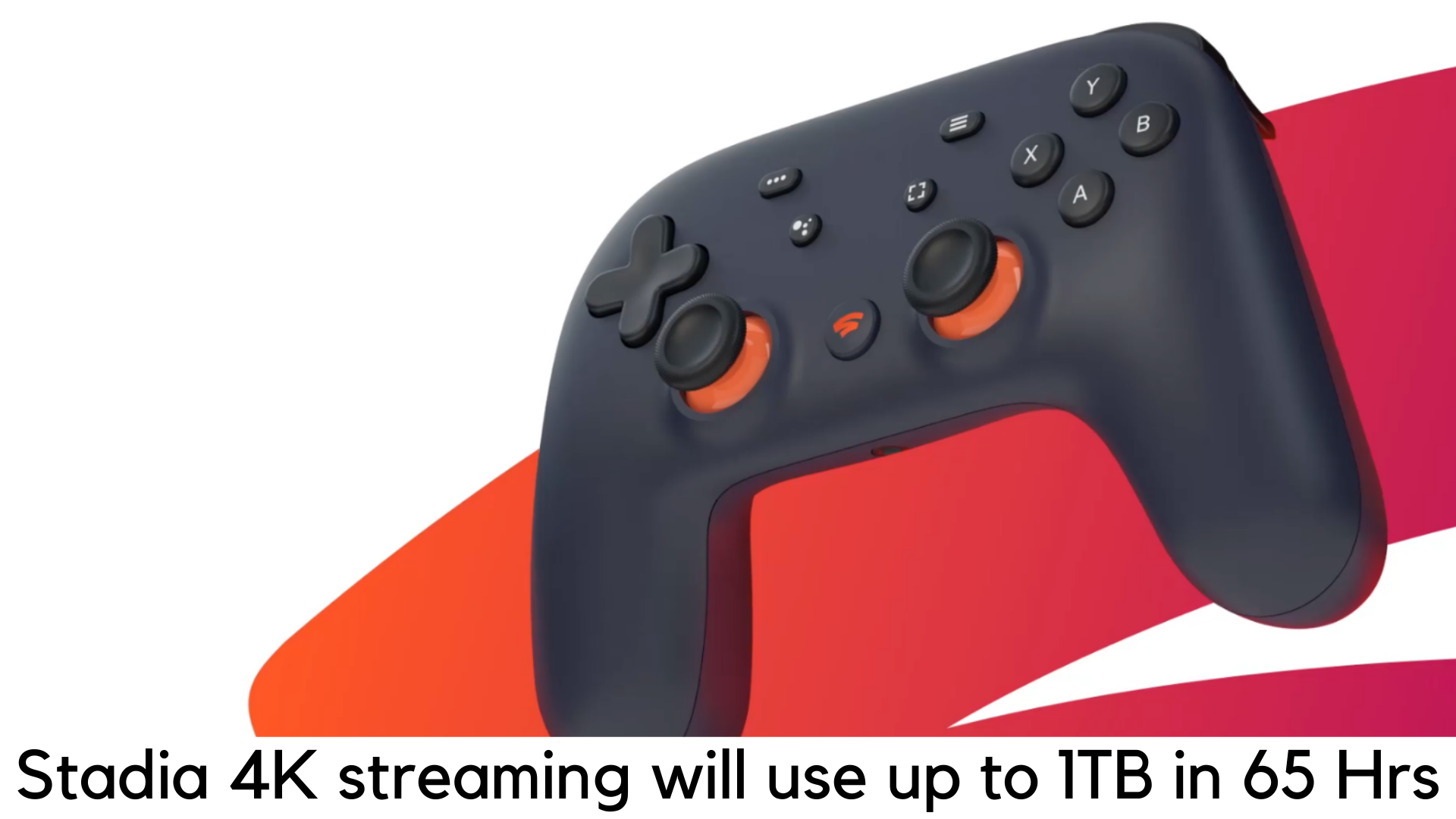
  • Stadia 4K Streaming will use up 1TB of data in 65 hours

    Stadia 4K Streaming will use up 1TB of data in 65 hours

    The concept of game streaming is quite unique and revolutionary. But there are still some doubts revolving around. Streaming keeps going beyond Spotify and Netflix and redefining the way we consume data. At the same time, game streaming will also arrive with data plans and some serious consequences in terms of network traffic.
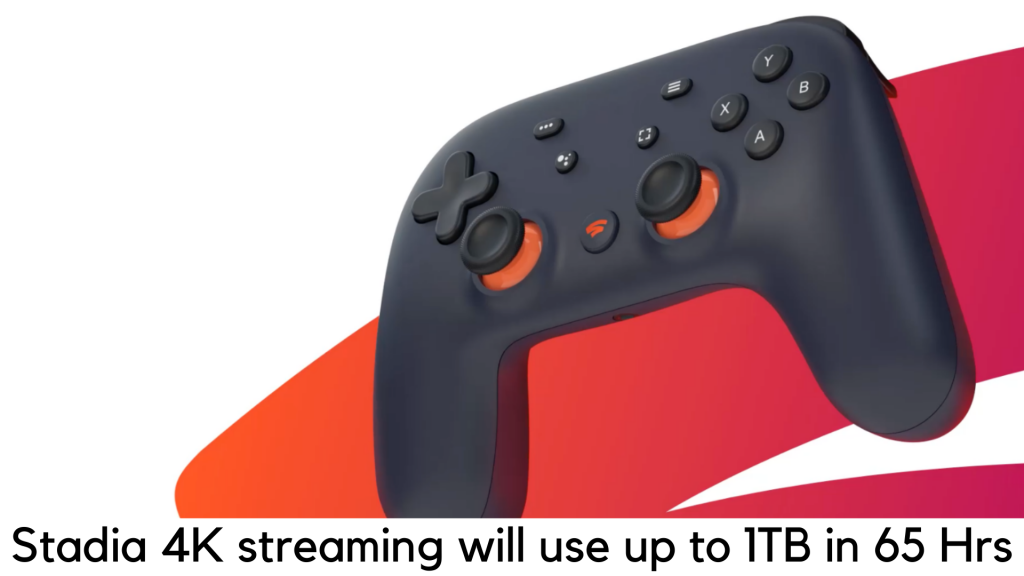
    Stadia 4K Streaming will use up 1TB of data in 65 hours

    We need to wait and see what ISPs will need to say about that. Well, Google has announced some more specifics about the most awaited Stadia 4K, it is a game streaming platform that is scheduled to arrive in November this year.

    Google has now announced the details regarding some games, pricing plans, and connection requirements. Stadia 4K subscribers might have some shocks when it comes to how much data it will consume.

    Types Of The Streaming Requirements

    According to Google, it has three types of streaming requirements. For low range, it can offer 720p stream with 60fps which would need a bitrate of 10Mbps. Also, for the upper range, it would offer 60fps full HD 1080p streaming with the bandwidth of 20Mbps.

    For the highest quality Stadia 4K stream, it would offer 35Mbps of bandwidth and 60fps of refresh rate. At the same time, it would consume up to 4.5GB/hour for 720p stream, 9GB per hour for 1080p streaming, and 15.75GB per hour for Stadia 4K.

    But it doesn’t mean you can stream 4K gaming on a display that has lower resolution. To ensure a smooth gaming experience, Google recommends 60fps, which is a welcome change. The company also recommends one should have at least 10Mbps of connection to stream at 720p. For 4K stream at 60fps, Google recommends 35Mbps of connection. Well, it sounds good enough until you figure out the amount of data it would need.

    Data Consumption

    As per the calculation, 15.75GB data consumed per hour for 4K streaming would total 1TB for streaming up to 65 hours. On the other side, it would take 113 hours to consume 1TB at 1080p.

    According to your location, a huge part of data plans is subject to your data cap and they are mostly set at 1TB already. So, users would be advised to maintain caution before streaming the games.

    Otherwise, gamers will easily run out of their current data cap plan by their ISPs. Since the launch is just around the corner, Google has to say something more regarding this.

    Releasing Details and Charges

    It will release Google Stadia with a subscription plan of $10 per month as Founder’s Edition, including 4K streaming access, important hardware, and a cool blue controller.

    You can also opt for a Stadia Base plan which limits streaming to 1080p and won’t need a subscription. Some of the free games like Baldur’s Gate 3 and Destiny 2 will arrive with the game streaming service.
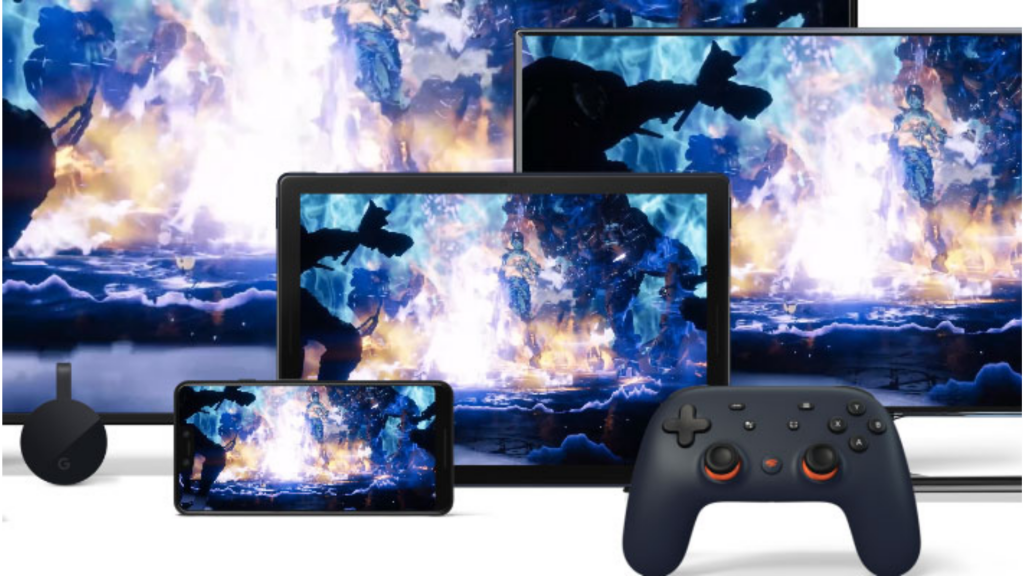
    Stadia Pro plan

    Google is yet to reveal other facets. Stadia Pro plan would offer free Stadia accounts and support for 5.1 surround sound, which will arrive next year. Currently, there are 25 games to be available for streaming.

    It is not sure what will be the cost of these games and how many will arrive with the launch. In Founder’s plan, you will get Stadia Pro for three months worth $129, Stadia Controller and a Chromecast Ultra.
  • Red Dead Redemption 2 Easter Eggs

    Red Dead Redemption 2 Easter Eggs

    There are hell lots of Easter Eggs and secrets in Red Dead Redemption 2 that we know most players didn’t notice. A Rockstar game cannot go without those secrets. Their stunning take on Wild West is full of Easter Eggs and players have been slowly uncovering the mysteries of the game since its release on the console.

    Have you found any of these Red Dead Redemption 2 Easter Eggs?

    Since the adventure game by Arthur Morgan is finally available on PC, could the expanded player base of the game be able to discover more Easter Eggs on RDR2? If you are taking your first steps in its American frontier, be warned because this guide is full of spoilers.

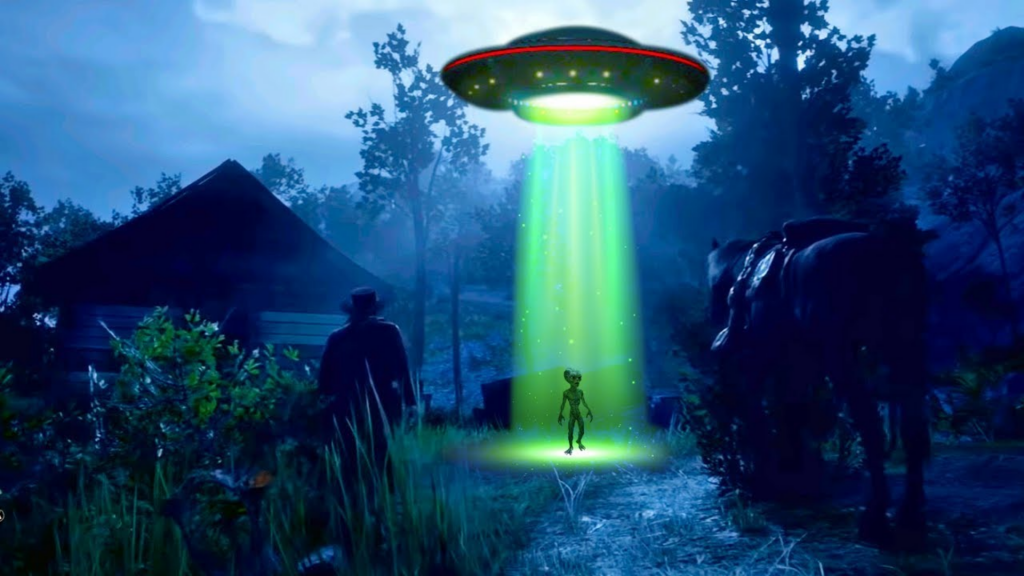
    UFO

    Of course, you can find one but it is not that easy to find. Head northeast of Heartland Overflow and north of Emerald Station in New Hanover. You will get a note in a small shack. Climb the Mount Shann and you will come across a rock circle. Wait for the night to go back and see a mysterious flying object emitting green light.

    UFO

    Kaa

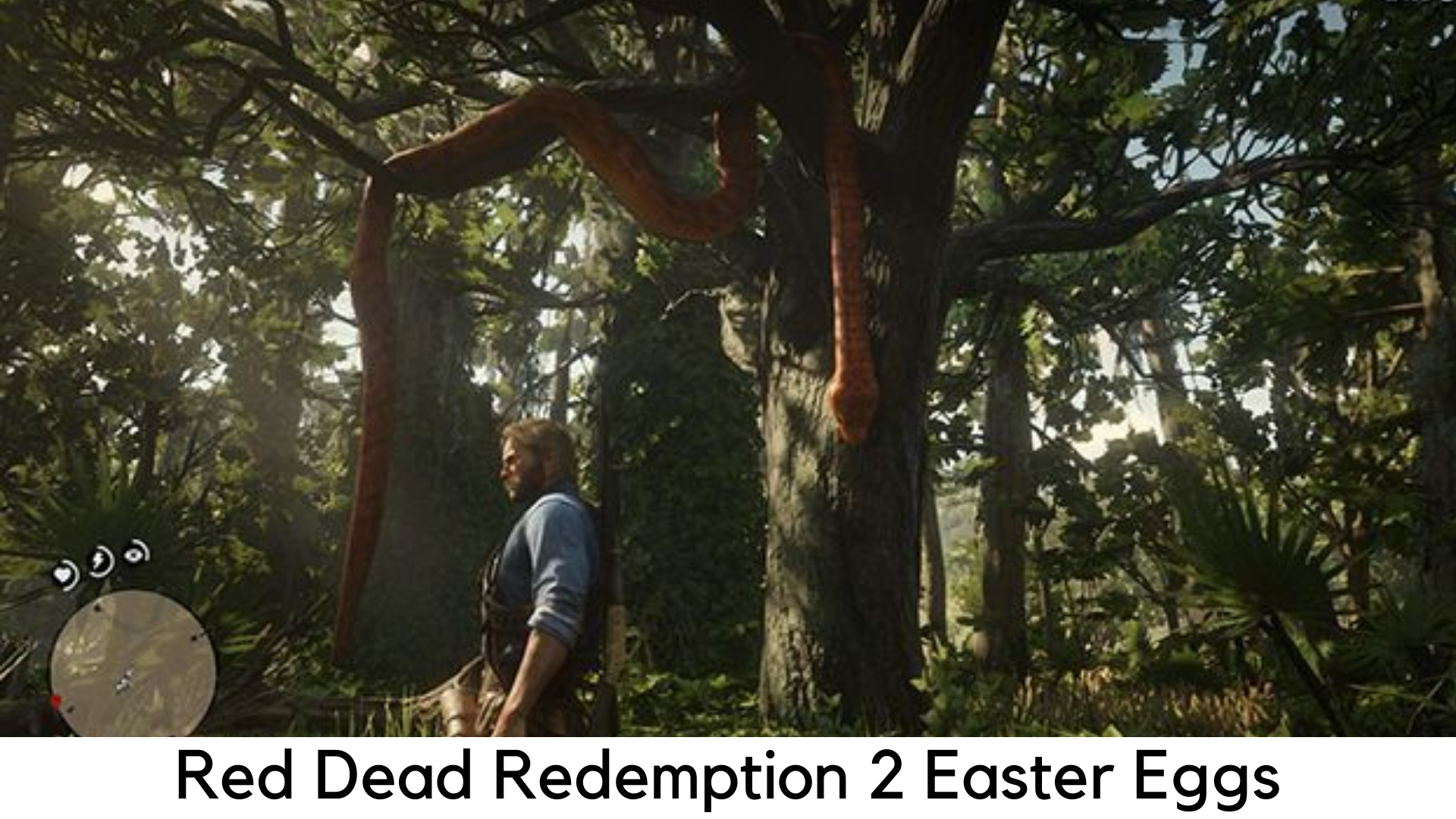
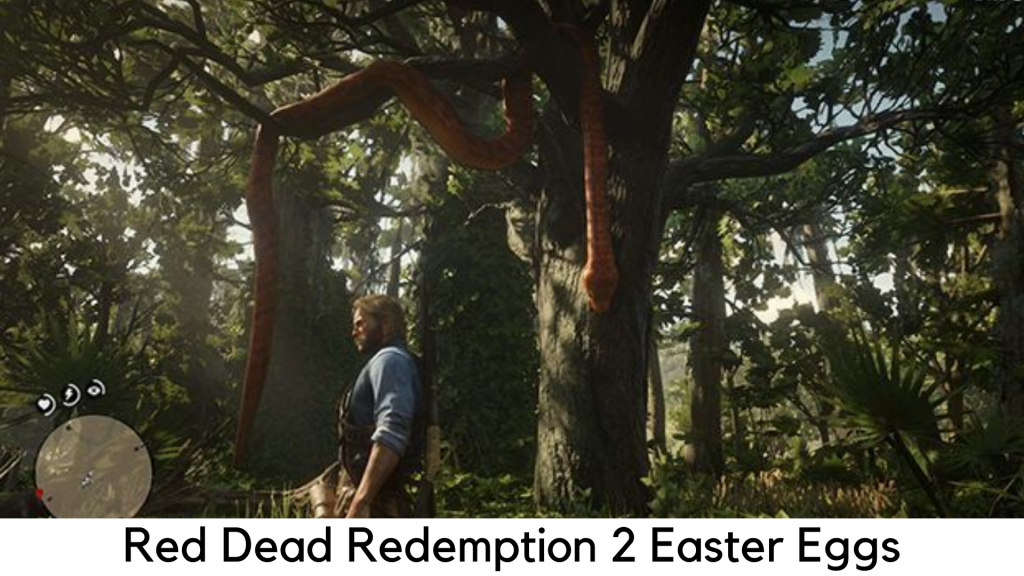
    Remember that python Kaa from your all-time favorite The Jungle Book? Yes, you can spot her in Lemoyne’s forest.

    The Hobbit House

    You might come across a house on a hill en-route Bacchus Station. This Easter Egg is a tribute to the iconic prequel of Tolkien’s classic, The Hobbit.

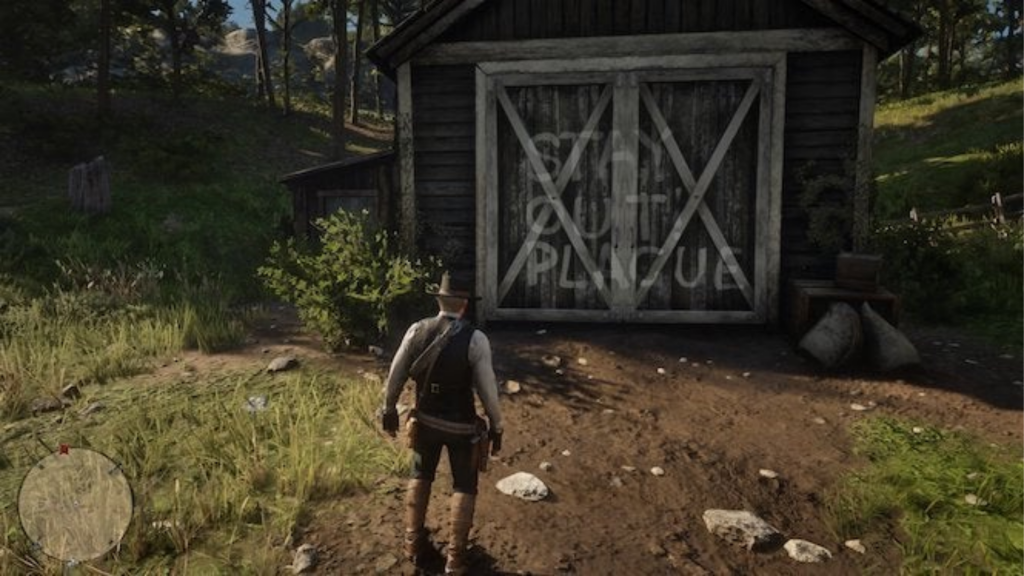
    Hershel’s Farm

    If you have watched The Walking Dead, you may definitely remember the iconic Hershel’s Farm. Yes, there is a spot in the game where the farm’s door is painted with “STAY OUT PLAGUE”.

    Hershel’s Farm

    The Aberdeen Pig Farm

    It is yet another weird spot to look for. After having a creepy dinner with weird siblings, if you are lucky, you will wake up in a huge grave. The Aberdeen Pig Farm is truly a jiggle to the Benders, a real American family. At the same time in RDR2, the family killed and flung people in a ditch.

    The Donkey Lady

    There was a glitch on the original RDR where you could meet a creepy woman with a donkey’s head. At Two Crows, it’s a Red Dead Redemption 2’s tribute to that weird glitch. Visit the horse mill and spot a skeleton of that incredible woman.

    The Strange Man

    From the original Red Dead Redemption, the Strange Man is also found in RDR2 but you need to play a bit harder. You need to visit Mattock Pond to find his cabin around the Kamassa River. Currently, only his hat is found.

    Once you complete the game fully and come back, you will see the incomplete portrait finished showing the unsetting story of The Strange Man. He will be seen just behind you once you look at the mirror. Don’t worry; it will happen for a few moments. It is enough to give the shivers to even the most brave-hearted frontiersman.

    Bigfoot’s skeleton

    On the UFO rock circle at Mount Shann, you can also spot a perched eagle on the top. The eagle flies off, leaving a path to go behind the foliage. You will also spot a cave along the way with Bigfoot’s skeleton.

  • Death Stranding Fast Travel

    Death Stranding Fast Travel

    Players will need to walk a lot in the latest game by Hideo Kojima, Death Stranding. The title is based on reconnecting the Cities of America by delivering packages. Sam Porter Bridges, the main protagonist travels most of the time from one part to another.

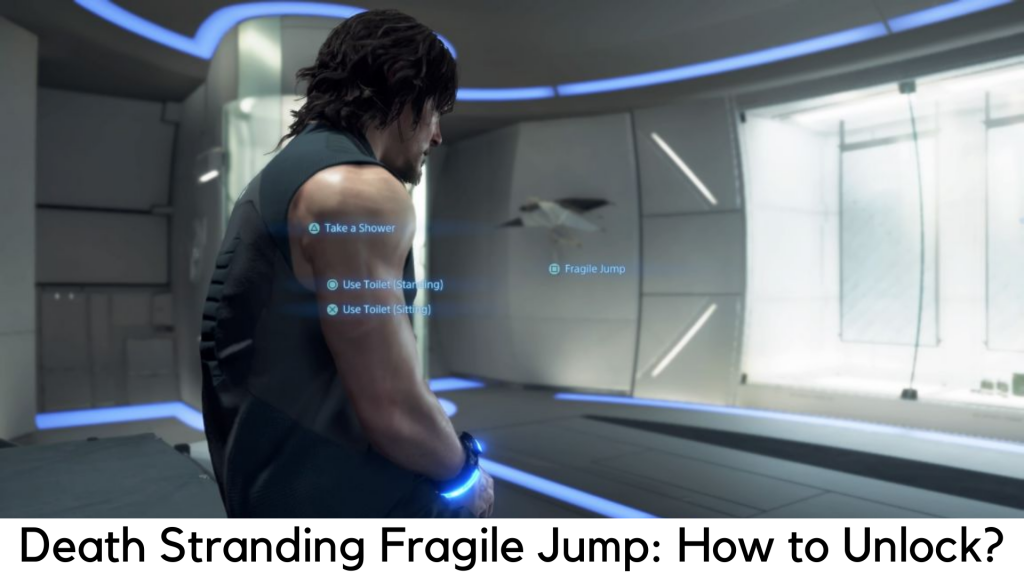
    Death Stranding Fast Travel: How to unlock the Fragile Jump?

    As you know, Death Stranding is a game all about exploring places. Death Stranding Fast Travel is something you will desperately need. Yes, this game also has a fast travel feature but you are expected to pass through a fair bit of the game to unlock the same. Here, we are about to discuss how to unlock Fast Travel in Death Stranding and explain why you need it.

    What is Fragile Jump?

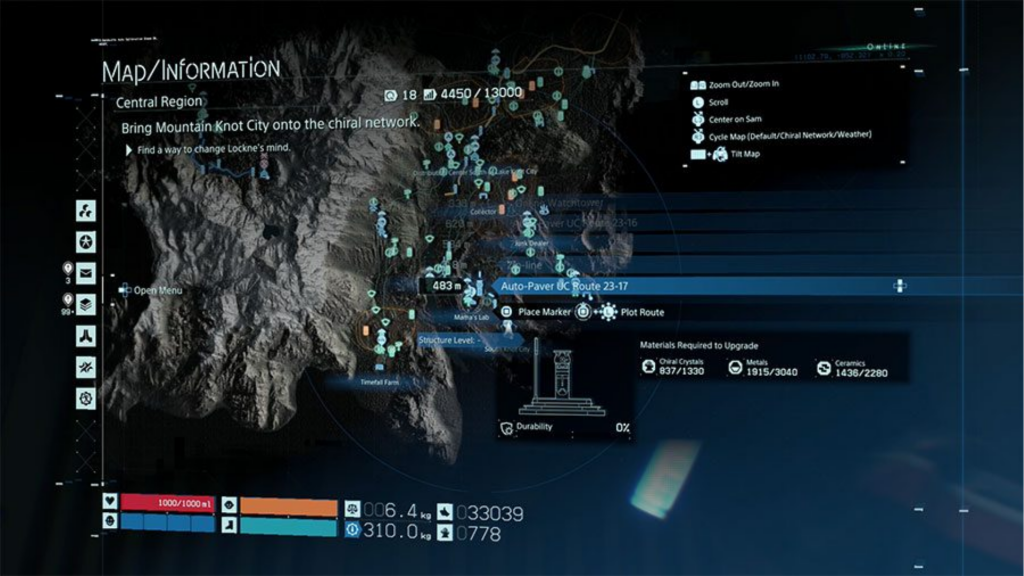
    Fragile Jump is able to teleport you to any safe house or distribution center safely and easily. The only catch here is the area should be covered under the Chiral Network to jump into places. Initially, Sam cannot fast travel to several places. Players should connect distribution centers and facilities first to the Chiral Network before doing fast travel.

    Chiral Network

    All the items you have will be stored automatically in the locker of a facility you started your jump in. Hence, you cannot complete the quests for cargo delivery with this system. Remember the facility where cargo is placed so you can pick it up easily whenever you need it.

    Unlock Fast Travel in Death Stranding

    You need to travel through the Port Knot City from Eastern Region to the Central Region so you can reach the beginning of Chapter 3 in story mode. It is the only way to unlock fast travel system in Death Stranding. You may be wasting time wandering aimlessly in the Eastern Region and want to 5-star all the preps.

    But let us be clear that it’s really not worth. In addition, you can come back and do the same once you have better equipment from fast travel to the Central Region.

    You will be served with a lot of story content and cut scenes once you land in the Central Region. After escaping all the cinematics, you will be able to use the private room and start your Fragile Jump, the faster travel system in Death Stranding. Don’t worry; we are not going to share any spoilers here. Read on for the next part.

    How to make it Fast in Death Stranding?

    You just need to go down to your Private Room to travel quickly in Death Stranding and look around until you come across the umbrella of Fragile on its wall. To enter into the fast travel menu, press “Square” when it prompts. Now you can check out all the locations available for fast travel.

    Across both Eastern and Central Regions, Sam can fast travel to any place where he has visited previously with a private room. It also features the Safe House built by the player. These structures are built around the landscape. Make sure there are private rooms in between the preppers while placing your Safe House.

    With that said, we hope you can freely perform fast travel. You can simply clean up the mess of your past deliveries by going back to the Eastern Region.

  • Xenophage, The Destiny 2 Machine Gun With A Bug In It, Is Also Bugged

    Xenophage, The Destiny 2 Machine Gun With A Bug In It, Is Also Bugged

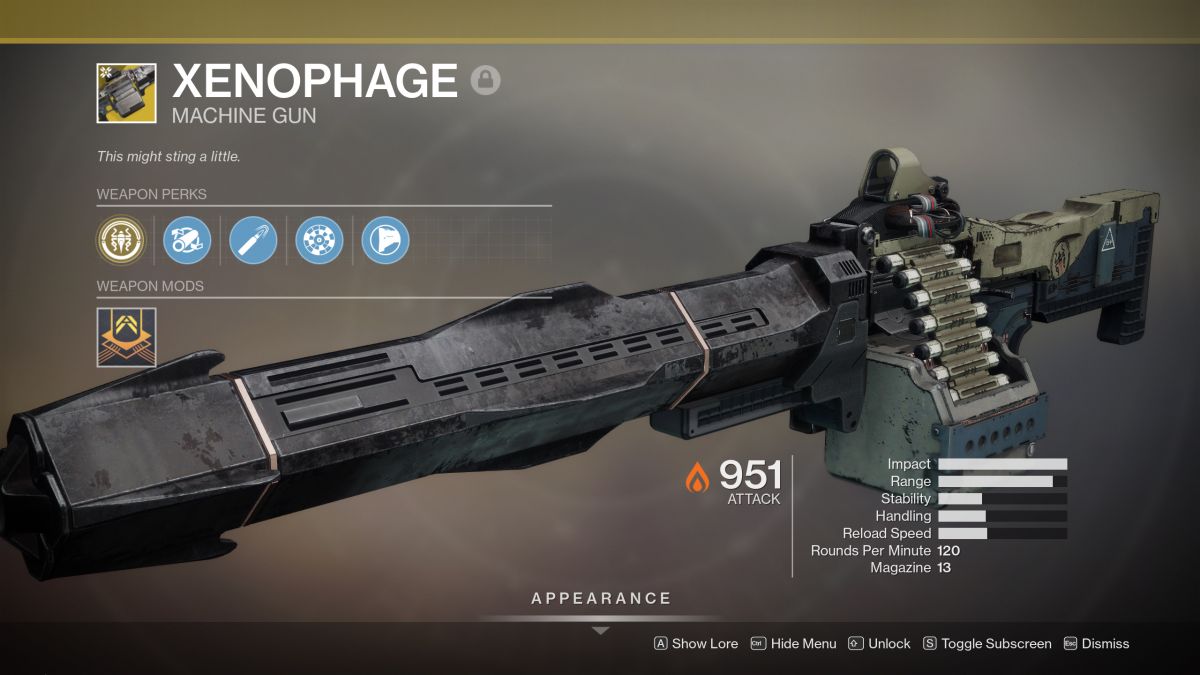
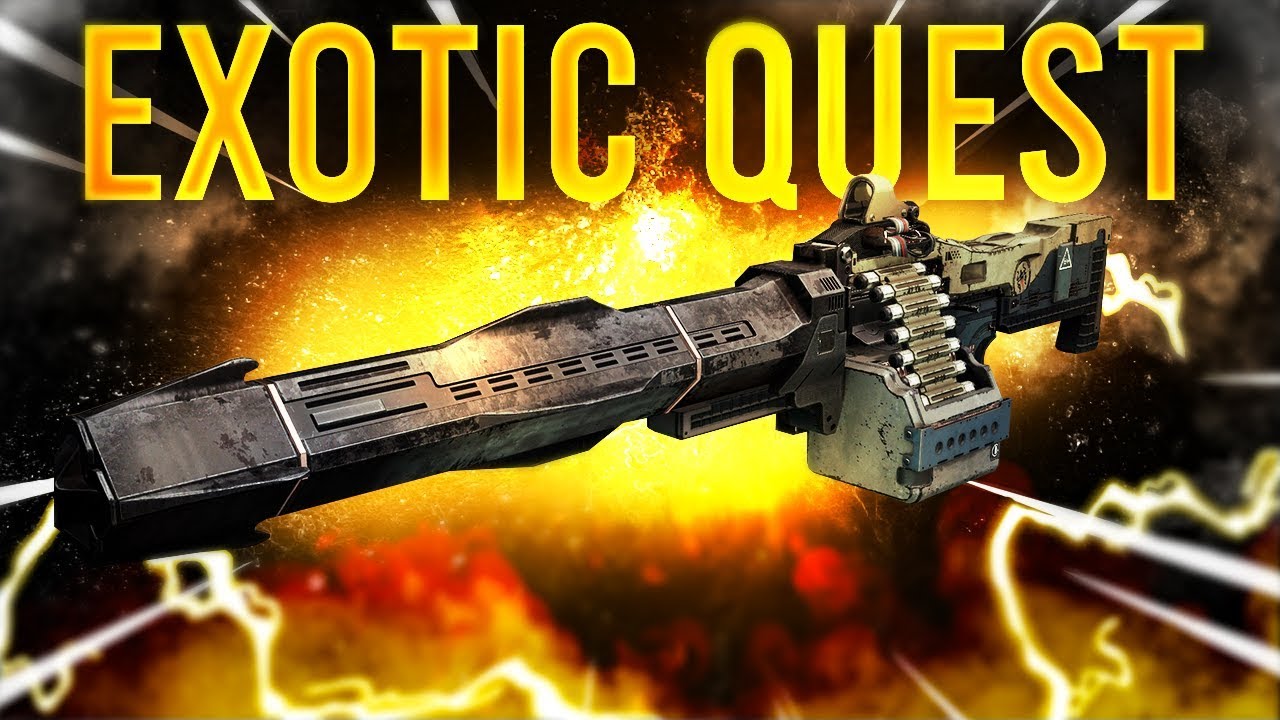
    Xenophage is the latest weapon introduced in Destiny 2. After its launch last week, it is now available for both free users and for those who bought Shadowkeep for Xbox One and the Season of the Undying. Besides the Xenophage machine gun, paid players received other benefits as well.

    Xenophage’s magazine capacity is not very high, but it can fire explosive rounds at enemies terrifyingly. It can manage to send out the rounds with a swiftness that will send you reeling. However, despite the addition of a new weapon and its features, players are not very happy. Gamers noticed that the damage inflicted by Xenophage is not really explosive. Most power weapons in Destiny 2 would be a better choice to inflict real damage than the recently released Xenophage.

    Xenophage of Destiny 2
    Xenophage of Destiny 2

    The weapon is not bad, but it has not been designed right. Destiny 2’s makers, Bungie, did more mean to make it a superweapon and only had plans of making it an effective option. However, this bugged weapon is less effective than they had bargained for. While Bungie has not mentioned any timeline for the fix, the company is working on it and it should be available pretty soon.

    The Bug and its History

    Once the players starting using the gun, they wasted no time in deciding that the gun is not working properly. The fact of the matter is that there literally is a bug in the gun (in the Destiny Universe, of course). Omar Agah, a member of Eris Morn’s doomed fireteam, was destroyed by the Hive. However, he did not actually die a true death. The Hive took his Light, and his soul and mind ended in the space that powers the Xenophage.

    With regards to its underperformance, Bungie community manager made a statement that the lack of precision damage was intentional. So, does it mean that Xenophage is a bug gun without bugs? Don’t confuse yourself. We went through Reddit discussions to see what is happening.

    Xenophage Weapon
    Xenophage Weapon

    Reddit Discussion

    After users started unlocking Xenophage, players started noticing that the Exotic light machine gun was not really doing its job right. It was not dealing out precision damage. Deep discussions got started on Reddit where players shared their experiences. Bungie’s community manager, Cozmo23, wrote, “I checked with the team on this. The fact that Xenophage does not do precision damage is not a bug and by design. However, the weapon is unintentionally underperforming and we are currently investigating.”

    This answer threw some light on Bungie’s bug-filled machine gun which was created by design. The community manager also mentioned that although the weapon has been designed not to do precision damage, the fact that it has not been performing to its standards is a cause for concern. The developers are looking into it. It does look like the company has already started work on fixing this and we should be able to hear some good news pretty soon.

    Bungie is also working on another glitch in another exotic weapon. It is the exotic energy sniper rifle Izanagi’s Burden that many players are unable to access due to a bug in the questline. Hopefully, both these glitches will be fixed soon.

  • When Everyone Is Having Tech Problems With RDR2 But It’s Running Great For You

    When Everyone Is Having Tech Problems With RDR2 But It’s Running Great For You

    Earlier this week, Red Dead Redemption 2 was released for PC and players went wild over it. However, ever since its release, players have experienced issues like stuttering, freezing, audio problems, crashing, FPS drops, and graphical issues. Most users have had some recurring issues that are making it hard for them to relax and enjoy the experience. The user score for Red Dead Redemption 2 fell dramatically from 8.1 on PS4 to 3.6 on PC. Most users seem to be having a hellish experience trying to get the game working smoothly due to the tech problems with RDR2.

    Well, everyone except me.

    Red Dead Redemption 2 on PC is like a dream come true and it is functioning without any glitches so far. I know I am very lucky in this case since I am usually the one trying to solve gaming issues as they crop up, browsing through forums, chats, and FAQ sections! I know the frustration when a solution is posted by a user that worked for them, but it doesn’t work for others, including yours truly. Each time, as I embark on my long and often lonely hunt, I ponder over my misfortune. However, this time, I have it easy. I am one of the very few who have had the good fortune to play RDR2 without any issues.

    Tech Problems With RDR2
    Tech Problems With RDR2

    Tech Problems With RDR2

    The release didn’t go quite how Rockstar Games expected. Most users are not facing issues while setting up the game (although few are getting at that point itself), the most common and the biggest issue is that the game hitches every few seconds. It makes for a very frustrating gaming experience. It also leads you to miss important dialogue in the story sequence as the game struggles to catch up. Since Red Dead Redemption 2 usually works great and has never given the gamers so much problem, this is truly surprising.


    RDR2 works quite well on less powerful console hardware, such as PlayStation 4, making it truly puzzling on why it should have trouble running on a much higher-end PC. Regardless of any changes done in the settings by the users, the game continues to halt every few seconds. Most gamers were looking forward to the release of RDR2 in PC. It is a shame that the game is pretty much unplayable at the moment. Maybe when the company releases an update that fixes these bugs, they could also update the game with better performance and visuals as well.

    Other issues include UI flickering, server disconnects, and frame drops.

    Red Dead Redemption 2 issues
    Red Dead Redemption 2 issues

    Rockstar’s Response

    The company’s response to the glitches is only a recommendation to the players to switch off their anti-virus software. This does not seem to work in most cases. Until Rockstar can fix this issue, RDR2 is not worth playing. Especially since the entire experience of the game would be slow and unsatisfactory. So far, Rockstar has not given any timeline or commitment by when the issues would be fixed.

    So, although Rockstar has been working almost flawlessly for me, I hope Rockstar get it fixed up soon so everyone can enjoy it!

  • The Best NES Games Of All Time

    The Best NES Games Of All Time

    The Best NES Games Of All Time

    If you are a game enthusiast (or not!), you may know the Nintendo is one of the most popular gaming developers of all time. They entered the gaming market in 1991 and are still running strong. They are believed to be at their peak in the 90s and most games released that time has a very loyal following. Though the graphics were not that great during that era but certainly quite a few gamers are looking to have a go at the classic games that were built in the early ’90s.

    Looking at this, Nintendo also released the classic console which packs 30 of its classic games. The developer has also gone ahead to launch an online subscription that can help you in accessing all the great NES games. We took a look at all the games that have been released so far and here are the top picks. Presenting the best NES games of all time! You can read about their latest console here.

    1. Contra

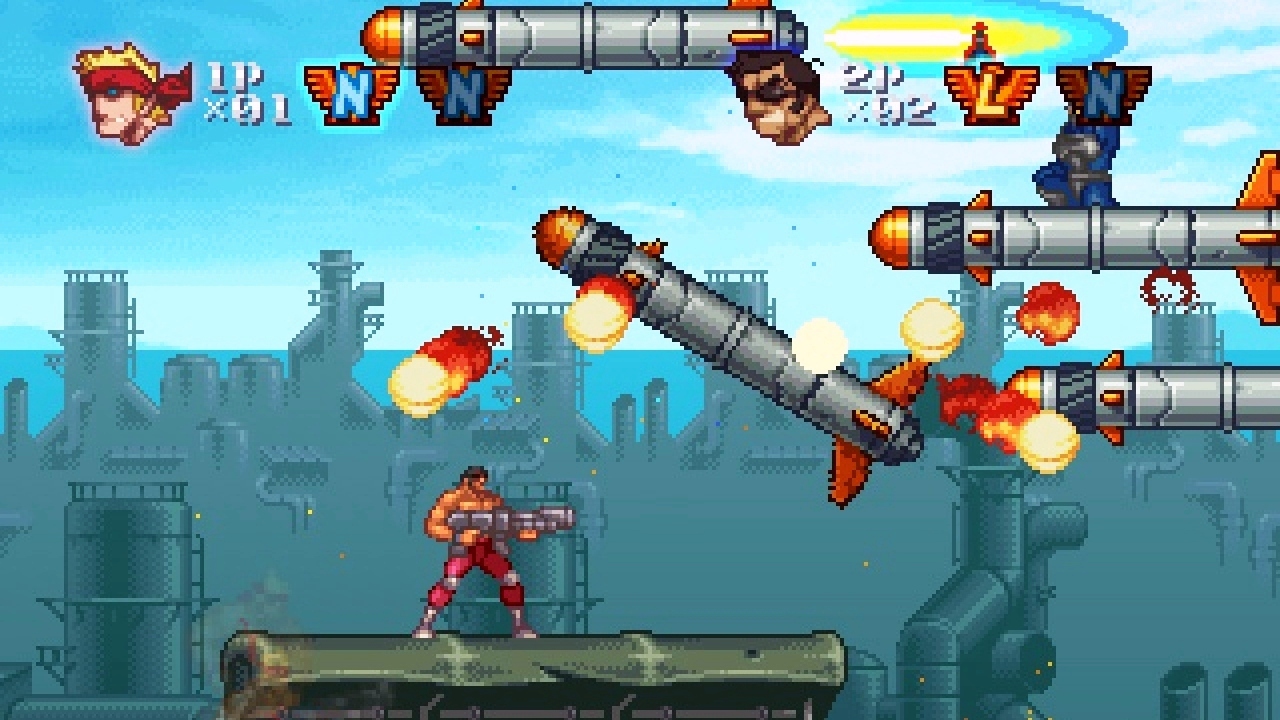
    Contra was released in the early ’90s was a massive hit, not only amongst the teens but also among those in their late 20’s. The game depicted the era with people having buffed up biceps and the concept caught on and became a major hit. There is no particular storyline to the game here but it was interesting to just carry out a machine gun and keep running to reach your end goal. You would encounter a few people who want to kill you so you need to avoid them and make it to the end. There would be difficulties and obstacles on the way. You could decide which level of difficulty you want to play with the hard one being the most challenging and fun to play.  

    Contra
    Contra

    2. Jackal

    Another action game that makes it to this list. This was released in the late ’90s in the United States. The game was all about retrieval and rescuing prisoner of wars or POWs. You are equipped with machine guns and upgradable rocket launchers. There were multiple boss battles that you would have to participate in to have the level completed and rescue a few people. The advantage of having a teammate equalised the gameplay.

    3. Super Mario Bros.

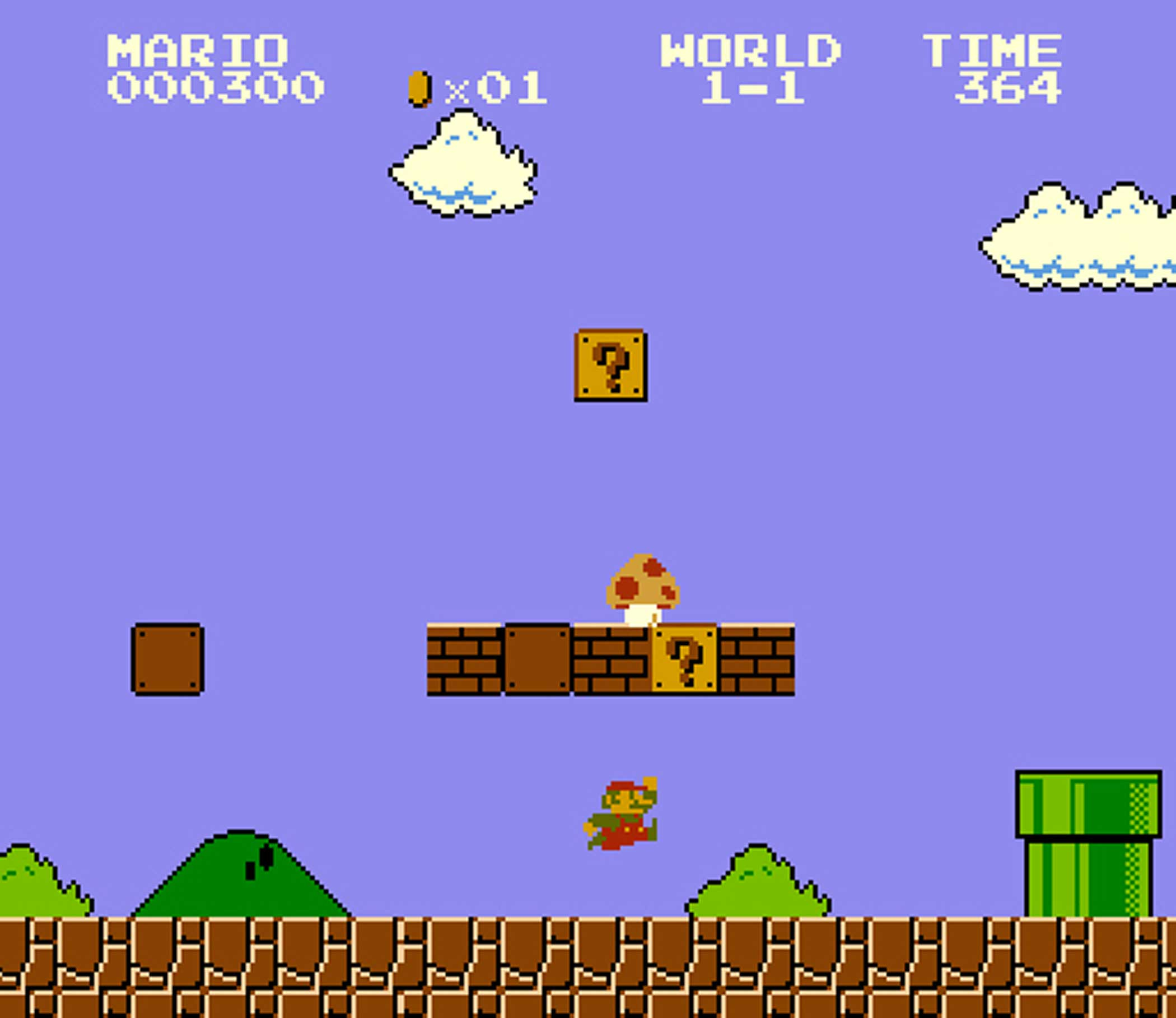
    How can we not include Mario in this list? This all-time favorite game is probably the most famous games across all the developers, let alone NES! With the rising popularity of the game, NES went on to do improvisations on the game. It was this game that made NES famous amongst all the gamers and in the industry. The game is quite easy to start and play without any fussy complex controls. It is also easy to learn. The difficulty of the game can be set according to your ability. Do keep in mind that although the game is easy to play, there have been a very few people who have been able to master the game. This is where everything gets interesting.

    Super Mario Bros.
    Super Mario Bros.

    The main concept of the game is that you are playing the role of a plumber – named Mario. You are expected to travel through the Mushroom Kingdom to save Princess Peach from the maniacal Bowser. All along the way, you will be able to collect coins and there will be guards who you have to escape from. The game cannot be classified into any particular genre. Any genre you take – it fits in!

    There were many other releases of this game once since it became such a massive hit among the gamers. Version 3 of the game was a great improvisation and is considered to be one that was played the most at its time of release. You will still be able to find these games online on an internet emulated browser though the feel of playing it on the classic player is completely different.

    4. Maniac Mansion

    Let’s move on to the adventure genre of games that were released by NES. This humour-filled game that will keep you on your toes. You have five characters that you will be able to choose from. Once you die as a particular character, you will then have to choose from the remaining ones to continue with the game. This game was released only for PC. You can now try the game on an internet-based browser – thanks to the technology advancements.

    5. Tetris

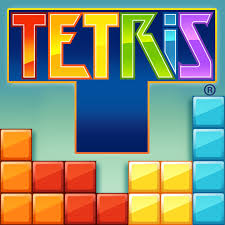
    There is no doubt that this game is one of the most played puzzle games – even with today’s generation. While the game is fairly simple, it is also highly addictive at the same time. It is pretty much endless, and you can keep on playing for hours and hours, well, until you lose! There are tiles in the game which are shaped like tetrominoes. Each shape is built with four small square blocks each. A random piece of this shape falls from the top to the bottom of the screen.

    The main objective of Tetris is to shape all these random shapes so that they form one single horizontal line without any gaps in between. You will be able to rotate the shapes and also move them from one side to another. The speed at which the shapes fall increases with every level. Once a solid line forms at the bottom of the screen, it disappears. The main objective of the game is to not let the tetrominoes reach the top of the screen.

    Tetris
    Tetris

    6. Duck Hunt

    If Mario has reminded you of your childhood, then we are sure Dunk Hunt will also. This was one of the most popular interactive games of the ’90s. The Nintendo gaming console had an additional gun with which you would be able to shoot the ducks that were on the screen. The main aim of the game was to shoot a set number of ducks within the given number of bullets. If you miss a duck while shooting, a dog’s face would pop up and laugh at you! Although this was not the toughest game but most of are sure to have fond memories of this as one the best games ever.

    Honourable Mentions

    There are many more games which have come under the NES production tag. We could never cover ALL the awesome games created by NES, but here are a few.

    • Lode runner
    • Castlevania
    • Ninja Gaiden
    • Kung Fu

    There you go! How was that trip down the memory lane?

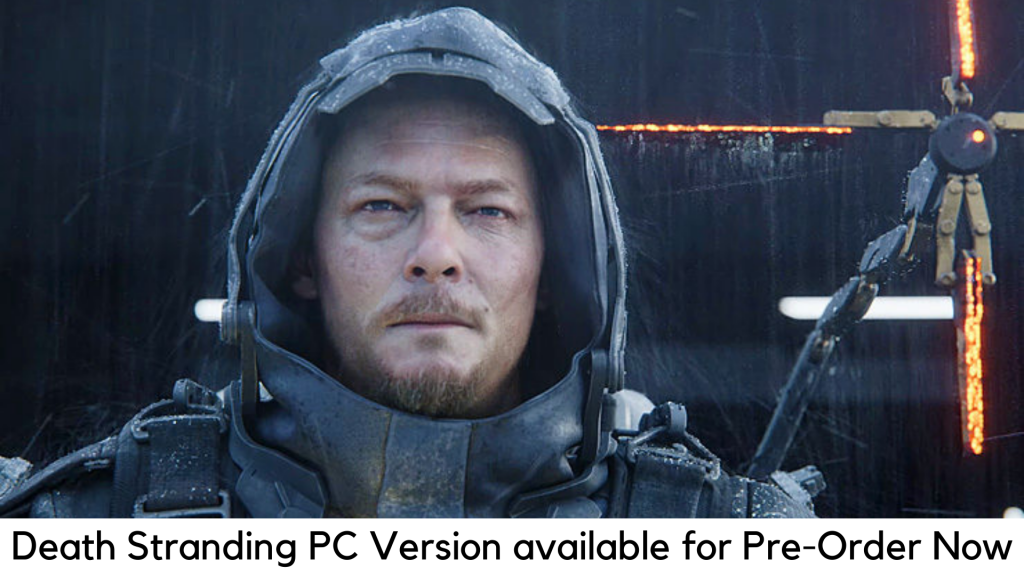
  • Death Stranding PC Version

    Death Stranding PC Version

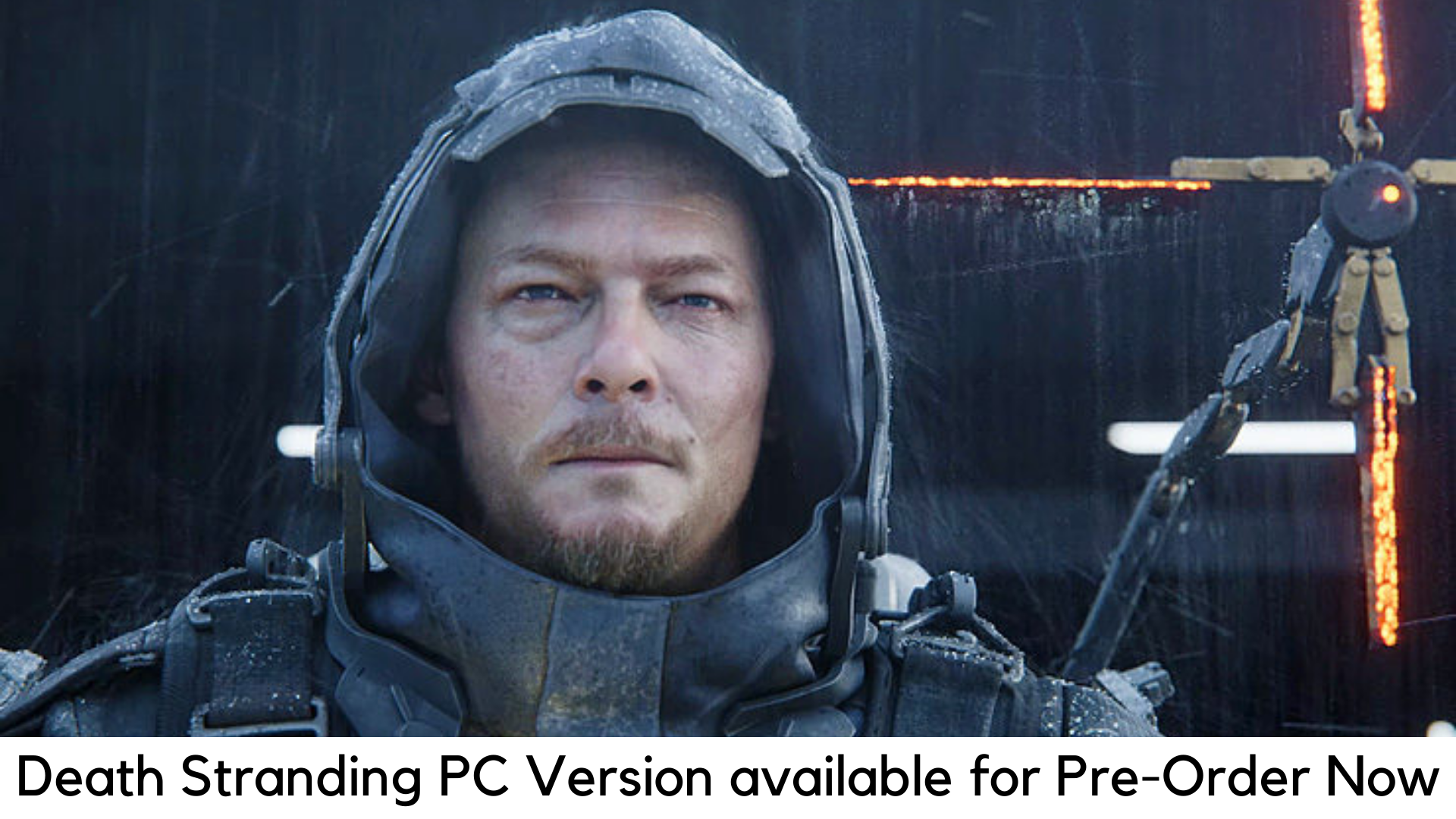
    Since being separated from the Metal Gear series and Konami in 2015, Hideo Kojima is finally here for the first time with Death Stranding, the best-kept secret by the company until its launch. A lot of fans have been left amazed. It is basically released on PS4 by Sony. But it is also going to launch for PC next summer. Now it is available for pre-order on the Epic Games Store and Steam.

    There were also speculations that the Death Stranding PC version is launching soon in 2020, but the question was on which store. It is now cleared that the Death Stranding will be released on both Steam and Epic Games Store for PC at the same time. Along with it, the base price of pre-orders is $60/£54.99 on each store.

    We partly expected Death Stranding to release on Epic Games Store, as 505’s last title Control was exclusive at Epic Games Store. But the availability at Steam is a new change.

    Death Stranding is basically not easy to absorb for everyone. It consists of a lot of intense threads, corny moments, silly names, and heavy exposition on its plot with a very simple message. It comes to a lot clear in the mundane moments of the game when you can find a ladder which is desperately needed behind a player.

    You can also get a ladder by getting a letter appreciating your efforts by NPC. In both its gameplay and story, it argues that adversity makes things that are worth to do. In short, this game needs compassion, patience, and love. Of course, it is the one you need now.

    With the launch date is yet to be announced, the pre-order bonuses might be available here for the Death Stranding PC version. But you can still have the special editions for $70 along with $200 for Collector edition, which comes with some physical accessories.

    The pre-order bonuses for Death Stranding were usually gold versions of items to secure a copy before November 8. You can get those bonuses in-game using other ways, apart from a PS4 theme and some PSN avatars.

    Pre-Order Bonuses

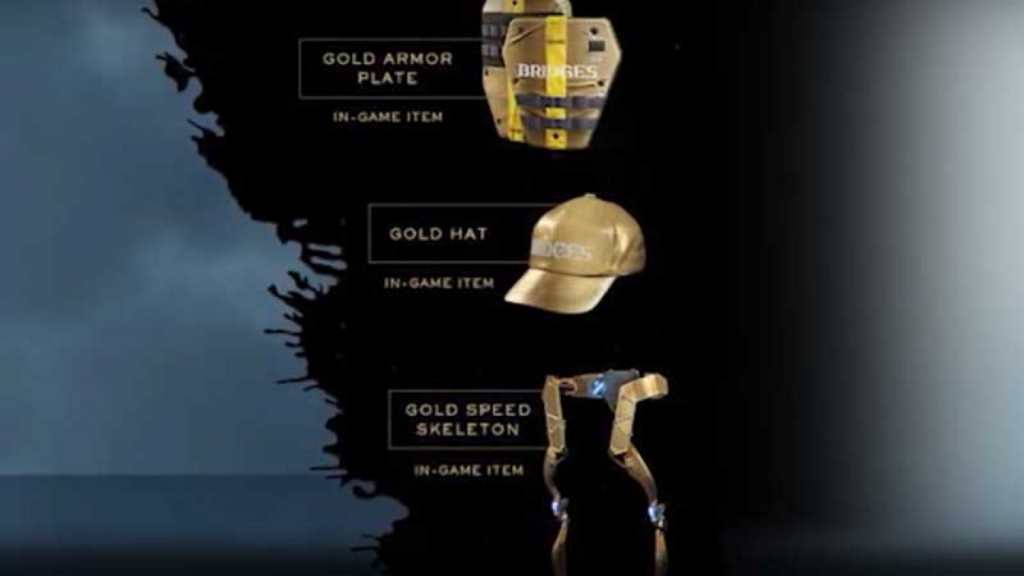
    If you could do so before the launch, you can get Chibi Ludens PSN by preordering the game on PS4 and dynamic theme for PS4 as pre-order bonuses for PC. You can also get gold versions of several in-game items with a pre-order. However, these items are unlockable with gameplay –

     Pre-Order Bonuses

    The Gold Hat

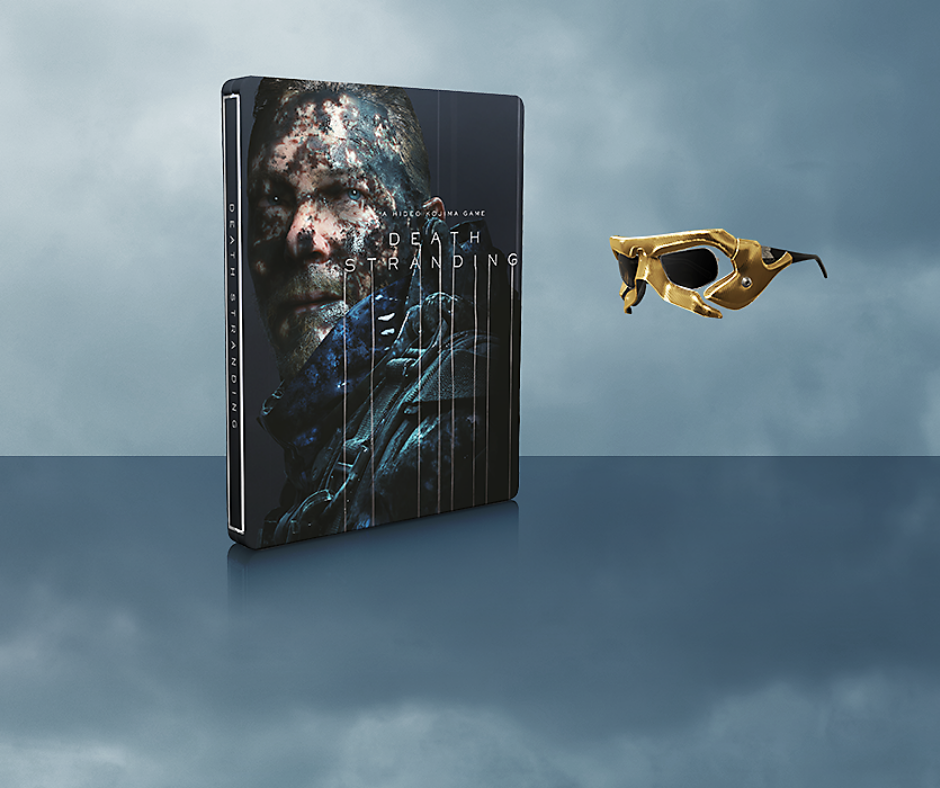
    • Gold “Sam” sunglasses
    • Gold Armor Plate (protects Sam against any kind of damage)
    • And the Gold Speed Skeleton (boosts movement speed of Sam once equipped)

    Special Edition

    It is available with the base game in the steel book along with other pre-order bonuses. You will also get a gold version of the album and Ludens Mask sunglasses, which have a digital download as well as making or behind-the-scene footage. You can get it for $70 on Best Buy, Target, Walmart, Amazon, and GameStop.

     Special Edition Death Stranding's

    Standard Edition (PS4)

    It has simply the base game, along with the pre-order bonuses. It is not confirmed yet as to whether those bonuses would come with Epic Games Store and Steam versions. You can get it for $60 at Amazon, Best Buy, GameStop, Target, PlayStation Store and Wal-Mart.

  • How To Factory Reset A PS4

    How To Factory Reset A PS4

    Understanding and knowing when and how to factory reset a device is very important. The devices, even our beloved PlayStation, like PS4, could do with a factory reset now and then. Sometimes, it could be because you are unable to fix an error but are not able to; or if the latest update is causing problems. Let’s take a look at how you can factory reset PS4. 

    How to factory reset your PS4

    Before we get started, it is advisable to know what a factory reset does. It will completely erase your console’s hard drive along with removing its system software. It is the ideal course to take when a software glitch is affecting your PS4. Before doing this, however, it is advisable to back up your data, including images, videos, and more. 

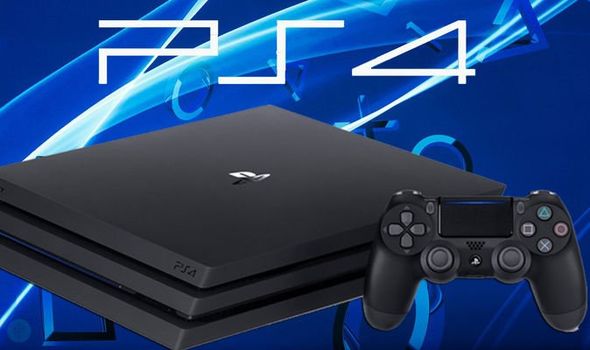
    PlayStation 4
    PlayStation 4
    1. First, sign in to your PlayStation 4. Make your way to the Setting menu. Find the option ‘PlayStation Network/Account Management.’ And click on it. Deactivate the machine as your primary PS4. This will let you play offline, downloaded games. All you need to do is to identify this PS4 machine as yours. If you don’t do this step properly, you are likely to face a ton of issues as you sign into the new console. 
    2. In this step, we will deactivate the PlayStation. You will notice an option called the ‘Activate as Your Primary PS4’. If your device is already active, the option will show in grey. The only clickable option, in this case, would be ‘Deactivate’. 
    3. Now, sign in using your user account. Do note that this is different from your PS4 account. Once you are in, head over to the Settings menu. 
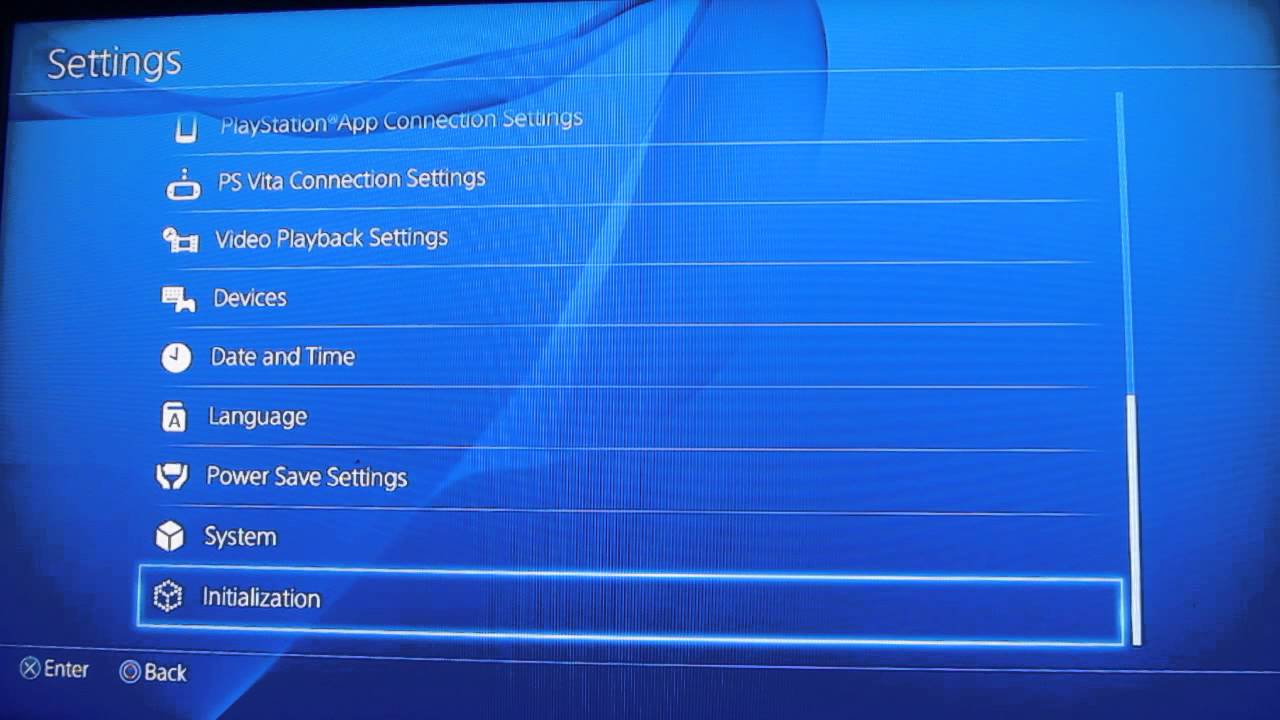
    4. Find the ‘Initialisation’ option here. You will see two options – “Restore Default Settings” and “Initialise PS4.” The first option will help you clear the saved settings data and return your PS4 device to its factory settings. It will not, however, clear your hard drive. The second option will clear your hard drive of data. This includes saved game data, downloaded games, and everything else. Once you go through these two options, your PS4 device will be as new as the day you bought it!
    5. When you come across the Initialise screen, make sure you choose Full since this could take quite some time, at least a couple of hours. Once you have started the initialisation process, the PS4 will show a progress bar indicating the time it will take.
    How to factory reset your PS4
    How to factory reset your PS4


    Factory Reset From Safe Mode

    Another way of performing a factory reset is from the Safe Mode. To do this, first, switch off your PS4 completely and hold down the power button on the console till you hear two beeps. This will enter the Safe Mode. Select the reset option you want. Choosing ‘Initialise PS4’ will clear the hard drive and restore the PS4 to factory settings, but it will keep the software system intact. This option can be chosen if you are sure there is no software trouble. For a review of the Sony PlayStation 5, click here

  • Dead by Daylight is Coming to Mobile

    Dead by Daylight is Coming to Mobile

    What sums up adventure in a game? Let us tell you. it is horror, attacks, fights, survivors, evasions, killers and many. We take the onus of informing you all that Dead by Daylight is ready to enter your mobile phones this November. One of the most adventurous and played games developed for Microsoft Windows in June 2016 is scheduled for release on iOs and Android by November 2019.

    Dead by Daylight is Coming to Mobile

    Fans of the game are super excited to carry the experience of the game wherever they go. Since it will be on the mobile device, some UI elements have to be configured again. As per the developers of the game,” the core gameplay and its mechanics will remain the same.” Since 2016, the game is available on PC, Xbox One, Nintendo Switch, and Playstation 4. For everyone who is waiting for sign up and updates for the game can do at the official website once it goes through the beta period.

    Some Interesting Things About The Game

    In our heading, we used 4:1, which stands for player ratio i.e. four players play as survivors and one player as attacker/savage killer. Survivors try to protect themselves from the killer and avoid being killed.

    In addition, we are trying for a quick overview of the gameplay in this article, especially for the newbie. Dead by Daylight have some components, which need to be understood before you get addicted to the game fever.

    Interesting Things About Dead by Daylight

    Survivors

    Players assume the role of survivors and their basic goal is to escape the enclosed areas by movement options like crawling, crouch walking, sprinting, or walking. Survivors must elude from the killer. Also, The players get to choose out of 19 options for survivors.

    Killers

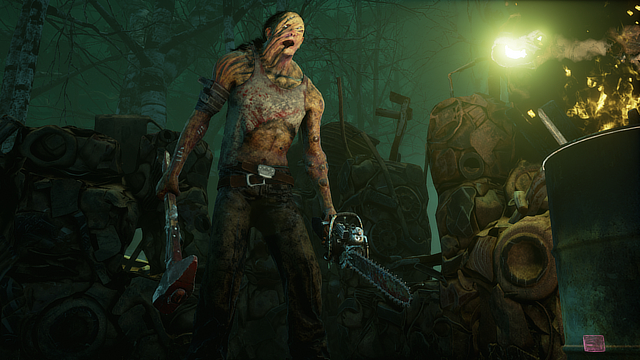
    The second assumed role is of the killer whose goal is to sacrifice survivors to the entity. Killers have two options to hunt the survivors. First is striking twice with the weapon they have or second is grabbing and catching them into lockers. 17 options are available for players to choose the killer role.

    Perks

    To increase the player’s interest and craze gameplay has been developed with various perks for survivors and killers. They get the option to utilize four perks each that give their chosen characters special abilities.The perks are to be unlocked by them and they change as per the character selected by the players. Also, the perks may be like increasing running speed, self-heal without first aid kit, locking down activities and so on.

    Objectives

    Every stage has its objective for survivors and killers. Therefore, the players have to go through the skill check triggers. Skill checks may be either “good skill check” or “a great skill check”. Whatever the player hits accordingly earns blood points and sometimes an instant bonus to progression.

    Bloodweb

    Every level of the blood web is procedurally generated and it gets larger as the character gains a level. Bloodweb is the road to unlock perks, add-ons, and offerings for both survivors and killers.

    Wrapping up

    Concluding the gameplay, the final verdict of the game is that it takes place across thirteen realms and is full of adventure. We are sure you will get crazy and feel addicted to the play.

  • How to Pair a PS4 or an Xbox Controller

    How to Pair a PS4 or an Xbox Controller

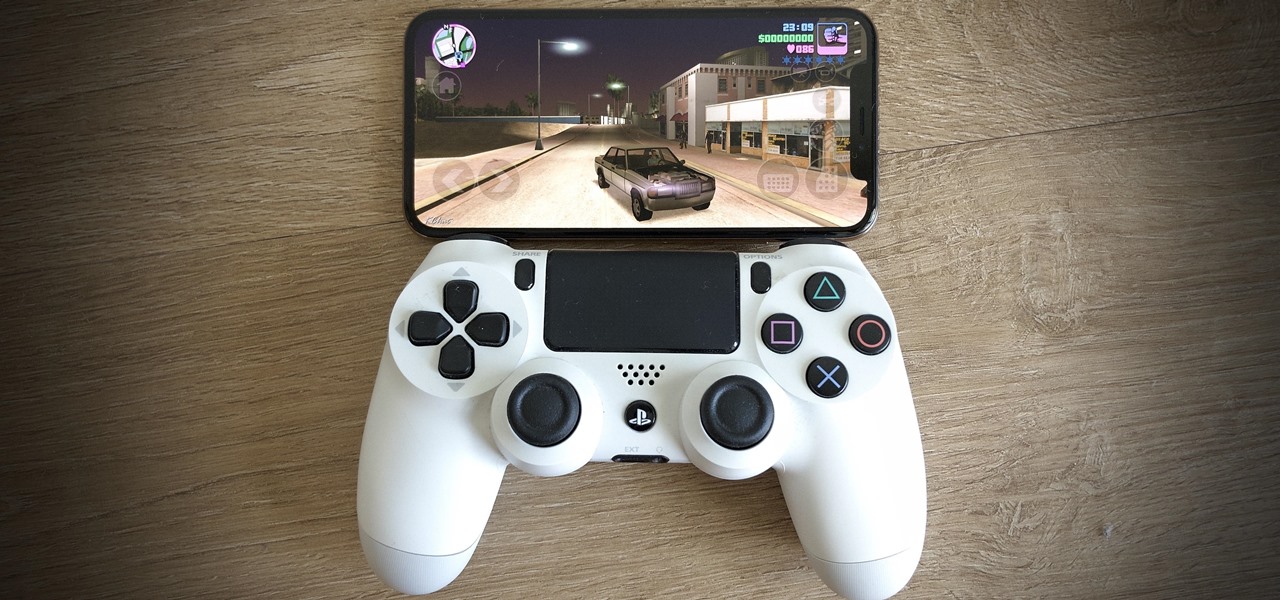
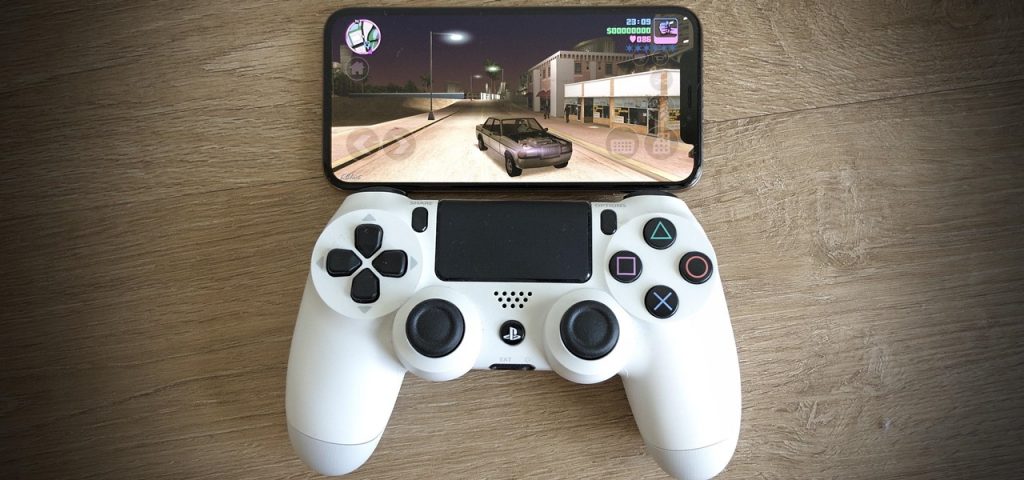
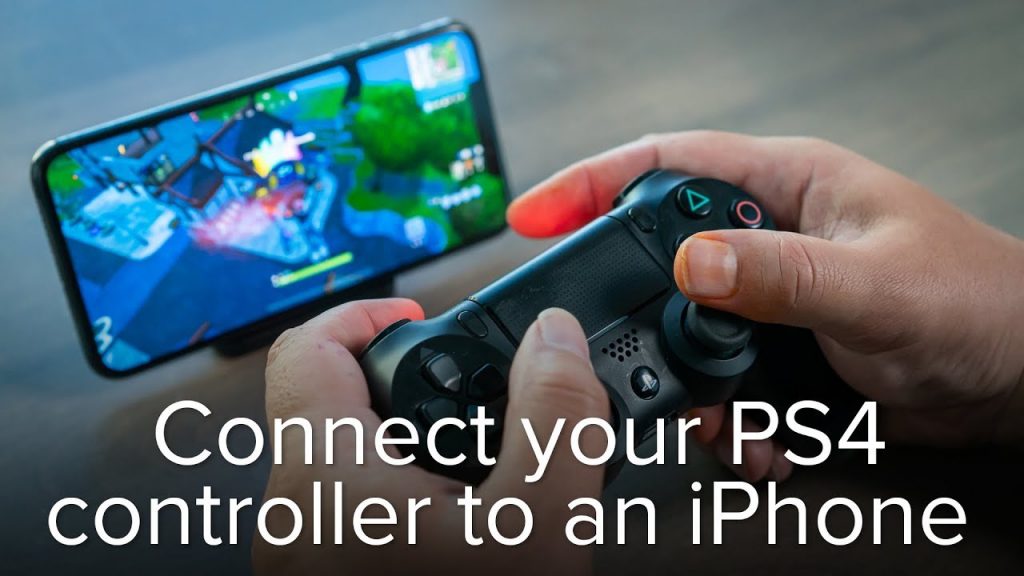
    Technologies have advanced our lives and this iPhone or iPad has changed our lives completely. So we use it for many purposes talking, playing, or chatting. Whatever is the reason but if you are looking for playing games you are allowed to use PS4 or even Xbox controller for playing and this includes sayonara: Rayman: Mini, Wild Hearts and what The Golf? Here is the way of pair a PS4 controller to an iPhone or iPad with iOS.

    How to Pair a PS4 or an Xbox Controller with Your iPhone or iPad

    Whether you are having fear about this or thinking about it as something big. It is one of the very easy and simple ways of connecting any other Bluetooth device and that involves which even put the pad into pairing mode. You can connect this to your device and detect it with the pad. Follow up on these steps.

    • Go to the settings and there visit the Bluetooth settings on your iPhone or iPad.
    • Now press that and hold the PS and share this button until you get to see the light bar starts flashing.
    • And when this happens the PS4 controller flashes white this is showing that it has come into paring mode. This should even show up to the other devices section in Bluetooth settings.
    • Now select the controller in the settings to pair it.

    Another way to Pair a PS4

      • At first, open the settings> Bluetooth and then switch it on. Now confirm that this stay on the page until the paring gets finished.
      • Now even press and hold the share + PS buttons on your PS4 controller all together and this would take some seconds. This will show up a light bar that would turn white and blinking rapidly.
      • Now, there you will find the ‘DualShock 4wirelss controller’ in your iOS device. When this will get done, also finish tap on the finish paring.

    Another way to Pair a PS4

    When you will be done playing and now you want to unpair the wireless controller from your device these are few steps to follow.

      • Open up the control center on your iOS 13 device by swiping upwards from the bottom of the screen.
      • Keep on pressing the Bluetooth icon until the menu stretches itself for further options.
      • Now you will have to tap on the Bluetooth icon for revealing up the list of the paired devices.
      • Now you will have to tap on the DualShock 4 wireless controller for instantly disconnect.
      • On the other hand, you can keep it long-press the PS button on the DualShock 4 wireless controller for disconnecting it from your device (iPad or iPhone).
      • But if you have to unpair it completely then the wireless controller from your device to the settings on your iPhone or iPad and open the Bluetooth.
      • The next step is to hit on the icon next to the DualShock 4 Wireless controller and from the next screen (from the list of the paired devices). here taps on the Forget this device.