Category: News

  • Dark Mode Finally Available On Instagram

    Dark Mode Finally Available On Instagram

    Available in the latest update for some users, the feature provides an entirely different view of the app and answers users ‘ complaints.

    Dark Mode Finally Available On Instagram

    Both iOS 13 and Android 10 provide the users with the ability to switch on a system-wide dark mode and turn the background black.

    The mode wasn’t available on Instagram, meaning users who would browse through their otherwise darkened phones would open Instagram to be caught off by the bright white background, which can be particularly irritating while scrolling at night.

    Twitter is full of users waiting for Instagram to implement the feature.

    Now, with the launch of dark mode, Instagram will no longer open with the white background as long as the phone has the dark mode enabled in settings.

    The photographs don’t look different; the dark mode only disables the default bright white background and swaps it with black.

    To enable this feature, the app needs to be updated on the latest version and have the feature enabled in both the app and the settings of the phone. The feature is rolling out slowly in different regions.

    With the rollout of this new feature, the excited fans of Instagram are delighted and satisfied.

    How To Turn The Amazing New Instagram Feature On iPhone?

    After a few weeks of rumors, the dark mode of Instagram has started with every iPhone model using the newly released iOS 13 system from Apple.

    Yet allowing mode on Instagram is not as straightforward as you would imagine. Just as anybody who has updated the newest Instagram update from the Apple App Store would inform you, the app does not contain a single setting that allows you to toggle on or off the new theme.

    Only when the consumer has dark mode enabled system-wide on their iPhone can the latest esthetic, dominated by black noises, be heard.

    That means you need to enter your iPhone’s settings to switch on the dark mode of Instagram. Without system-wide dark mode enabled, you cannot use this feature on any app, let alone iPhone.

    To do this, head to Settings > Displays where a switch to select between light and dark subjects is displayed.

    It’s also worth mentioning that you must run Instagram’s latest version on the iPhone to turn off the lights. You should install the new update from the App Store manually since the auto-update option is not enabled by default.

    Instagram users have been waiting for the latest feature for months. The release of the feature makes the app dim, making scrolling at night comfortable.

    When using an iPhone with an OLED display, dark mode will not just protect your eyes; it will also help conserve battery.

  • Starting January 31, Cortana Mobile App To Stop Working In India

    Starting January 31, Cortana Mobile App To Stop Working In India

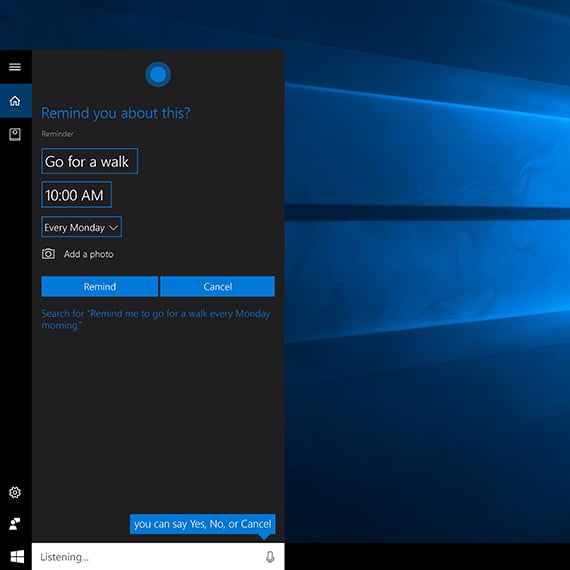
    For all those who are still not sure, Cortana is a virtual assistant which was created by Microsoft precisely for Windows 10, Windows 10 Mobile, Windows 8.1 phones, Microsoft Band and surface headphones, Xbox One, iOS, Android, and Amazon Alexa.

    Cortana Mobile Apps


    Microsoft has recently come out announcing that Cortana applications will be pulled back from both the android and iOS platforms in several countries starting from January 31.

    In the earlier report, Microsoft has confirmed the countries would be India, China, Australia, Germany, Canada, Mexico, UK, and Spain. But, it has now confirmed that the Cortana mobile app will not be available for any other country except for the US.

    Explaining this further, Microsoft is stating that for most people, the main use of the Cortana application is to configure settings and update firmware for Microsoft Surface Headphones.

    It has only debuted in the US. And for it to be still functional, Cortana needs to be available in the country. However, this remains a little unclear as the Microsoft Surface Headphones are now being sold in various other regions as well.

    All iOS and Android users of Surface Headphones in the US will continue to use the Cortana application. However, while starting January 31, all users in other countries will need to use Cortana for Windows.

    Any lists, reminders, and content created using iOS, and Android platforms will still be accessible by users via Cortana for Windows.

    The other reasons, by Microsoft for discontinuing Cortana application in the other countries, are-

      • The influence of this application was much lower in other countries except the US.
      • They have pointed out that the engagement was almost negligible.
      • Nne of the main reasons to keep Cortana working in the US is because Microsoft wants to keep experimenting with the application.

    Microsoft is further, saying, “to make Cortana as helpful as possible, we’re integrating Cortana deeper into your Microsoft 365 productivity apps. Hence, part of this evolution involves ending support for the Cortana mobile app on Android and iOS.”

  • Borderlands 3 And Dragon Ball Xenoverse 2 Launched On Google Stadia

    Borderlands 3 And Dragon Ball Xenoverse 2 Launched On Google Stadia

    There is some exciting news this week for ardent gamers. ‘Borderlands 3’ and ‘Dragon Ball Xenoverse 2’ are now available on Google Stadia. The number of games available to play is gradually increasing on this cloud gaming platform.

    Borderlands 3 And Dragon Ball Xenoverse 2 Launched On Google Stadia

    If you are a gaming enthusiast, you must have a buddy pass to play along with your pals. With the growing collection on Stadia, you and your pals can enjoy playing more and more games together.

    Borderlands 3 was launched on other platforms back in August 2019. Now, gamers can enjoy this first-person shooter with friends on Stadia. Further, members can also start playing another major title, ‘Dragon Ball Xenoverse 2.’

    Another popular game, ‘Tom Clancy’s Ghost Recon Breakpoint,’ is now available on Google Stadia. Watching this game run on Stadia gave gamers a boost in confidence in Google Stadia. The lag-free experience on Stadia will amaze the players.

    The Tom Clancy title is going to be the first Stadia title to integrate with Stream Connect. It is an exciting feature for gamers that let them share their screen with up to three playmates. With Stream Connect, players can enjoy the game together with the split-screen feature.

    With Stadia, gamers do not need to worry about buying expensive hardware and configuring the game, since Google’s servers take care of all rendering. A player can watch a maximum of three playmates’ standpoints simultaneously during as they wait for a respawn.

    Borderlands 3 is available in four editions. The game is on sale for a limited period. The Standard Edition is now available at $39 (originally $60). The Deluxe Edition comes at $52 (originally $80), the Super Deluxe Edition is available at $78 (

    down from $100), and the Collectors edition (Diamond Loot Chest edition) is going for about $240.

    The Super Deluxe Edition comes with additional content – a season pass, making it a great buy. However, Dragon Ball Xenoverse 2 is not offering any extra content or discount. It is available at its original $50 price.

  • Hulu Is Getting Voice Support Or Chromecasts And Google Home Smart Displays

    Hulu Is Getting Voice Support Or Chromecasts And Google Home Smart Displays

    Post the launch of Google Assistant, major movie, TV, and video service providers have been rolling out Google Assistant voice support over time.

    Hulu Voice Support

    The feature enables users to access their favorite content on Google Home smart displays and Chromecasts by merely speaking. Just last month, Sling, an American over-the-air internet television service owned by Dish Network, added support to voice control via Google Assistant.

    Now, on-demand streaming and live streaming service Hulu has added voice control support for Google’s smart displays and Chromecasts.

    With this new functionality, Hulu users can ask Google Assistant to play a particular show or movie on whichever Google smart display device they prefer.

    Google Assistant will also do this with a television paired with a Chromecast. By adding support for voice control, Hulu joins Google as content partners alongside other big names in the industry, such as Netflix, CBS All Access, and HBO Now.

    As Google tends to always do, the company quietly added Hulu to its respective support page as a ‘voice-supported partner.’ According to Google, the support covers ‘basic subscription tier’ TV shows and movies. However, it is still unclear what exactly that means. It is a reasonable presumption that both ad-free subscribers and subscribers with ads enjoy the same assistant support.

    If you have a Google smart display or a Chromecast, you can play Hulu content by saying, “Hey Google, play [show name] on Hulu.”

    A Google spokesperson in a statement to Android Police said that the support extends to devices with Chromecast built-in as well.

    Some users do not see the option to link Hulu as a supported video service within the Google Home app yet, but you can be sure that it will be arriving soon.

    Once it arrives, you can tap on the “+” icon in the upper-left corner of the app, then select “Video and photo services” from the menu. Select the ‘Link’ option under the Hulu video to sign in to your account, which will link it to the Google Home app.

    To check if your device is compatible with Hulu support, open the Google Home app on your phone or tablet and tap on the “Settings” cog. Then, navigate to “TV & video,” and then tap on the “Link” button next to the Hulu icon that will appear.

    Follow the prompts that appear, and you will all set to beam Hulu content to your Chromecasts and Google Home smart displays with just your voice.

    Hulu’s compatibility with the Google Home app will most likely be made available as a server-side update. However, to be safe, make sure you have the update to the latest version of the app from the Play Store or download the official APK from their site.

    With voice support being enabled for Hulu, users no longer have to fidget with the controls and can play movies, and TV shows can control the playback easily with just their voice.

  • Google Pixel 4 Update Silently Introduces Two More Important Tweaks

    Google Pixel 4 Update Silently Introduces Two More Important Tweaks

    Google’s Android update for December 2019 is slowly making its way to Pixel 4 users across the globe, and we already know it introduces e-SIM support for T-Mobile phones.

    Google Pixel 4 Update

    However, XDA-Developers have uncovered two additional features in this update – dual-frequency GPS and an improved Face Unlock feature.

    Dual-frequency GPS is available on many flagship phones these days, and it delivers more accurate location tracking.

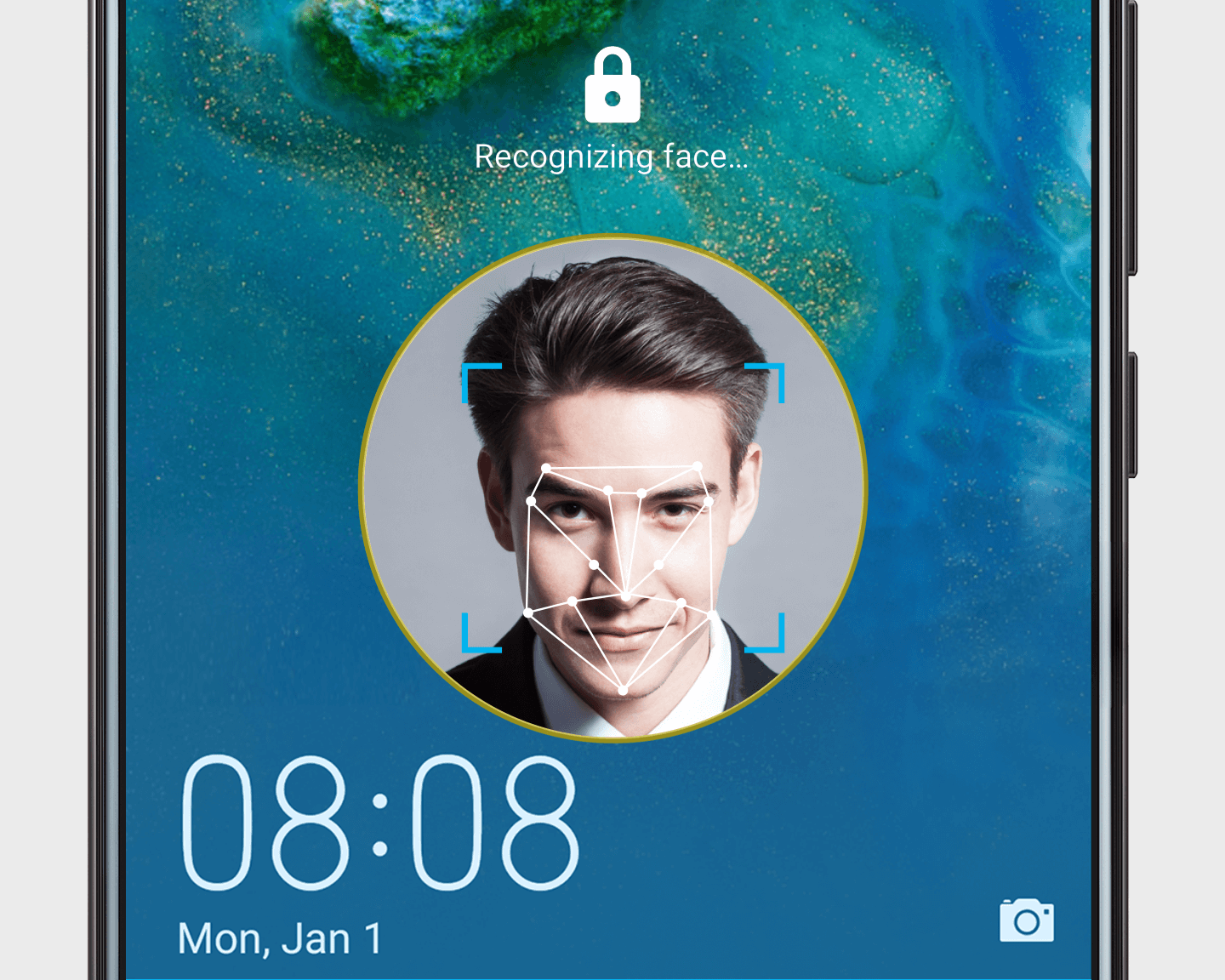
    The Face Unlock feature is pretty exciting, too, as Google now uses recent Face Unlock scans to improve security and accuracy over time. In simpler words, the more you use facial recognition on the Pixel 4 Phone or 4 XL, the better it gets.

    We hope to see this feature on more phones.

    Unfortunately, Google still has not implemented an eyes-open toggle for Face Unlock, which means people can still unlock your phone if you’re sleeping. Hopefully, this toggle is added in the next update.

    The Google Pixel 4 and Pixel 4 XL were launched in October of 2019 and currently run on a stable version of Android 10, which is the latest version of Android.

    The phones and are expected to receive the Android 11 update in September 2020. Pixel phones receive three major updates in their lifetime per Google’s smartphone update policy.

    Google tends to push updates to its Pixel phones, even if they are full-blown revamps of the OS on the day they first become available.

    We can expect the Pixel 4 and 4 XL to receive Android 11 as soon as the final version rolls out. The rollout of Android 11 is expected around September of 2020.

    GOOGLE PIXEL 4 UPDATE AVAILABILITY ANDROID 10 ANDROID 11
    AT&T Available TBA
    Sprint Available TBA
    Verizon Available TBA
    T-Mobile Available TBA
    US unlocked Available TBA
    International unlocked Available TBA

     Here are some recent developments in Google’s approach to keeping its flagships updated:

      • The November update for Pixel 4 fixed some minor issues in the camera app’s white balance. The update also enhanced some phones 90Hz displays.
      • Google is now bringing new features to its Pixel 4 and 4 XL smartphones in the form of the upcoming “feature drops.” Google’s Pixel devices regularly receive updates for bug fixes and general improvements; however, these new feature drops aim to bring more content and tools to the devices.

    The first feature drop brings general performance enhancements, and it comes with better photo editing tools, enhanced Call Screening capabilities, and improve Google Duo calling.

      • Google also announced that in an upcoming update, Google Pixel 4 users in the UK, Canada, Singapore, Ireland, and Australia would get an update bringing them the new Google Assistant. Unfortunately, the new Assistant is still only available in English, and won’t work if you have a G-Suite account on your phone.

    Bottom Line

    Google’s smartphones boast excellent software optimization and are the critic’s favorite when it comes to style and performance.

    It is great to see Google silently making their products better for its users.

  • Everything You Can Do With The New Oculus Quest Hand Tracking Feature

    Everything You Can Do With The New Oculus Quest Hand Tracking Feature

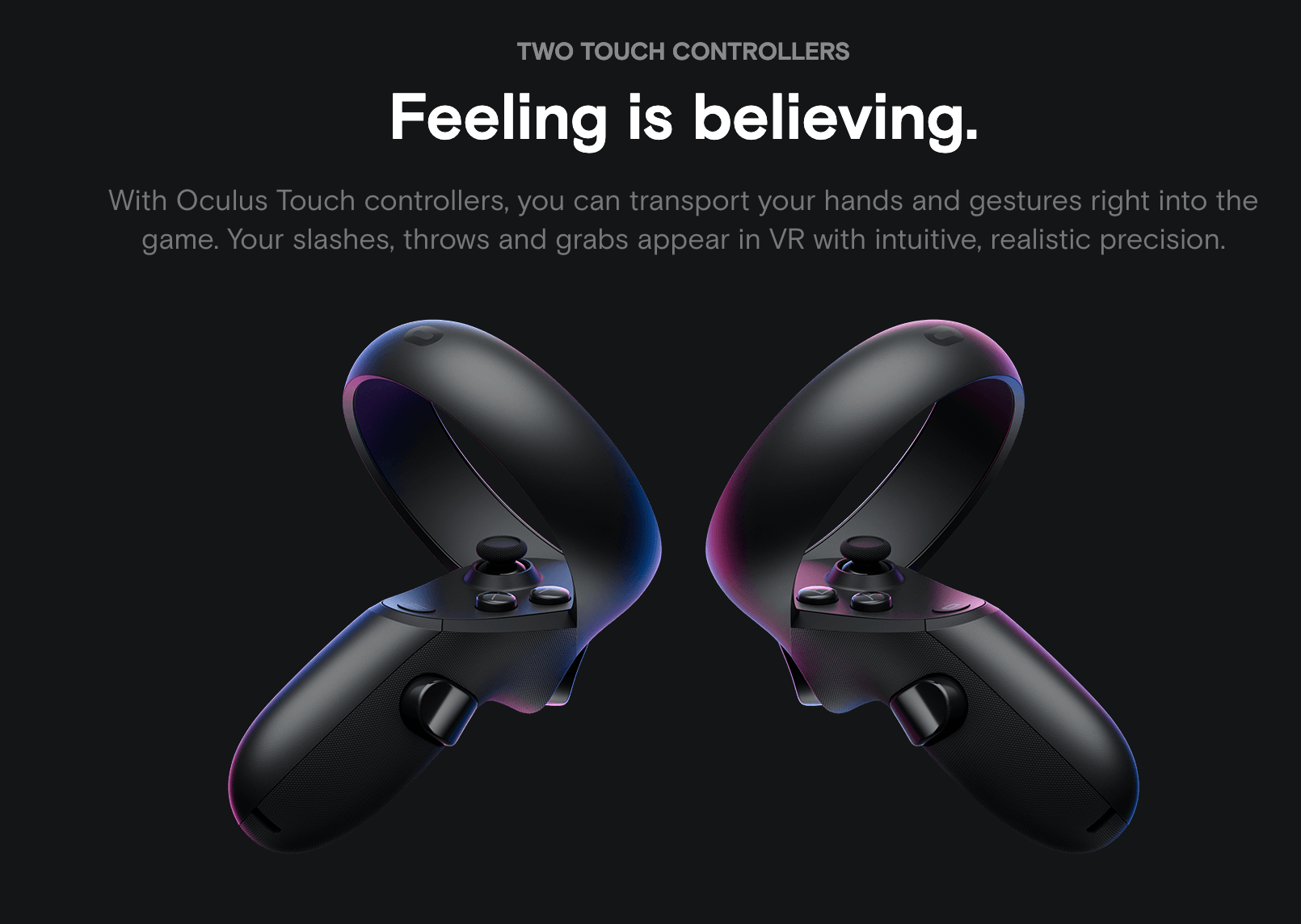
    The Oculus Quest is a standalone VR headset that doesn’t require any cables to connect to your PC. The device has received several updates and new features in the past few months, but hand tracking may be the most significant feature introduced. Oculus recently updated the Quest software so that you can enable hand tracking as an Experimental Feature.

    The New Oculus Quest Hand Tracking Feature

    Facebook rolled out the feature to the Oculus Quest in December 2019, using its terrible software update mechanism. It requires people to leave their device on and keep checking back for days after the firmware first hits the Oculus servers.

    After installation, you need to dig around and look into a menu to activate it as an Experimental Feature. As if this is not enough, you must then manually select “use hands” in the Settings menu every time you want to use the feature.

    However, it’s not all bad.

    The best part of the hand tracking feature on the Oculus is how it looks. Instead of your hands looking like skeletal dots and lines, you see shadowy gloves that precisely mimic your actual movements.

    Since Quest already providing nearly photorealistic 3D representations, it’s not surprising that it did such justice to human hands. and it’s impressive to see them move fluidly in space and respond with such low latency to pointing, pinches, and other gestures.

    There is a major issue, though. The virtual finger gestures aren’t as reliable as the physical controllers are. You might expect that when your hands are inserted into virtual space, such as the Oculus’ Home interface, you could touch or tap on anything, and it would respond to your fingertips.

    That’s not how it works, at least as of now. Instead, your fingers vaguely control a floating pointer that you can use to select things, like the Quest controller’s line-shaped selection tool. You’re meant to pinch your thumb and index finger to confirm your selection.

    We expect the gestures to become more and more accurate and reliable with future updates.

    Here is what you can do with Oculus Quest Hand Tracking Feature:

    Menu navigation:

    With the new feature, you can interact with the Oculus Quest’s menu from the Store to the Library. You can point at and pinch whatever you want to select. Fast-forwarding and rewinding trailers in the Oculus Store can also be done by pointing and pinching.

    Select Oculus services:

    You can select apps like the photo library, Oculus Browser, and Oculus TV, among others. Most Oculus services work well with hand tracking. However, the feature is not perfect, and deleting screenshots becomes cumbersome because you have to work with select tiny trash can icons.

    Many developers have tweeted announcing plans to support hand tracking on games and applications.

    As of now, using hand tracking is not recommended. The feature needs a lot of work to become useful.

    Will Oculus improve and hone their great looking hand tracking functionality? Only time will tell.

  • Tweet From Poco Head Hints At Revival Of Brand

    Tweet From Poco Head Hints At Revival Of Brand

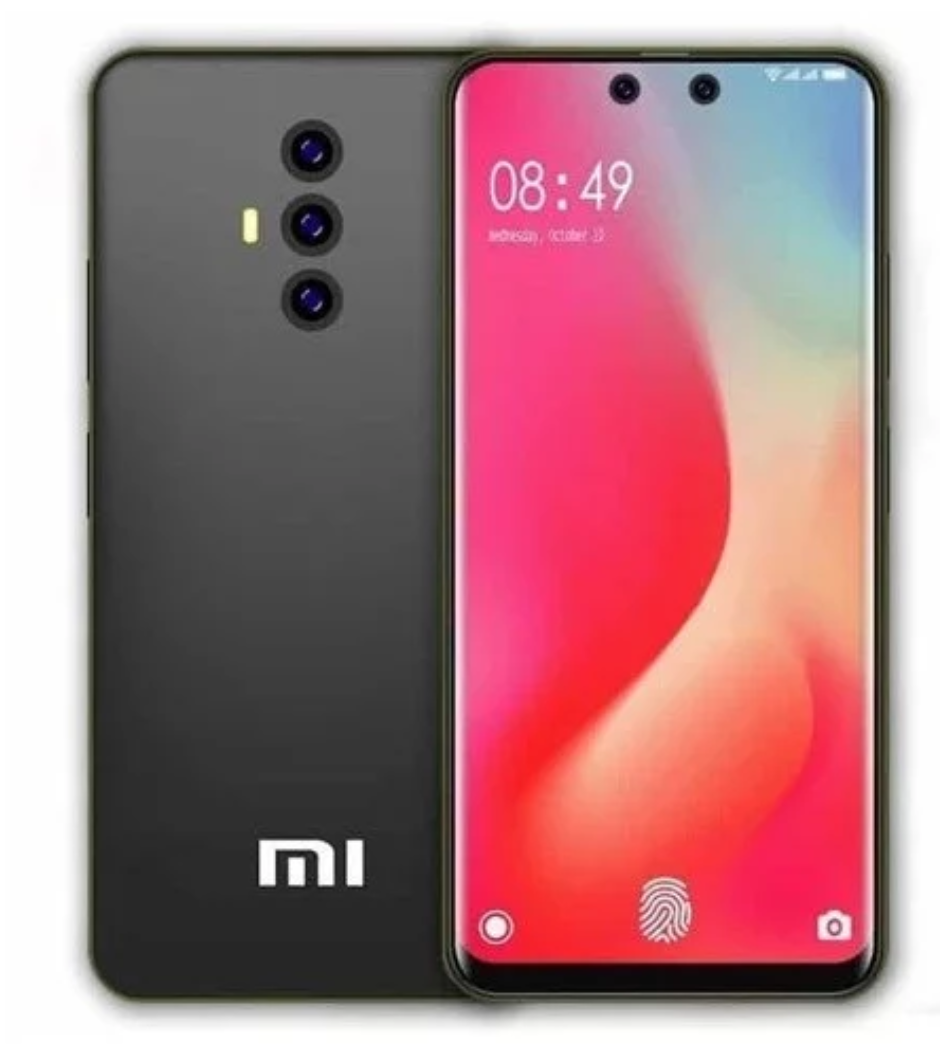
    It is common to see Xiaomi’s social media accounts flooded with inquiries about unreleased tech – mostly phones. Following the success of the Pocophone F1 in 2018, fans from across the globe have been anticipating the release of the Poco F2 Phone.

    Tweet From Poco

    Unfortunately, the device wasn’t released or even hinted at in 2019.

    Recently though, Alvin Tse, the global head of Pocophone, broke the silence in a now-deleted tweet. It is confirming that the brand may resurface with a new device in the coming year.

    You can see the screenshots of the tweet on various news outlets. Also, you can see the tweet using the Wayback Machine.

    The tweet from Mr.Tse does not confirm whether the device that we will see in 2020 will be the Poco F2.

    However, it is a reasonable assumption that the device is the Poco F2, given the Poco F1’s critical and commercial success. Then again, there is a possibility that fans will see a different Poco product altogether. However, it almost guarantees that it may disappoint the consumers.

    Poco F1 features; expectations for the Poco F2

    The Pocophone F1 (Poco F1 in India) is a very budget-friendly flagship-level device launched in 2018.

    It came with the powerful Snapdragon 845 SoC, which for about ~$300, delivered fantastic value for money.

    The device was available in 6GB and 8GB RAM variants, which featured between 64GB to 256GB of storage space.

    Other features of the device included a 12MP+5MP rear camera pairing, a 20MP front camera with IR face unlock capabilities, and a massive 4,000mAh battery.

    The Poco F1 redefined the concept of an affordable flagship. Hence, Xiaomi’s Redmi K20 Pro got a lot of flak for not being as aggressively priced as the Poco F1.

    Xiaomi India even issued a lengthy statement, outlining why the K20 Pro was more expensive. Citing the premium materials used, along with then uncommon triple camera setup and the OLED screen with the in-display fingerprint sensor.

    In a recent development brought to light by a Twitter user, Xiaomi has filed for a trademark application for a device called the Poco F2.

    The application makes perfect sense since the Pocophone F1 was branded as the Poco F1 in India.

    The Processor

    If the Poco F2 smartphone is in the pipeline for 2020, we will likely see it come with a Qualcomm Snapdragon 865 processor. As the Poco F1 came with the Snapdragon 845 in 2018.

    The Snapdragon 865 chipset comes with 5G built-in. It would make the Poco F2 significantly more expensive than the Poco F1.

    The Poco F2 could also be revealed to have a different chipset to keep the price as low as possible.

    Bottom Line

    Ultimately, we have very few details and have not heard any reliable rumors regarding the specs of the Pocophone F2. At this point, all we know is that the head of the Poco promised users that we will see something Poco-related in 2020 and that Xiaomi has filed to trademark the name.

  • OnePlus Announces Red Cable Club Rewards Program For Indian Users

    OnePlus Announces Red Cable Club Rewards Program For Indian Users

    OnePlus has just launched a new rewards program exclusively for Indian users. Called the ‘OnePlus Red Cable Club,’ the program brings a lot of benefits to every OnePlus user. It is including OnePlus Care extended warranty, free 50GB of cloud storage, and a chance to win the ‘Red Cable’ jackpot.

    OnePlus Red Cable Club Rewards Program

    The name of the rewards program is inspired by OnePlus’ unique red charging cables.

    Here are more details about the benefits the reward program offers:

    Benefits Of Red Cable Club

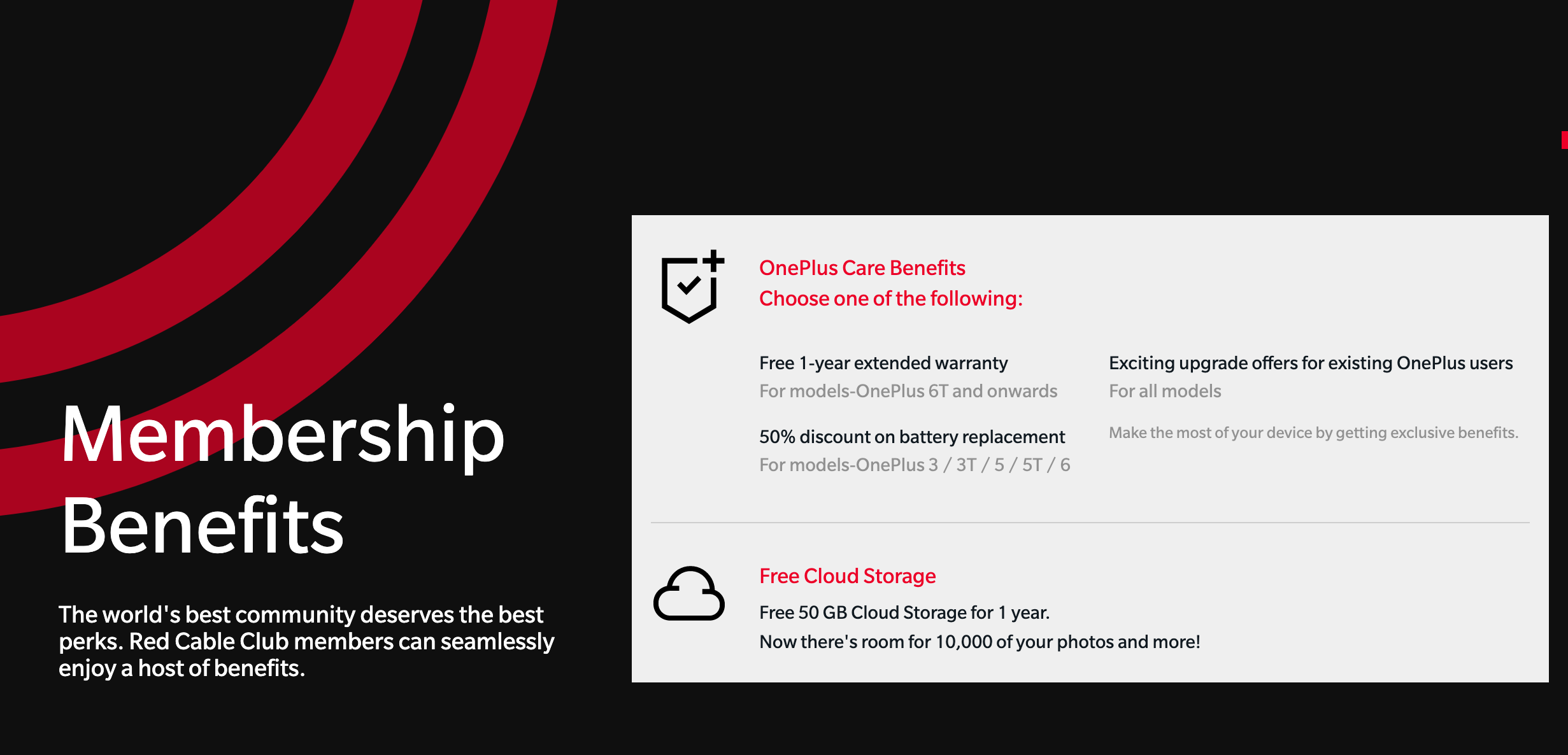
    As mentioned above, the Red Cable Club rewards program is designed exclusively to reward OnePlus smartphone users in India. OnePlus users registered in the club will get all OnePlus Care benefits. It will have a free one year extended warranty for the OnePlus 7T, OnePlus7, and 6T.

    OnePlus 6, 5T, 5, 3T and 3 series users will get 50% off battery replacements. Users that own a OnePlus smartphone will be eligible for upgrade offers regardless of generation.

    OnePlus notes that only one of the benefits mentioned above will be available per phone/IMEI.

    In addition to OnePlus Care benefits, Red Cable Club members will also stand a chance to participate in the ‘Red Cable Club Jackpot.’

    Jackpot participants can win curated gift boxes worth Rs 1 Lakh (~$1,400) each. Also, 50% discount vouchers for the OnePlus Bullets Wireless 2 earphones. This jackpot will be open until December 31, 2019.

    After you become a Red Cable Club member, you can take part in the Red Cable Club Jackpot once a day by going to Settings > Account > Community > Profile.

    Finally, all OnePlus Red Cable Club members will 50GB of free cloud storage for a year regardless of what series phones they own.

    How Does One Become A OnePlus Red Cable Club Member?

    OnePlus smartphone users in India can enroll in the Red Cable rewards club by signing up in their phone’s settings. Hence, you can enjoy free membership for a lifetime.

    If your OnePlus smartphone is running Android 10, you must first update your phone by heading to Settings > System > System update.

    After the phone is updated, go into Settings and login to your OnePlus Account and link your phone. Once your device is linked successfully, you will be registered to the Red Cable Club automatically.

    Those with OnePlus phones using older versions of Android will have to download/update the OnePlus Community app from the Google Play Store.

    Then, they must go to Community > Profile > Red Cable Club to link the phone and become a member.

    If you own a OnePlus 1, 2, or X, you must download OnePlus Care to verify your device and get the benefits.

    The OnePlus Red Cable Club program is turning out to be one of the best customer loyalty programs launched by a smartphone company.

    However, the users who have already claimed one of the benefits under the OnePlus Care program will be unable to claim any benefits from the Red Club.

  • Bitcoin Scam Warning Over Fake Android App

    Bitcoin Scam Warning Over Fake Android App

    The fake app has its history. There are so many fake apps that harm many users. Mainly hackers and spammers created such apps and add it to a Google Play Store or Apple Store from where normally people used to download the apps. When users add their confidential details in the app such spammers will collect the data and misuse it. There are so many cybercrime cases are already filed in the police station.

    Bitcoin Scam Warning Over Fake Android App

    Nowadays we all know that the actual currency transforms into digital currency like Bitcoin, Etherum and so on. There are many business owners, celebrities and rich people who are investing their money in the Bitcoin.

    As per the report Bitcoin get hike from September 2018 and still it is the most favorite platform for earning money and investment. In such a scenario it is also reported that there is a fake app in the Google Play Store which is harmful for Android users.

    More About The Bitcoin Scam

    Yes, there is a Bitcoin scam warning fake Android app that steals the cryptocurrencies from your phone. According to the ESET (Essential Security against Evolving Threats) discovery they found malware known as ‘clipper’. This malware will helps phishers to steal the private key data when a user is doing copy paste before the transaction.

    When the user installs the app and begins the transactions they have to enter a numeric code or private key. Before the transaction, people normally do the copy and paste instead of typing. Thus, the phishers will collect the copied data and use it to get the cryptocurrencies. So it is highly important for users to not just copied the data but if necessary then write it so no one can see it.

    The code is a long string that creates, due to the security concerns and it is fully coded. After receiving such codes spammers will decode the key and get the transaction in their wallet. Well, this is not the first time when people got attacked with such malware but earlier it won’t happen officially.

    The ESET discovered the malware app and report about it to ban it. Now the app is not available on the Play Store, so users don’t have to worry about it. ESET researchers advised Android users to update apps regularly and avoid downloading any apps from malicious websites and use bitcoin and cryptocurrency compatible phone.

    Usually, Play Store or Apple Store won’t allow such apps on their platform, but many scammers create such apps to steal the data.

    The Statement Of Security

    According to Mr. Stefanko “Always check the official website of the app developer. Also, the service provider for the link to the official app. If there is not one, consider it a red flag and be extremely cautious to any result of your Google Play search”.

    He also told,” Double-check every step in all transactions that involve anything valuable, from sensitive information to money. When using the clipboard, always check if what you posted is what you intended to enter”.

  • Airtel Wi-Fi Calling expands to five new locations in India

    Airtel Wi-Fi Calling expands to five new locations in India

    Airtel is well-known for it’s cheap and affordable rates across all the countries that it operates in. There are a lot of services that this company, in particular, keeps rolling out to its users and subscribers that often make it stand out as a leading mobile network service provider.

    Airtel Wi-Fi Calling

    Quite recently, the largest integrated mobile network company in India expanded its first voice over Wi-Fi service to a number of new locations in and around India. The new locations through which this service is expanding are namely; Mumbai, Kolkata, Andhra Pradesh, Karnakata, and Tamil Nadu. This comes close to two weeks after it announced the service officially in Delhi-NCR.

    Airtel Wi-Fi Calling Compatible Phones

    The telecommunications company further added compatibility for more smartphones that include all iPhone models from the iPhone 6S and above, the Samsung Galaxy A10s, Galaxy On6, Redmi K20 and it is Pro version. The Galaxy S10 series and Galaxy M20 were also included in the list alongside OnePlus 6 and 7 series devices.

    The telecommunications company has gradually grown to be successful most especially in India and its use is wide and diverse and can be safely considered to be one of the leading mobile network providers in India.

    The System

    The voice-over WI-FI system is something that has existed for a long time in the US. It is a great show to see Airtel Wi-Fi Calling service roll-off to India which is still a developing country

    Wi-Fi calling is very convenient as it allows mobile subscribers to receive call-in places where there are no network bars. In addition, it is very fast and reliable in terms of connections. Unlike other almost similar services such as skype, Wi-Fi calling allows a user to use their existing phone number.

    Hence, the users don’t need to download a stand-alone 3rd party application or pay for another virtual number. All the caller has to do is to be a mobile network subscriber for the company and have a device that is compatible with the service in the first place.

    Airtel also went further to assure users whose phones are not compatible with the service. They are working with a number of cell phone companies to ensure that their service is available to more smartphones. So in case, you are thinking, your cell phone will not be able to allow you to access the Voice over Wi-Fi calling service, you need not worry for too long. The huge brains are in the works of building a more reliable and universal mode of sharing the service.

    Summarizing It

    For now, it would be better to see where the company hopes to proceed with this new form of communication. It would be nice to see such services dominating other continents that are still in the making such as Africa and the lot.

    We all may find more on this service and more from the official Airtel website. Also, you could contact the customer care helpline to get help with is if your cell phone is compatible with the services and if not how long it could take for the compatibility to reach your device.