Category: News

  • ZTE Unveils and Details MiFavor 10 OS Based on Android 10

    ZTE Unveils and Details MiFavor 10 OS Based on Android 10

    When the rollout of Android 10 is picking up its speed, several brands and manufacturers have started upgrading their Android skins. When some OEMs like OnePlus and Xiaomi have already rolled out the latest versions of OxygenOS and MIUI for a few devices. There are some brands like OPPO that have recently announced their Android skins based on Android 10 while planning to introduce Android 10 to their devices in few weeks. ZTE is yet another Chinese smartphone giant jumped on the trend to unveil its Android 10-based skin, MiFavor 10.
     ZTE Unveils and Details MiFavor 10 OS, Based on Android 10

    ZTE has added a clean info-graphic posted on a website named “Weibo” which leaks its next MiFavor 10, UI skin based on Android 10.

    According to GSMArena reports, the latest skin features the most-awaited system-wide dark mode, apart from a lot of dark backgrounds to make it even cozier for using the device at night. The icons have got truly redefined the look and there are around 1600 system icons from ZTE.
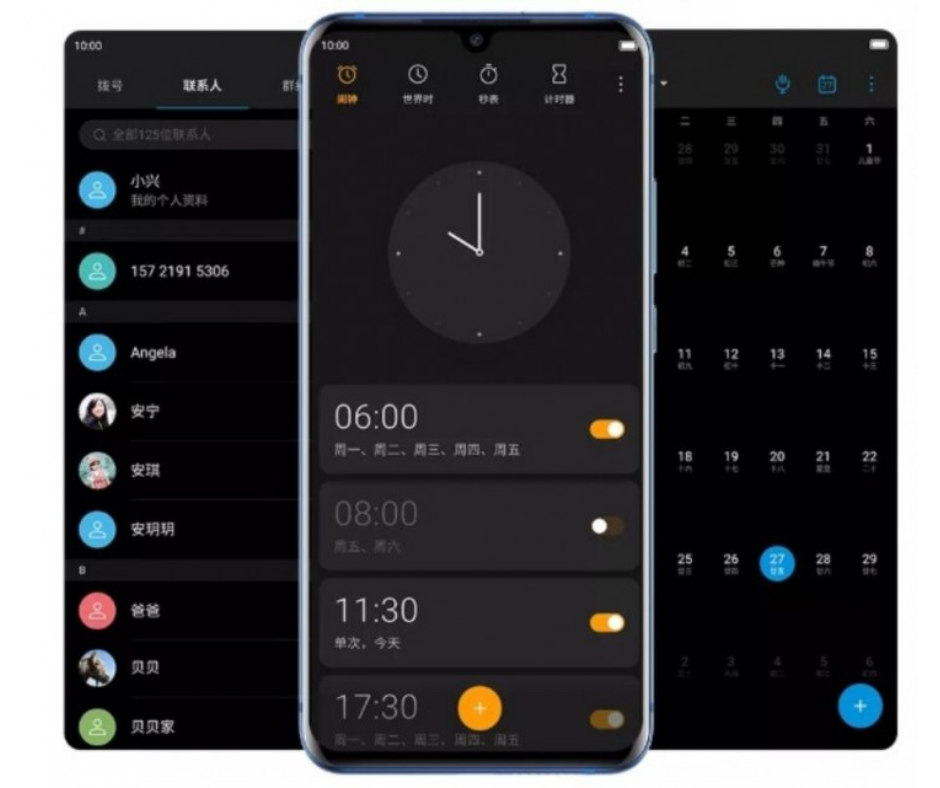
    ZTE dark mode

    More than 80 new icons have been designed to show micro-motion effects. Its adding a cool touch to the overall user experience, as featured in an info-graphic. In addition, the skin has optimized motion gestures which can make navigation even easier.

    Wallpapers/Themes

    You can find beautiful dynamic wallpapers with MiFavor 10. Most of these wallpapers it brings are in darker shades to go well with dark mode. It also has 6 integrated themes to choose from, including its unique icons.
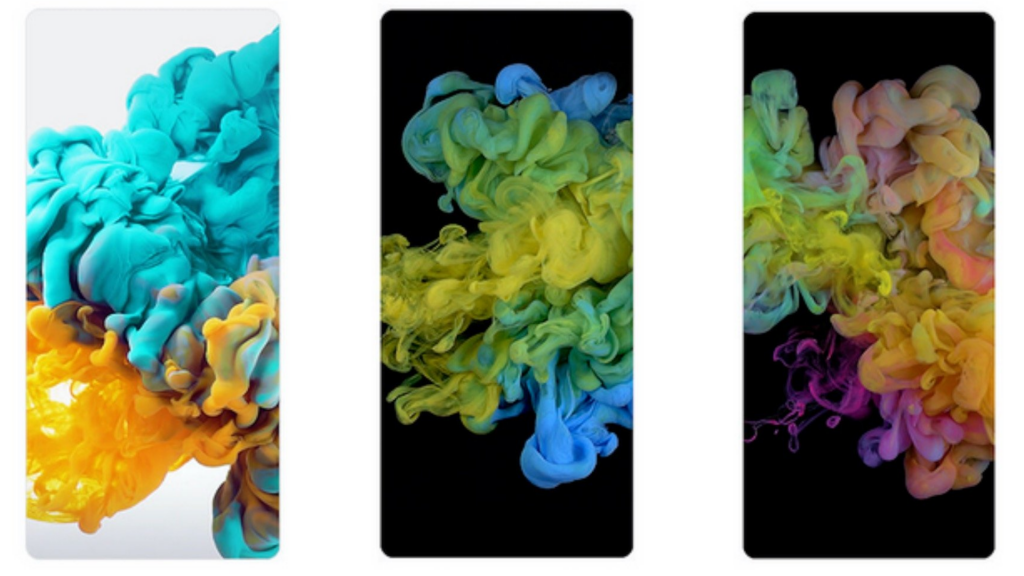
    ZTE Wallpapers

    Smart Voice Control and Gestures

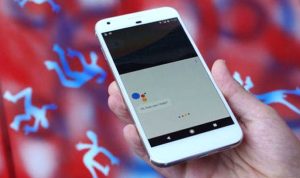
    When it comes to smartness, MiFavor 10 is able to detect the contents on your screen by holding on it using 2 fingers. There are different things similar to Google Assistant.

    MiFavor 10 can detect both images and text and gives you the relevant options for editing. It will provide pull-up recommendations and product matches, special characters and detect animals and plants.

    This is what the navigation and full voice control is going to be with the latest UI by ZTE. MiFavor 10 is also able to execute some in-app commands and detect with its natural semantic engine, such as “red envelope” and other features of WeChat.

    Floating Notifications

    Now it has got the new visual notification style. It will show a cool small floating window to minimize distraction. It looks quite identical to floating notification pop-ups in One UI by Samsung. ZTE also flaunts the nice and compact floating interface having a floating keyboard and an IM app.

    MiFavor 10 apparently will be more aware of what you are doing. In case you are running an app on a full screen, this floating UI will be overlaying for less obstructive and quick response.

    Improved AI Engine

    Now Z-Booster 2.0 has been improved at smart system resources. It also promises to give better gaming performance, such as nice graphics, less stutter, and reduced latency. Also, it shows overall improvement in starting up the apps.

    Along with these features, you can also see other features in MiFavor 10, such as angle correction, document recognition, emergency call, and automatic image classification. According to ZTE- MiFavor 10 is coming in both 5G and 4G variants of ZTE Axon 10 Pro, ZTE Axon 9 Pro and ZTE Blade V10.
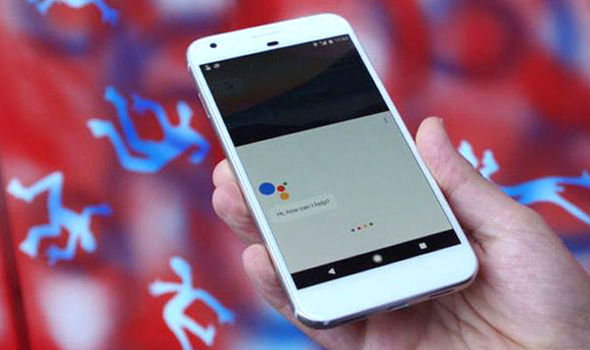
  • November security patches rolling out

    November security patches rolling out

    In November 2019, the monthly security patches for Google’s Pixels are rolled out including the Pixel 4 XL and 4. This major monthly update will include both mobile phones with a few fixes. When compared with earlier features, Google’s Pixel 4 XL & 4 will get some Smooth Display improvements and also camera tweaks. They also published some biggest security bulletin for November month and posted the same under Google’s website for full OTA downloads and factory images.

    November security patches rolling out

    Full Functional security patches with the change-log for Google’s Pixel mobile phones are as follows:

      • Camera Quality and Smooth Display improvement for Pixel 4 XL & 4.
      • Controller mapping for Xbox BT with additional support for entire Google Pixel models (from Pixel 4 XL until Pixel 2).
      • Some models stuck while booting and additional fixes offered from Pixel 3a XL, Pixel 3a, Pixel 3 XL, & Pixel 3.
      • The audio quality for bottom speaker improvements for the Pixel 3 model.
      • Google Assistant Hotword improvements for Pixel 3 XL, Pixel 3, Pixel 2L, & Pixel 2.

    Security Patches for OTA Files

    Pixel devices include the factory images and OTA files for assistance. You can download the Android security files to your respective devices that can be downloaded from Google’s website.

    Within this process, your mobile device can boost up to Android version 10. Users can follow the below-provided instructions to flash their mobile phones without any data loss manually. The Android security update with OTA files for your essential mobile phones is already started to roll out.

    Sideloading OTA for Android 10

    OTA File Download – It is important to download the OTA file beta version from the full OTA Google’s Image hosting website. It includes various updates for the Nexus device, Google Pixel devices, and also Android 10.

    Sideloading OTA for Android 10

    Boot your device in Recovery Mode – You need to boot your Google’s Pixel device in Recovery mode. Make use of the Bootloader page by press & hold the Volume down & power buttons simultaneously for a few seconds. With the help of volume buttons, you can scroll up & down to choose the Recovery mode. After selecting, press the Power button. Volume Up button control the Recovery mode.

    ADB Sideloading Navigation – You can apply the required ADB update with the help of the Volume button and use the Power button to select.

    Installation of ADB Tools: Connecting your mobile phone to a PC – You should have Fastboot & ADB tools to transfer the OTA files to your mobile phone from the PC. Also, you can download ADB the tools Within the Android official Developers site.

    Inputting Sideload Command – Once the OTA file is ready for Sideloading, you can utilize the Command Prompt application on your Windows PC. Access the command prompt and input the keyword ADB and press the enter key.

    If you are using Linux or Mac OS then input as ./adb sideload and hit the enter key. Now, choose the appropriate.Zip file to use the ADB file to start the process. After a successful setup, you can view the Installation and as well as the Sideloading process dialog box.

    Restart your mobile phone – After installing the OTA file, you can return to the Recovery mode. Also, the new update can be applied on your mobile phone by restarting it by using the Power button.

  • Samsung Galaxy Note 9 and Note 10

    Samsung Galaxy Note 9 and Note 10

    While we are writing this post, it’s the first week of December but there is a reason we are talking about December security updates.  Especially when Samsung had quite managed the same record for security patch on Galaxy 10 in November which started providing in late October, the Korean giant really deserves a round of applause.

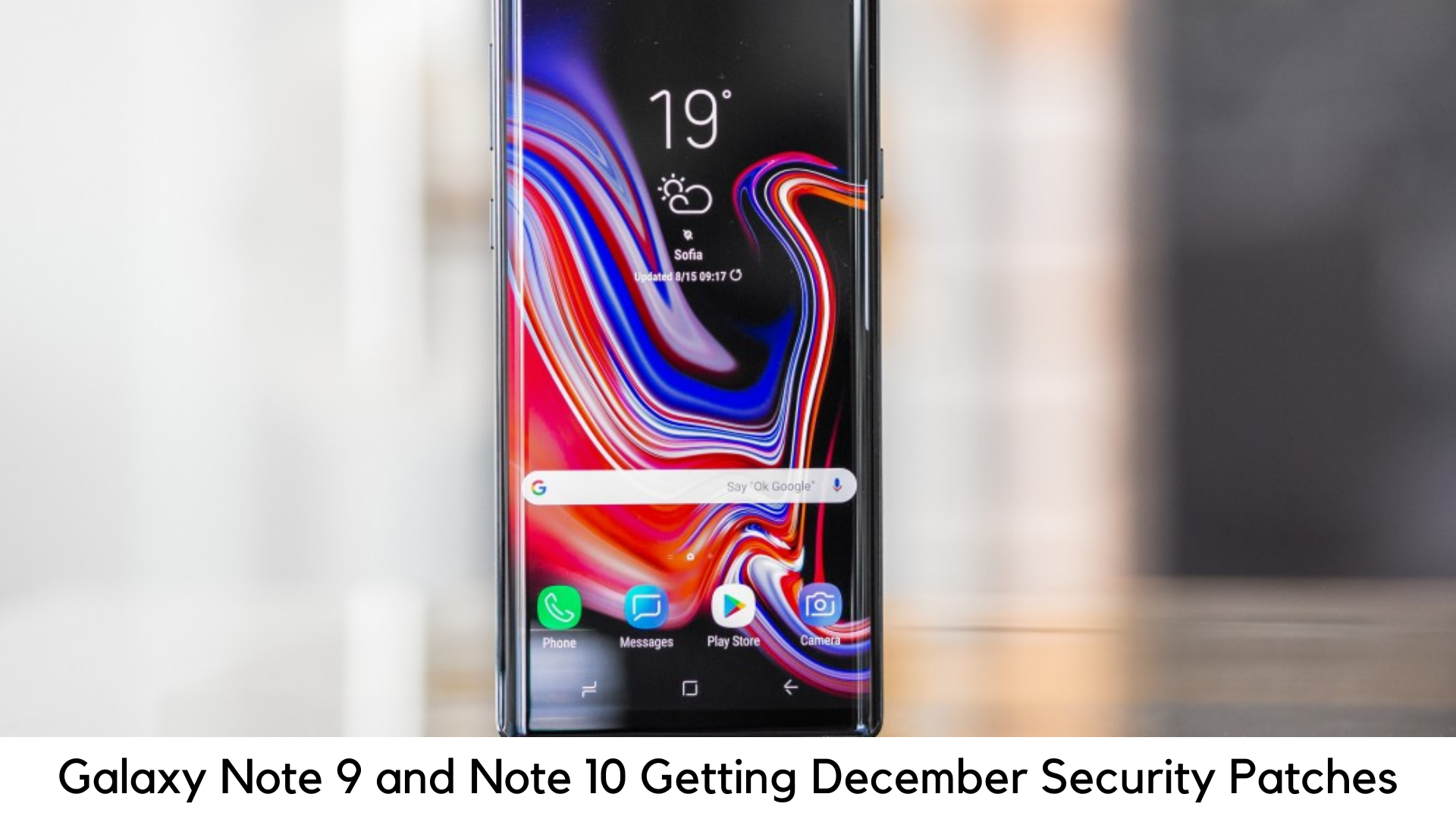
    Samsung Galaxy Note 9 and Note 10 Getting December OTA Security Patches

    As things stated, users of both Galaxy Note 10 and Note 10 Plus are now able to download the N97*FXXS1ASKB OTA patch in around 25 European countries through the update menu on the device. When we discuss about Galaxy Note 9, the N960FXXS4CSK2 security patch has been rolled out only in Germany.

    For those impatient users like you, the official website of Sammobile has a complete firmware archive where one can download the aforementioned packages manually. Well, you don’t have to rush as Samsung is already ahead of its schedule on this update. In addition, the OTA package contains only December patches provided by Google.

    It literally makes sense as a mobile software division of Samsung is pretty busy currently as they are working on launching One UI 2 powered by Android 10. Currently, open beta runs are live for both Note 9 and Note 10. If you can’t wait, you can instantly jump on the beta updates as well. These days, the process has become very simple. You simply need to have a Samsung Member app.

    About Android 10 update

    There are speculations that Note 10 is about to get the complete Android 10 update in few weeks to come after Galaxy S10 and S10 Plus. Samsung has already rolled out the full OS update for S10 and S10+ in some countries.

    If we consider this incremental OTA as a sign, there are only a few weeks to go to get One UI 2 on the flagship. It also lines up with the roadmap of Android 10, which hints at the release date of January 2020 for Note 10 and Note 9 might get this update by the late January 2020.

    If you haven’t received the notification about the December security patch on Note 9 or Note 10, you can check out at the updates panel under Settings > System to see if there is any update awaiting installation.

    Samsung Galaxy Note 9 – Key Specs

    Samsung Galaxy Note 9 features Super AMOLED 6.4” display with Corning Gorilla Glass 5 protection. It is powered by Samsung Exynos 9 Octa 9810 processor with 6GB RAM, 128GB Storage, and 4000mAh battery. It has got an 8MP front camera and 12MP+12MP rear camera setup.

    Samsung Galaxy Note 10 – Key Specs

    Samsung Galaxy Note 10 features Dynamic AMOLED panel. It also has 6.3 inches of screen size with Corning Gorilla Glass 6 protection. It is powered by Samsung Exynos 9 Octa 9825 chipset, 8GB RAM, 256GB storage and 3500mAh battery. Also, it has got 12MP+12MP+16MP rear camera setup and 10MP front camera.

  • Android Auto for phone screens app

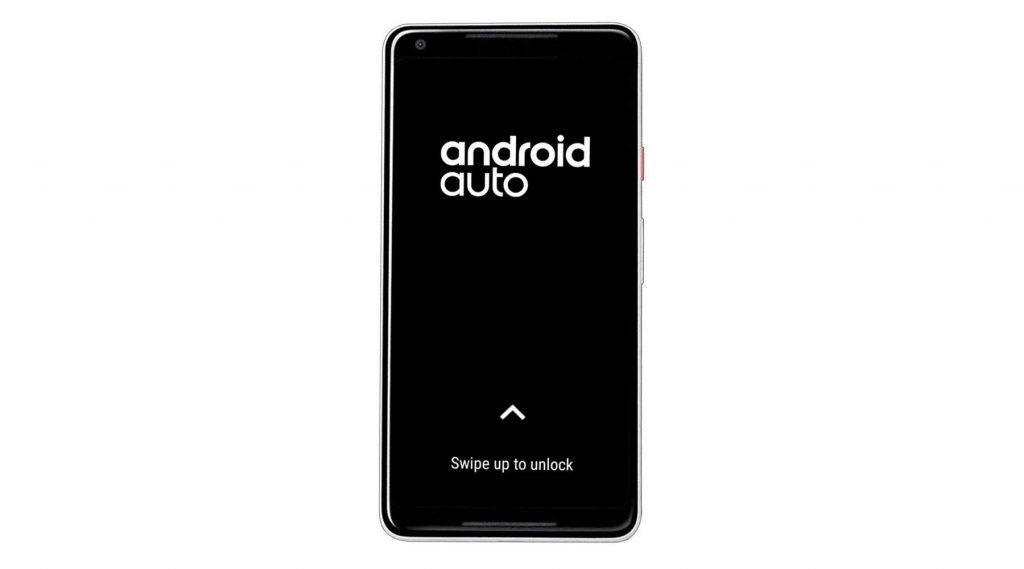
    Android Auto for phone screens app

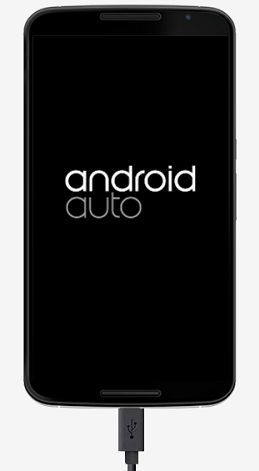
    Android Auto App can perform numerous actions when compared to an Android phone with fine-tuned and tweaked for an automotive setting. Most of them will face dangerous and much difficult while driving and the app will assist them with ease directions. The three major functionalities of the App are an audio player, hands-free calling and also turn-by-turn directions. The system will allow the users to personalize as per their expectations.

    Android Auto for phone screens app


    You can get the directions by using the Waze integration to view Google Maps. Android Auto has a very flexible audio player to use. The Google Play Music will be the default player and allowing the users to listen to their favorite songs that are stored on their internal storage or external SD Card. Even it is supported by service integration such as Podcatchers, Spotify, Pandora and many more.

    This app also consists of an in-built weather card to display the entire weather report of numerous locations including the current location that assists for long road trips. It also supports integration with various voice & chat apps such as Skype, your phone’s dialer, and much more. In case, if you had received a message through Skype or other messaging apps, Android Auto App will assist to read it louder without accessing your phone while driving.

    Android Auto App – Usage

    You can find numerous different options available within the Android Auto App while using it on your Android mobile phone. First, you need to mount or cradle your phone that is much accessible while driving the car.

    The app will utilize the Hands-free calling feature to use the phone’s default speaker for receiving or placing a call. Android Auto will allow the users to read the text message much better on your phone display within this mode.

    With best-supported integration, you can easily pair your Android mobile phone with an FX transmitter, use Aux cable for radio connection, car radio with Bluetooth-enabled or other connectivity methods. This connection type will allow the users to play audio through the App by using Spotify, Pandora, or your car audio system and also Google Maps directions.

    Connecting your Mobile phone to the Android Auto App

    It is essential to understand the basic requirements before connecting your Android mobile phone to the car’s infotainment system or radio system through the app. Ensure that you have updated your Android mobile phone to the latest version or even Android version 5.0 (Lollipop), if not Android Auto App will not be supported.

    You need to install the Android Auto app on your mobile phone and also it should be compatible or supported with your car’s infotainment system or radio system.

    Connecting your Mobile phone to the Android Auto App

    You can follow the below instructions to connect your mobile phone through the Android Auto App:

    • Check your Android phone’s mobile data. It is most important to use a strong & stable mobile data or Wi-Fi (Wireless) connection to start working.
    • Also, check whether your car is located near the parking area.
    • Turn on both your phone and as well as the vehicle.
    • Make use of a USB cable for connecting your Android mobile phone to the car.
    • To access the Android Auto App, you need to review & as well as accept the terms & conditions of Safety notice.
    • For access, you can go through the displayed information.
    • Now, you can choose the options to display the Android Auto app on your car’s infotainment system or radio system.
    • Use the USB cable to activate the Android Auto app by connecting the Android mobile phone.
    • Also, utilize Bluetooth connection to pair the app with a mobile phone.
  • Flaw Locks Some Android 10 Beta Testers Out of Galaxy Devices

    Flaw Locks Some Android 10 Beta Testers Out of Galaxy Devices

    In recent years, when it comes to smartwatches from Samsung, you can witness that there was a physical rotating bezel. Yes, it has the potential to control the user-interface of the watch. But the thing removed it in Galaxy Watch Active 2.

    Fortunately, when it comes to recently launched galaxy watch active 2, you can also witness the touch bezel which is said to be the new one. Well, this thing is mainly allowing the people to slide the finger across the display rather than the physical bezel.

    Galaxy Watch Active 2

    When it comes to the recent Galaxy watch update, Samsung has back-ported the bezel which is touch. Even with other features. Yes, then it gets back to the Galaxy watch active first one. If you are looking for the new update, then it has the potential to back-port the touch bezel.

    For information, it mainly has the potential in order to rotate the finger around bezel in terms of controlling the watch. The best thing about it is where you can go ahead with widgets, move through notifications and more. At the end of the day, this thing makes the watch to access easier than expected at any time.

    Brought better features 

    If you see the Galaxy watch, then it doesn’t get the touch bezel. Yes, it is said to be the physical one. However, it still brings the features back to watch and watch active. These are the changes and better improvements bring some differences in applications like Samsung health and more.

    Even you can witness the improvement over the always-on display during the time of the charging process. On the other side, you can also see the improvement in the customization of quick settings at any time.

    Galaxy Watch Active Better feature

    Also, the best thing is where Samsung gets back the UI 1.5 when it comes to Galaxy watch as well as watch active. Along with that, it also mainly includes the button like “begin workout” and more. Even you can witness the best feature like “My style” in general for sure. It also mainly allows the users to take any pictures of clothes using the Galaxy wearable app.

    At the same time, a watch face background will lead to a match with clothes that you are going to wear. On the other side, it also includes the new indicator in order to show during the application is running in the background.

    You can also witness that it also added with new emojis and one can also expect the skin tones to emojis on a watch. At the end of the day, most of people are keen about accessing the best features.

    Bottom Line

    So, people who are keenly waiting to witness the features for a long time, then they must be happy about it for sure. Once the regular updating process is done, then you will be going to witness the new and exciting features for sure in the end.

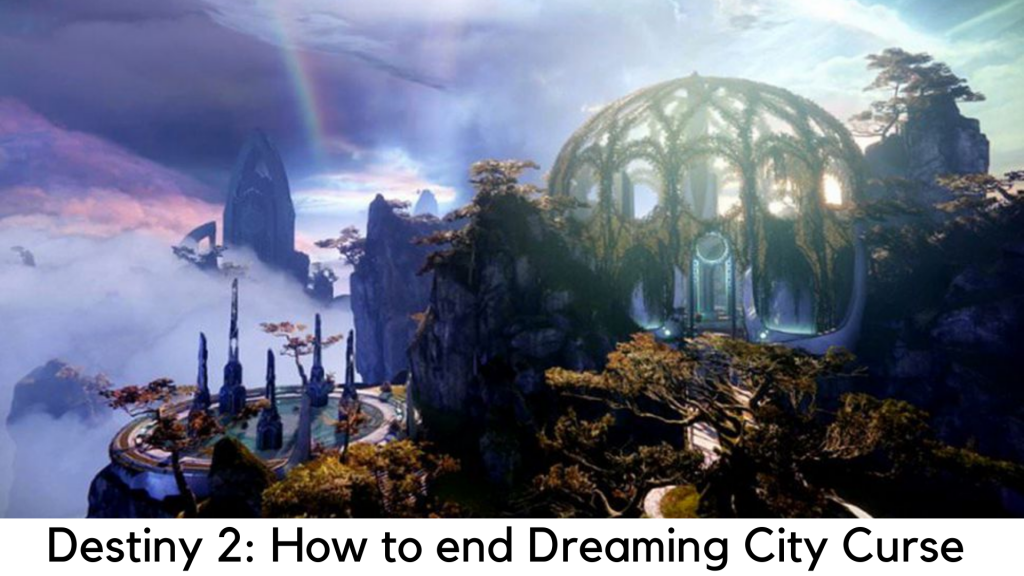
  • Destiny 2 Players Spent Weeks Grinding to End the Dreaming City’s curse

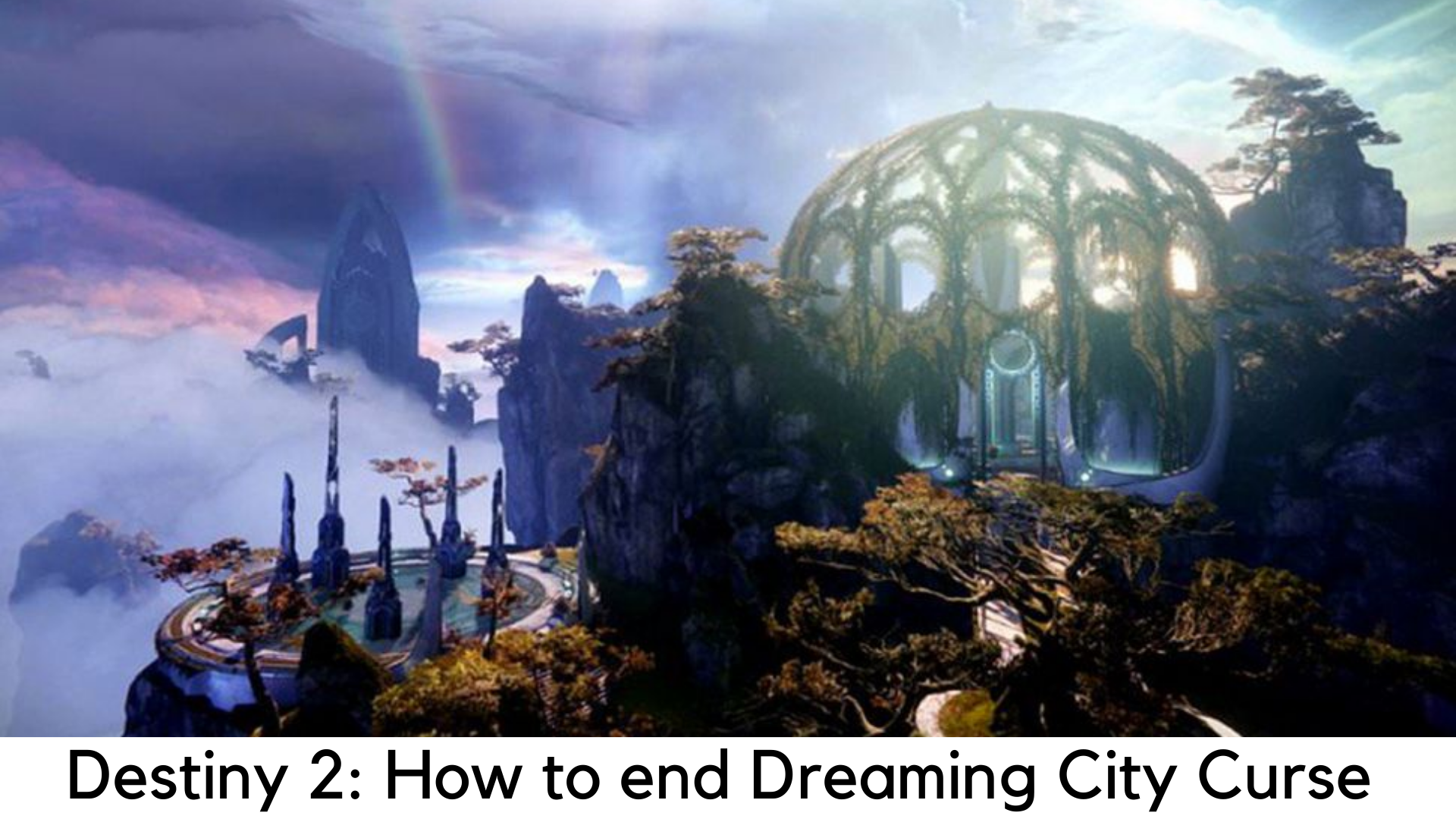
    Destiny 2 Players Spent Weeks Grinding to End the Dreaming City’s curse

    With three new subclasses, well-made campaign, and a lot of amazing activities which have been the base of existing game, Destiny 2 started to hold the ship with the arrival of Forsaken expansion. The first year was quite full of ups and downs for the players. After completing the Last Wish and Riven raid, the Dreaming City zone was evolved where the players experienced.

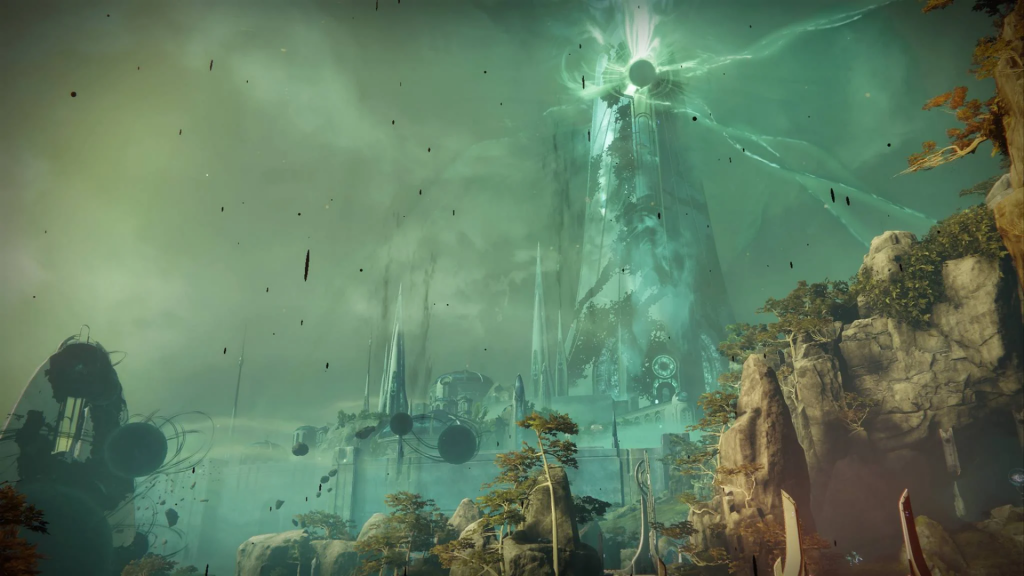
    It has changed a bit within three weeks with look and feel, featured enemies, and certain unlocked features, such as the dungeon of Shattered Throne. The cycle starts the grind one year later and players started wondering if it will end.

    Destiny 2 Players Spent Weeks Grinding

    When the Last Wish raid was first finished in Destiny 2 by Team Redeem, the curse cycle of the Dreaming City was started. It also revealed the endless Curse of 3 weeks. Later on, the cycle starts once again within the next 3 weeks. Since Forsaken, it has been continued and there is no actual news as when it will end finally. There is still lack of official announcement regarding this for Bungie. There are also rumors that the true end of curse cycle might happen with Shadowkeep.

    When Dreaming City curse will actually end?

    If you are not a kind of Lore person but a lore reader, you might have heard it earlier. Bungie has officially announced with Shadowkeep that there will be no Power Cap and players can go endless in Destiny 2 with Power Level. In Forsaken, it says the following statement when it comes to Truth to Power Lore.

    Dreaming City curse will end

    “You bring another battle trophy Medusa before Rahool? Post-Foreboding, Pre-Collapse is a covert intelligence which has been designed to keep track on high-risk mission. Let me decrypting her to you.” He issues a lot of tokens for you, a rare shader, fusion rifle and a letter. The letter speaks, “Defeat Dûl Incaru and achieve Light Level 999 in one-person team to unlock the ideal end of Dreaming City.”

    The idea behind breaking the curse of The Dreaming City to enable the game to move ahead also matches with the plans of Bungie for the Season of the Undying. In the final blog of Director’s Cut teased by Luke Smith, each season will consist of a specific situation which will be fixed by the end. It will also help create a new situation for the next season.


    It will be nice to see how it shows players as who will ultimately acquire Annual Pass or the ones who might miss the entirety or part of the season. Bungie hasn’t announced if or how it adds players who come later.

    This lore entry is a trickery and lie by Dûl Incaru. But what if we are going to have the real ending of the curse of the Dreaming City? It could be the reason in Shadowkeep behind no Power Cap. What do you think in this matter?

    Destiny 2: Shadowkeep has been released on October 1, 2019 for Xbox One, PlayStation 4 and PC, and later on Google Stadia in November.

  • Twitter announces it will ban all the political ads

    Twitter announces it will ban all the political ads

    You might be knowing that certain political ads and campaigns actually create chaos among the people. Also, it affects the social networks, which can actually disturb the entire environment overall. Of course, displaying political ads could be the next major step to spreading awareness among the people and the citizens. However, it is important that we take them in the most assertive way rather than quarreling though. Well, one such incident has occurred with regards to banning all the political ads on Twitter. This is an initiative taken by the CEO of twitter itself.

    Twitter announces it will ban all the political ads

    However, there might be reasons behind it. The CEO has announced about banning the political ads on their social network for sure. Well, you can refer to these important details about this particular news below.

    Twitter announces it will ban

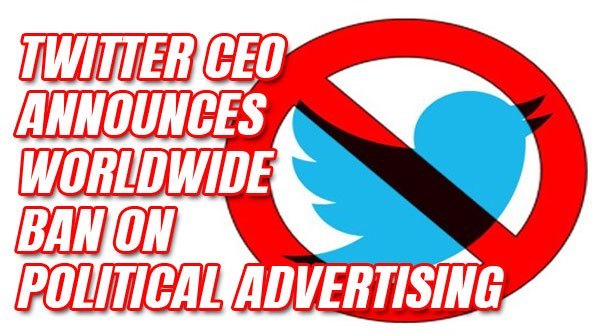
    Yes, it has recently announced that it will ban the political ads that are running on its platform considering the 2020 elections. This announcement and the decision will be effective from 22nd of November 2019. This was tweeted by Twitter CEO Jack Dorsey.

    These changes are going to affect all the ads and campaigns including the candidate advertisements, issue posters. However, the government initiative for encouragement towards voting among the public for sure.

    The entire policy regarding this particular announcement will be made and finalized by 15th November 2019. There will be actions and arguments regarding the newly established policy with this particular social media platform. But still, this will be the final updated decision that will be helpful for everyone on the whole.

    The CEO has also said, that there have been loads of social movements that have reached a great extent without any of such political advertising and banners all around social media.

    Why this decision?

    Well, it all started when Joe Biden’s 2020 election position for the presidential campaign who directed letters to various social media platforms including Facebook, Twitter, and YouTube asking for the refusal to run misleading and untrue advertisements on these mentioned platforms on the whole.

    However, this presidential campaign had become the target for many of the current politicians who are running for the same presidential campaign and the elections for sure. Even the current president had claimed some baseless relationship of the campaigner with other governments.

    However, Facebook has claimed that it won’t be false checking any ads placed by the politicians. The decision was taken in order to protect the election campaign in the most rightful manner and may the right and the best candidate win for sure.

    Conclusion

    Finally, this decision has shaken the internet users to its extreme and of course the political campaign runners and leaders as well. It might affect their advertisements and campaigns to motivate the public to vote in the upcoming 2020 elections. Well, if you need far more information on the same, you can simply look for available details within the platform.


  • Twitter Wants Your Feedback on Its Deepfake Policy Plans

    Twitter Wants Your Feedback on Its Deepfake Policy Plans

    Fake news and rumors are supposed to spread faster than a fact. When it comes to Twitter, things spread at double speed. Bad-faith bots and bad human decisions go hand in hand in this micro-blogging platform to amplify false messages across the world. So, what to do when it comes to controlling social media? The reason why twitter wants tour feedback on its deepfake policy plans

    Twitter Wants Your Feedback on Its Deepfake Policy Plans

    Well, this question is not uncommon. Twitter is also trying hard to create a policy to handle manipulated and synthetic media, according to the company which added the same on a blog post and it needs your suggestions.

    Here’s what Twitter has to say about the so-called deepfake policy plans, fakes, or other terms told by most of us.

    Del Harvey, Twitter Trust and Safety VP added, “We are expecting to define any manipulated and synthetic media as any audio or video clip or photo which has been fabricated or altered highly in a way which seems to misguide people or changes its previous purpose.”

    Considering the presidential election in the US running in November 2020, there has been a peer pressure on social media platforms. The are advising to deal with the threat of misleading items like deepfakes (in which AI is used to create videos, which seem too real to be true in which a person seems to do or say something they haven’t.)

    In a blog post, Twitter has laid out a new proposal saying that it is expecting to put a notice for tweets which are sharing “manipulated or synthetic media” and to warn people before sharing or liking any tweet, or adding links to a story presenting why most sources feel that the particular item is manipulated or fake.

    Further Plans Of Twitter

    The company further added that it is planning to remove tweets that contain manipulated or misleading media which could cause serious damage or affect physical safety.

    Twitter has also defined manipulated and synthetic media as any kind of audio, image or video file which has been “significantly made-up or distorted” in a way to mislead the audience or changes its previous meaning. It could either consist of manually changed “shallow fakes” or “deepfakes”.

    Last year, Twitter banned deepfakes intended to intimate media. It has made changes in policy to prohibit videos or images which frame the face of a person onto the nude body of another person.

    Though there is no incident of major political events in which a deepfake video could be used in the US, there is still a risk of fake video that can cause turmoil. It happened with a clip of Nancy Pelosi, the House Speaker in May. Her speech felt slurred as it was slowed down manually.

    Post Pelosi’s incident, Mark Zuckerberg, Chief Executive of Facebook, was seen in a spoof video in which he seems to say “the one who controls the data, controls the future” on Instagram. The Facebook-owned app Instagram didn’t remove the video.

    Adam Schiff, Intelligence Committee Chairman, US House of Representatives, wrote to the CEOs of Google, Facebook, and Twitter, asking for plans to control the threat of deepfake videos and images before 2020 elections. Twitter has initiated its new proposal asking the public to share their feedback with #TwitterPolicyFeedback hashtag before November 27.

    Amazon Web Services has also announced to join Microsoft and Facebook in their research with “Deepfake Detection Challenge”.

  • Huawei P30 Pro Phone gets EMUI 10 update

    Huawei P30 Pro Phone gets EMUI 10 update

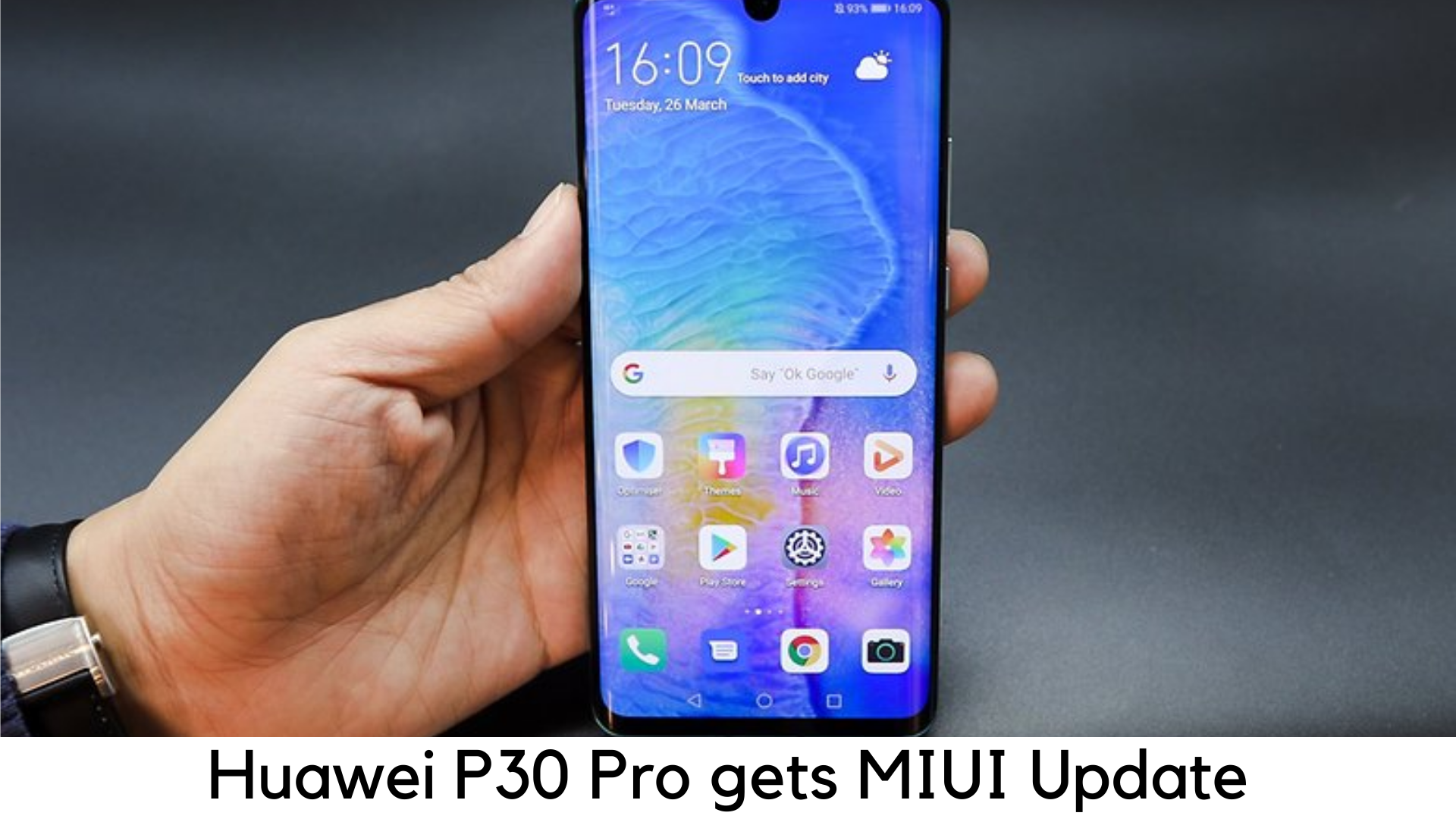
    Huawei stands up with its promise and is finally here with EMUI 10 update for Huawei P30 Pro Phone and P30 Pro in China. Android 10 update will soon roll out on global units.

    Huawei P30 Pro gets EMUI 10 update, will bring Android 10 to users globally

    Key Highlights of Huawei P30 Pro Phone Version

    • Huawei rolling out EMUI 10 to P30 and P30 Pro in China.
    • Android 10 based EMUI 10 will roll out on global devices soon.
    • EMUI 10 features performance improvements and dark mode.

    Huawei has finally started offering the latest EMUI 10 update to P30 and P30 Pro devices in China. The company had promised to release EMUI 10 update in the middle of November for the P30 series and the stable version is finally here. Huawei promises to deliver the latest UX design and faster performance.

    The Chinese version of EMUI 10 will arrive with number 10.0.0.166 for Huawei P30 and P30 Pro. The update weighs up to 5GB for the common public and over 1GB for beta testing. If you haven’t got the push notification for the update, one can manually check by going to Upgrade under HiCare App > Services.

    For Other Countries

    At the same time, Huawei is planning to release an Android 10 update based on EMUI 10 for P30 and P30 Pro devices in other countries soon.  The exact timeline is not announced yet. But since EMUI 10 is finally here in China, one can get the global roll out any time.  For P30 and P30 Pro buyers, it comes as good news as they were worried whether they would get the next updates in the future after the conflicts between Huawei and Google.

    One can get an EMUI 10 stable version with a lot of amazing features, such as magazine-type UI, dark mode, performance improvements, and so on. After rolling out EMUI 10 on P30 and P30 Pro, Huawei is also planning to roll it out to Mate 20 Pro, Mate 20X, Mate 20 and Mate 20 RS Porsche edition by the end of November.

    Following the ban in the US, Huawei is no longer able to work with Google. Hence, you will see the next Honor and Huawei devices without Play Store and Google apps access, except Mate 30 series. However, users are rest assured that devices like Mate 20 Pro and P30 Pro will keep getting Android security patches and updates in the future.

    Stable Android 10 Update Now Available in Europe for Huawei P30 Pro Phone

    Huawei has rolled out a stable Android 10 update for P30 Pro in European markets with EMUI version 10.0.0.168 and the update will be available in stages. The size of the update is massive 4.47GB. The availability will take a few weeks for the update.

    Huawei P30 Pro Phone Update

    The EMUI update will soon start rolling out in other countries, along with Europe. The update is being pushed in Portugal, Serbia, and other regions in Europe, according to the people using P30 Pro on Reddit.

    The EMUI update will soon offer some cool new features along with Android 10’s standard features. It will have amazing UI design, dark mode, magazine-style UI, improved security, faster performance, GPU Turbo improvements, 1-touch screen sharing, and others.

  • Snapchat New Camera Mode

    Snapchat New Camera Mode

    For those who are fond of selfies can have a 3D effect to it. This is due to now selfie lovers have one great option of 3D selfies with Snapchat. Snapchat is providing snaps depth with the twist of the smartphone in the latest 3D camera mode. It is the most advanced technique available for you today. The mobile having 3D camera mode reconstructs the selfie.

    Snapchat New Camera Mode

    It utilizes the depth data from a similar smartphone. It allows the movement of the smartphone to adjust the view of the image. Due to this, the selfie looks to pop out of the screen. Let’s talk more about some interesting features of this selfie camera.

    Wide Reach

    This 3D option with Snapchat is the heat of smartphone photography. As it is the most advanced version of the mobile camera, it is ahead of the competition. Snapchatters can get this new feature of the smartphone will able to tilt their gadgets to change the view. Whatever type of smartphone you have, you can use this feature.

    Any Snapchat user can obtain and view the effect in 3D on any kind of device. It will be also available on Android. Another aspect of this feature is that Snapchat’s 3D camera mode will let you use its 3D effects, 3D lenses, and 3D filters. With this, you can post your selfies on other places, share in chat or stories, and also save to your camera roll.

    Easy to Use

    The use and access to this feature are very simple. You can click the drop-down menu inside the camera mode. Then you can select the 3D option. Moreover, switching the camera to 3D mode, the lens and filter carousel renews with filters and lenses that are 3D friendly. So this is the best option to have great selfies. This feature is designed not only for selfies but also for the world-facing camera.

    Advantages and Drawbacks

    • At present this 3D feature is available exclusively on iPhone X and iPhone 11 range phones. Therefore, only people having these smartphones can enjoy this 3D option.
    • When you take the snaps by using this feature, they look different, act different, and feel different. So you can have an amazing experience altogether.
    • When you take the selfies or pictures in this mode, they are simple yet powerful. Hence, this feature is a must-try.
    • This feature sounds promising and versatile. Therefore, who are looking for something creative and different, for those people this is the perfect one.
    • You will be never disappointed by using it. In fact, you will be pleased and can have fun with this option.
    • But people those who do not have iPhone, they can’t use this feature. This is a major disappointment for such people.

    Conclusion

    In this way, with the 3D model of Snapchat, you can communicate through contextually rich snaps. Snapchatters will have a fun time with this Snapchat camera. They can have the best selfies with more creativity and a unique look. Also, you will definitely get quality pictures.