Author: Poonam

  • Motorola May Add Flashy Moto E6 Play to its Budget Lineup

    Motorola May Add Flashy Moto E6 Play to its Budget Lineup

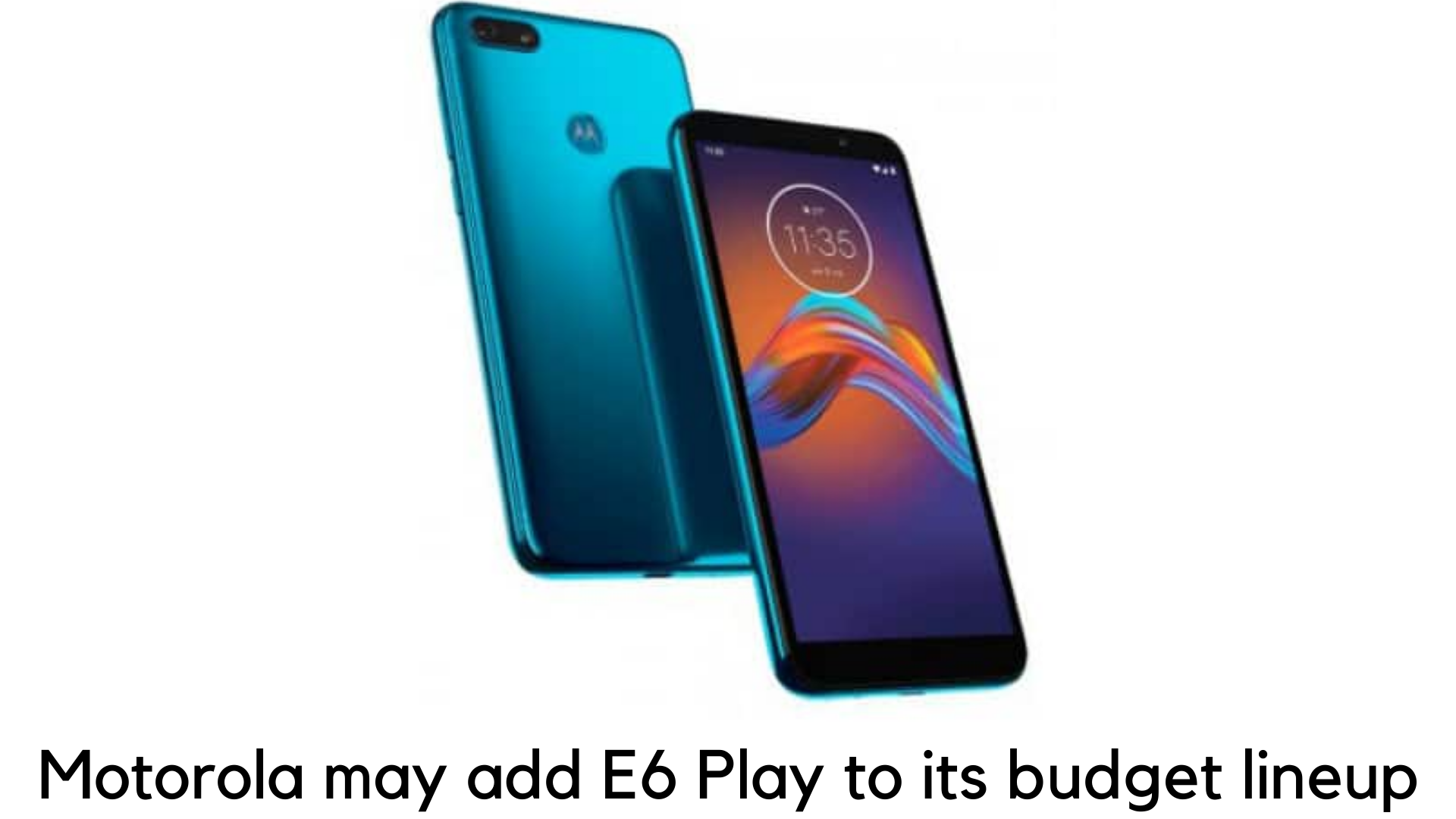
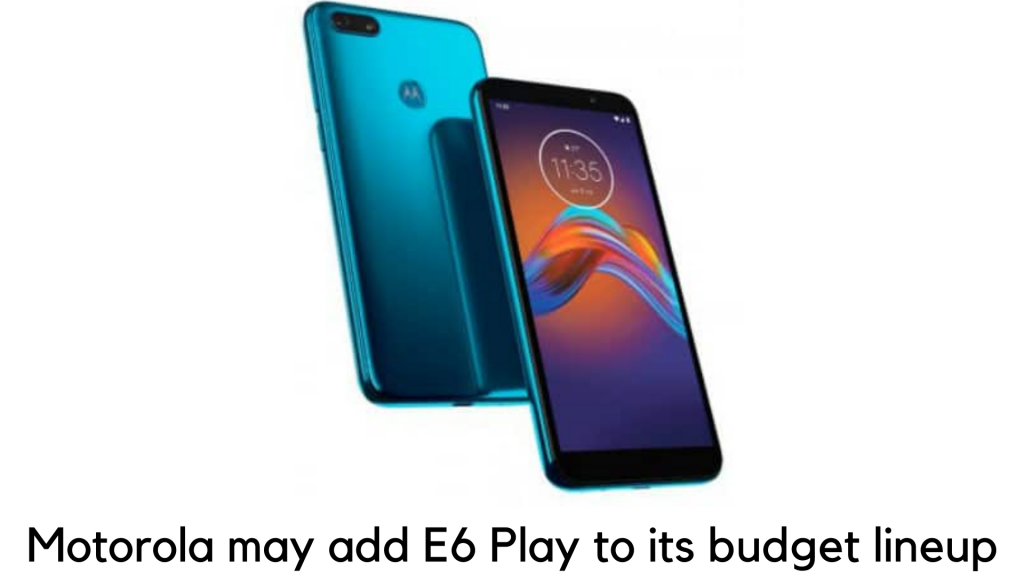
    When it comes to affordability, Motorola has always forced the users to compromise on specifications and Moto E6 is no exception. When going for a budget Android device, be prepared to sacrifice build quality, high-end specs, and even looks for something functional and cheap. But as per the new renders coming out by Mobielkopen, a German website, Motorola is expected to add a slick visual update on its E6 line. It might come as E6 Play.

    Motorola may add flashy Moto E6 Play

    The standard E6 variant came out for $149 as a budget Android device this summer on the cheaper side, followed by Moto G7 Play. Unlike E5, Moto E6 was the only model, which came out until adding E6 Plus the way back in the month of September. However, E6 Plus was launched only in South American and European markets. 

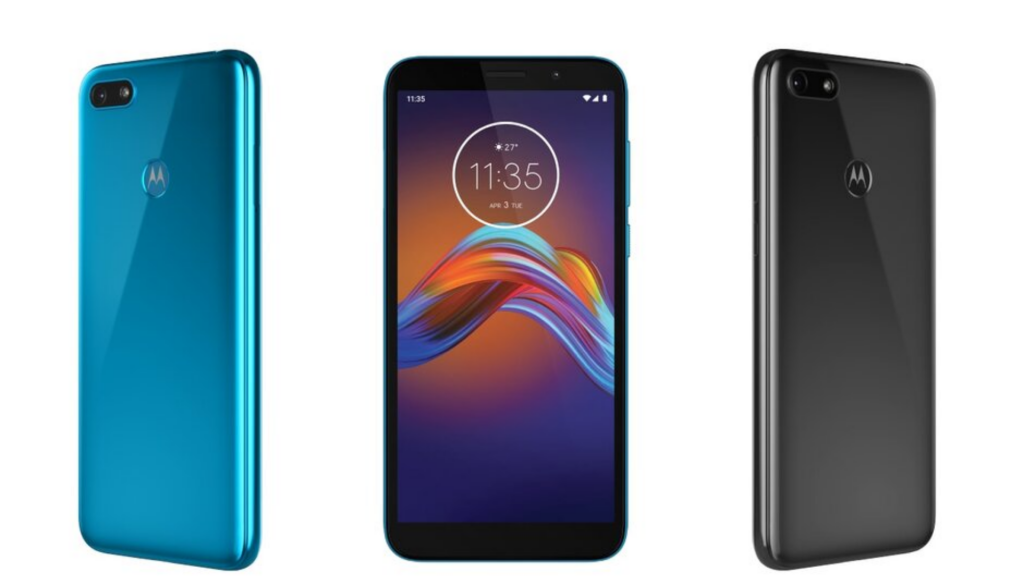
    According to these renders, the E6 range might be finally getting its Play version soon. The renders highlighted in Android Central flaunt what the display would be like with an 18:9 aspect ratio, along with a 3.5mm headphone jack and traditional Micro USB charging port, which would make it stand out from E6 Plus. 

    It is also revealed by Android Central that lack of dual-lens camera in E6 Plus and placement of camera further show that it is much likely the Play variant.

    Irrespective of that, the device seems like it punches far ahead of its weight in terms of design. Of course, it would have a quite nice teal and glossy backs in black. You can get it quite worse for a budget phone. 

    Key Specifications and Features 

    Moto E6 Play will have a standard dual Nano-SIM slot. It will run Android 9 Pie powered by MediaTek MT6739 quad-core chipset paired with just 2GB RAM. It will have a 5.5” HD+ Max Vision display with 720x1440p resolution, 295ppi of pixel density and 18:9 aspect ratio.

    features and specs

    When it comes to the camera, the E6 Play comes with a 13MP single camera at the back with f/2.2 aperture. It will have a 5MP sensor for selfies with f/2.2 aperture. The device comes with 32GB of storage which can be expanded up to 256GB via microSD card.

    When it comes to connectivity, the device will feature-

      • Wi-Fi 802.11 b/g/n
      • 4G LTE, GPS/A-GPS
      • Bluetooth 4.2
      • FM Radio
      • 3.5mm headphone jack
      • And a micro USB port.

    Some of the onboard sensors are ambient light, accelerometer, fingerprint scanner, and proximity sensor. In the end, the device weighs 140g. 

    Battery 

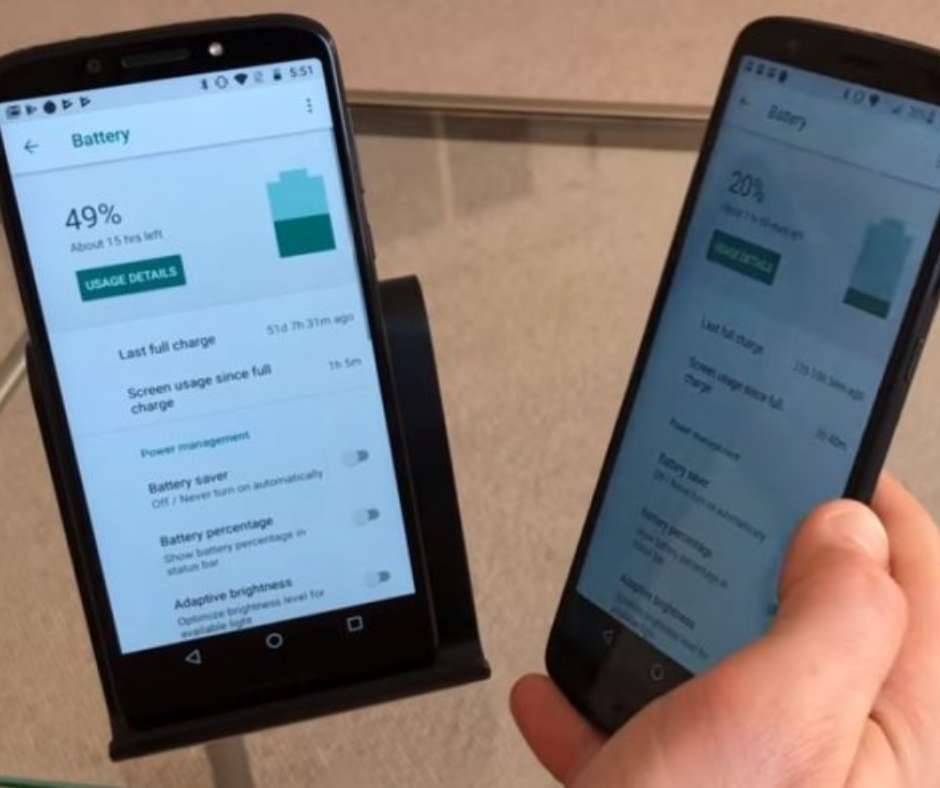
    Moto E6 Play will come with a 3000mAh Li-ion battery. It can provide ample power backup and it should last the whole day on day-to-day usage. 

    Moto E6 Play battery

    Our Verdict 

    Since Moto E6 Play is a budget smartphone, don’t expect too much. It is a decent buy for those who have nothing to do with high-end games and heavy usage. The battery is powerful enough to keep the device alive all day long and the processor is just decent.

    But the display is quite good for the price. The internal space and RAM are quite lower than the same in other devices in its price range.  


  • Best (Android) Wear OS Watches 2019

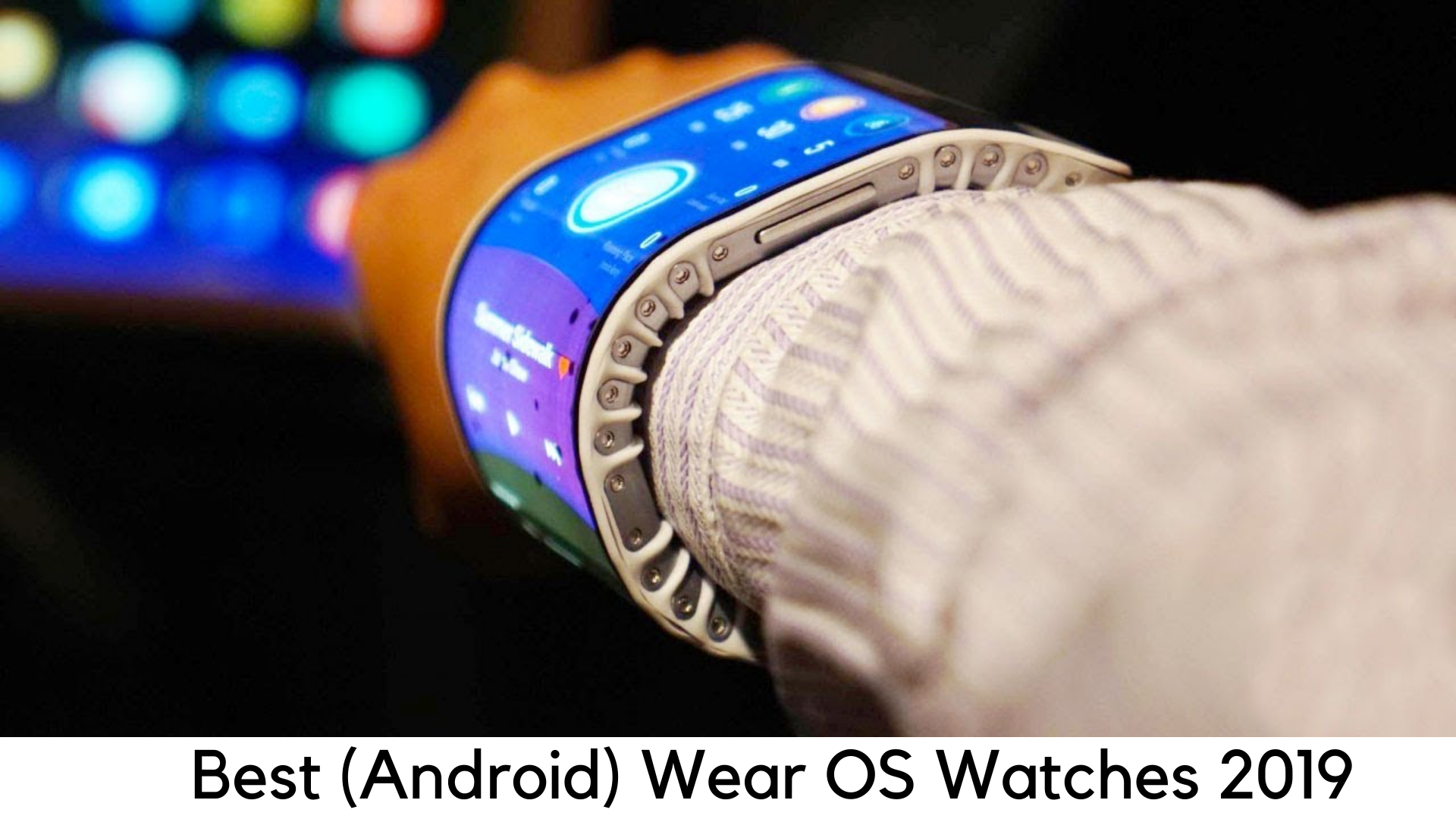
    Best (Android) Wear OS Watches 2019

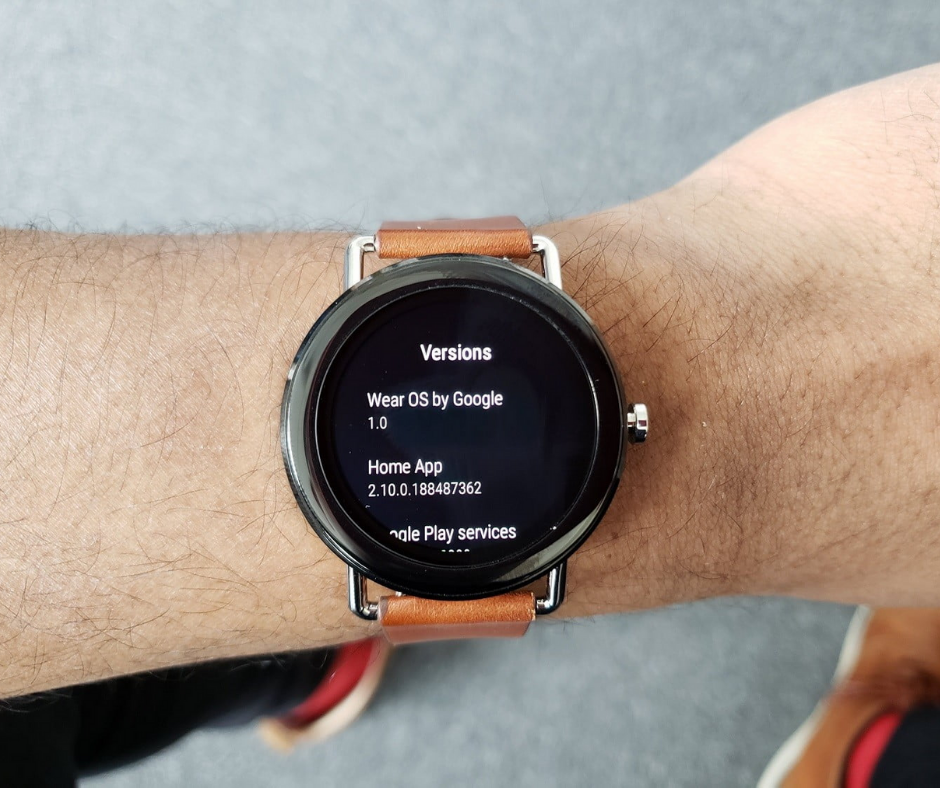
    Google’s Android Wear OS has had an unstable beginning but it has now become a very popular and mature platform with Wear 2.0 update and its rebranding of Wear OS in early 2018. It’s the end of Android Wear but it has left us with a better upgrade of Wear OS with improved battery life, navigation and much more. The list is endless.

    Best Android Wear OS Watches 2019

    Google has made watches more palatable by renaming its OS to those who use the iPhone. The best thing is that Wear OS watches are compatible with both iPhone and Android.

    However, you should still check compatibility before buying each Wear OS watch with your device. We have listed some of the best Android Wear OS watches in the market.

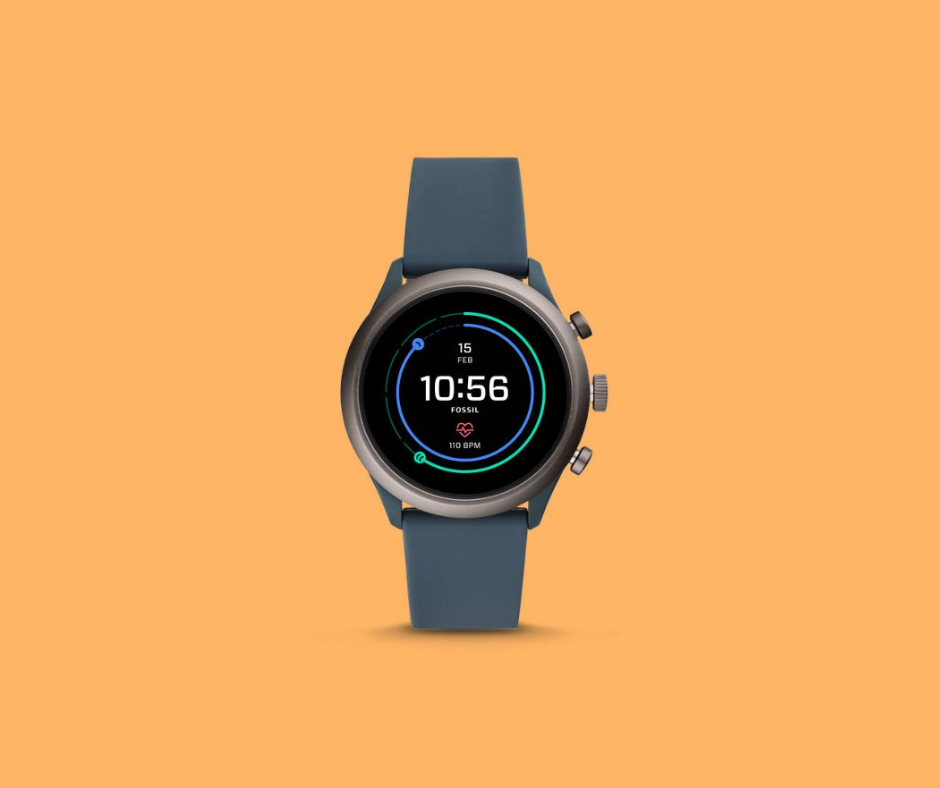
    1. Fossil Sport

    It is probably the best Wear OS to watch out there. It doesn’t have a lot of unique features and it is not the ultimate smartwatch money can buy. But it is definitely a perfect balance when it comes to functionality. It combines value for money with features in a light body.

    You can easily wear it on daily usage or when working out. Battery life usually lasts up to 2 days. You can also access all the latest apps for Wear OS and it has GPS too.

    Fossil Sport Best Android Wear OS Watches 2019

    The best thing is that it is one of the first to have Qualcomm Snapdragon Wear 3100 SoC. Hence, this smartwatch offers a great experience unlike others listed here. It is a user-friendly smartwatch offering a smoother experience.

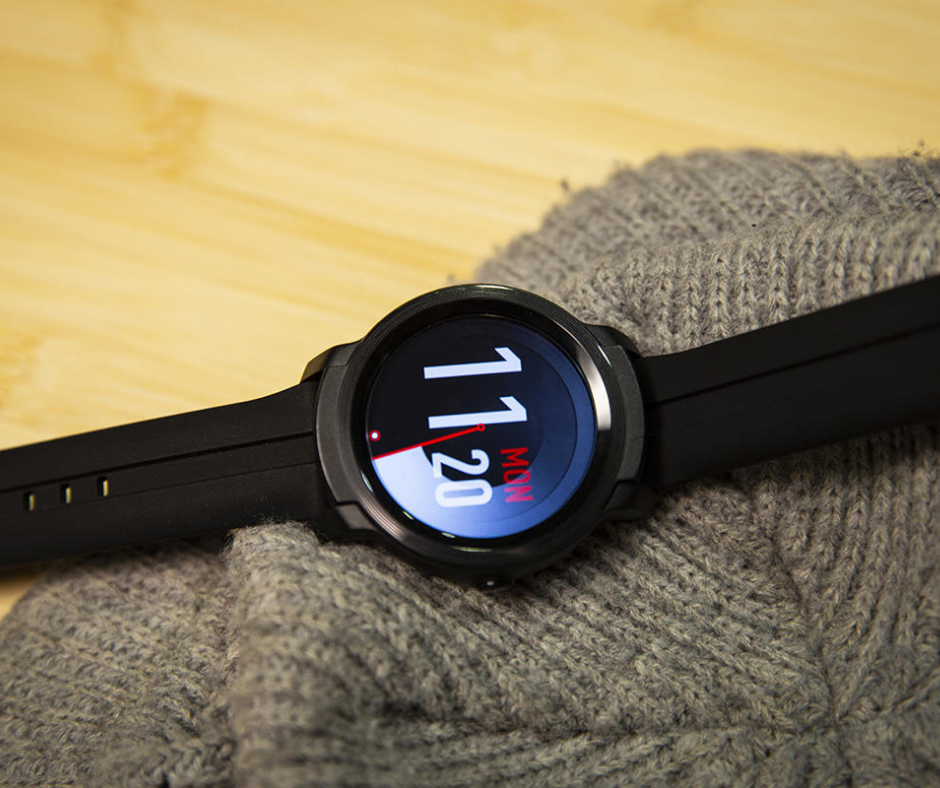
    2. TicWatch E2

    The TicWatch E2 is one of the most affordable smartwatches in this list and runs on the latest Wear OS. It comes up with a 30% better battery life than its elder sibling, TicWatch E. According to a reviewer, it took 2 days to discharge with normal usage. If you use plenty of fitness features, it may not perform well though.

    TicWatch E2

    You can easily wear this smartwatch while swimming as it is waterproof. It also has GPS to track your location. However, it doesn’t have NFC for payments through Google Pay. But it still gives better value for money.

    3. TicWatch S2

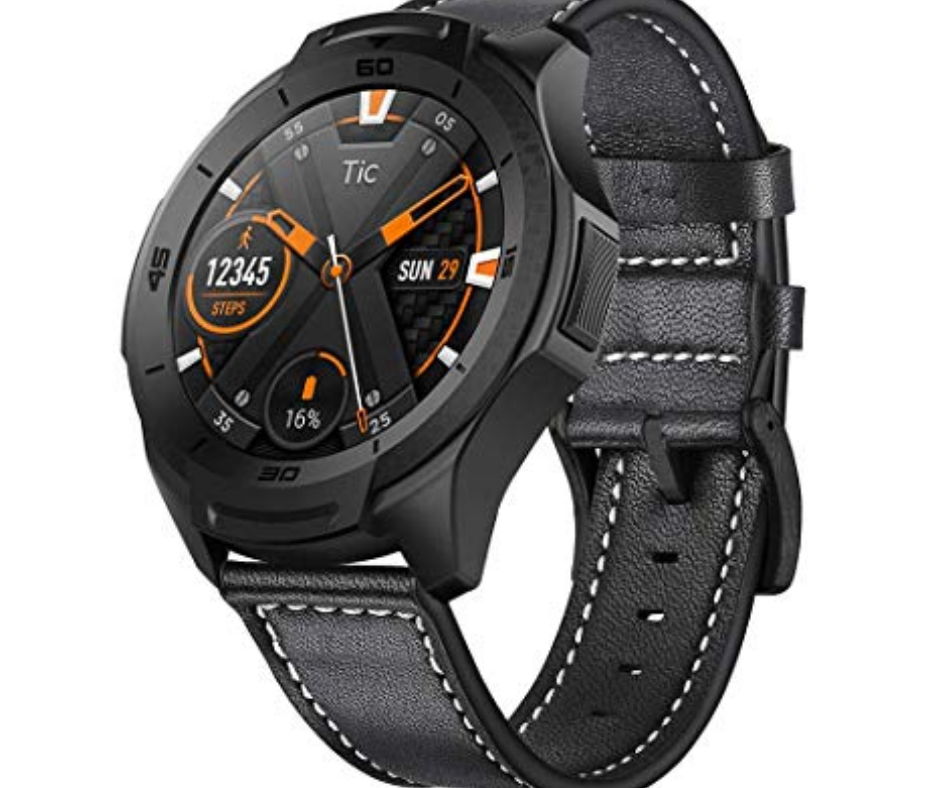
    This smartwatch is pretty similar to TicWatch E2 in specs. On paper, both of these watches are the same and the company launched two variants with two different names as they look different. TicWatch S2 generally refers to “Sport” for its more durable design as compared to E2.

    It was tough, military-grade design and it can take even more wear and tear than other watches listed here. It is best suited for adventure sports.

    TicWatch S2 Best Android Wear OS Watches 2019

    In addition, it has GPS, a 2-day battery life, a waterproof design, and the latest Wear OS software. If you want a sturdy design, go for TicWatch S2. Otherwise, E2 is the option if you are looking for a budget smartwatch.

    4. TicWatch Pro

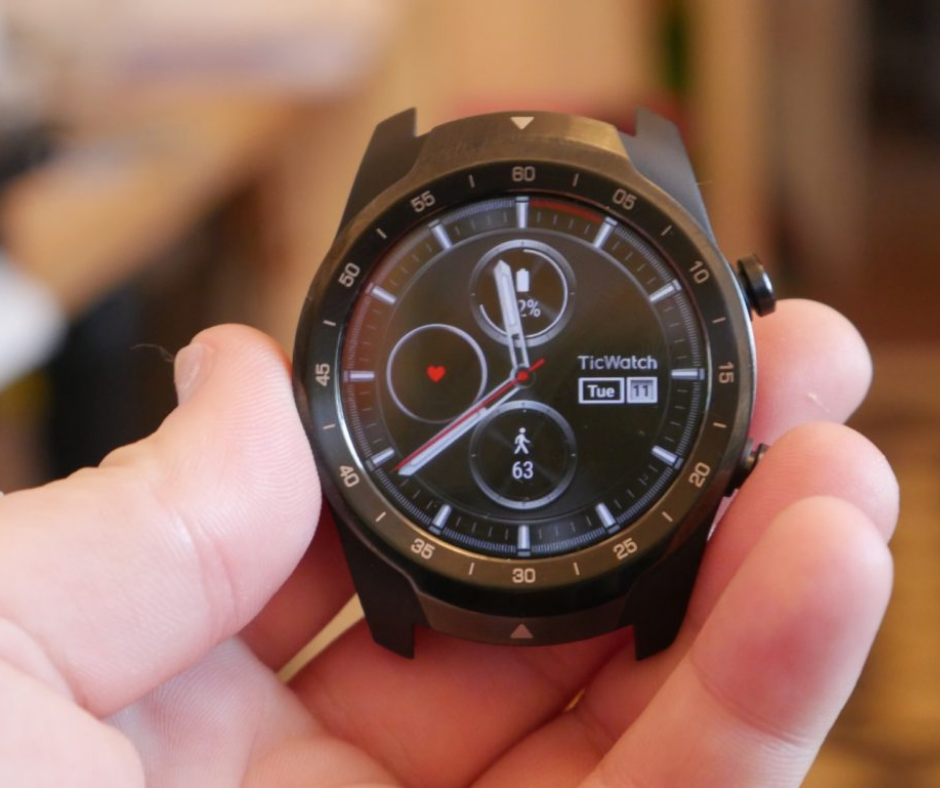
    From the house of Mobvoi, the Ticwatch Pro is truly a power-packed smartwatch with two displays. Instead of having one display on either side, this smartwatch has a clear LCD panel over the colorful OLED display. It switches to the LCD screen to show just step count, time and other details when it is in battery saving mode.

    TicWatch Pro

    The usual OLED display works like just another smartwatch. The LCD display is given to save battery unlike other smartwatches listed here. It has also got a heart rate monitor, premium design, NFC, GPS tracking, and even more features and it runs the latest Wear OS software.

    5. LG Watch Style

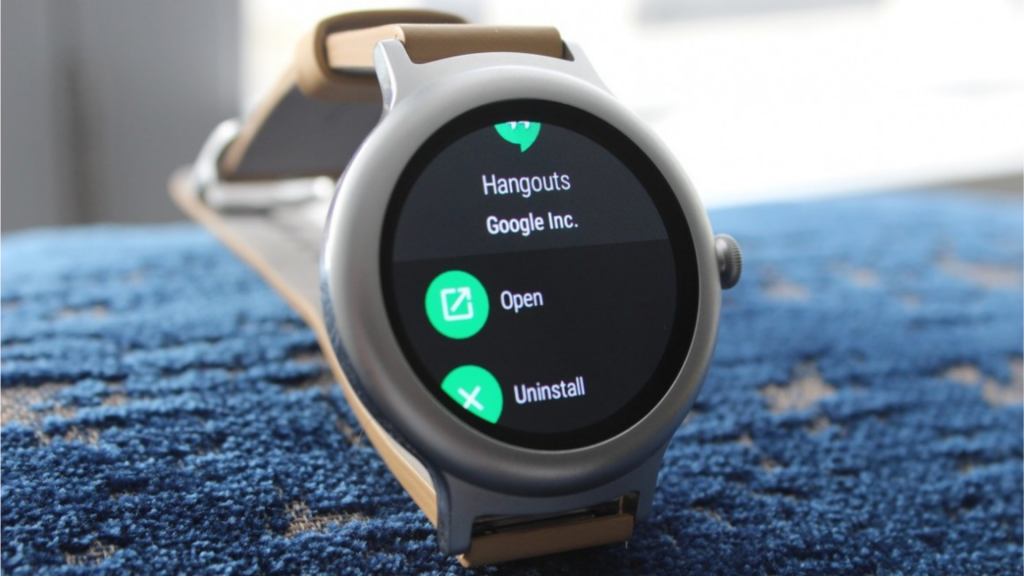
    LG Watch Style is truly a stylish smartwatch in each sense as the name suggests, with a circular display and stainless steel, sand-blasted chassis. It measures only 10.8mm, making it one of the slimmest Wear OS watches.

    It looks simply great on your wrist and it is worth noting, especially on smaller wrists. Most of the smartwatches look bulky due to which small wrists look dwarf with them.

    LG Watch Style

    On the other side, the LG Watch Style has also got a rotatable crown. This way, you can easily navigate without having to push its small screen. It has got 1.2” P-OLED display which is completely curved without any flat tire.

    It has got some basic specs but can definitely match the level of expensive watches. Despite its premium look, the price is not quite premium at all. However, there are some cost-cutting here to make the watch slim. It doesn’t have a heart rate scanner and GPS here.

    6. Misfit Vapor 2

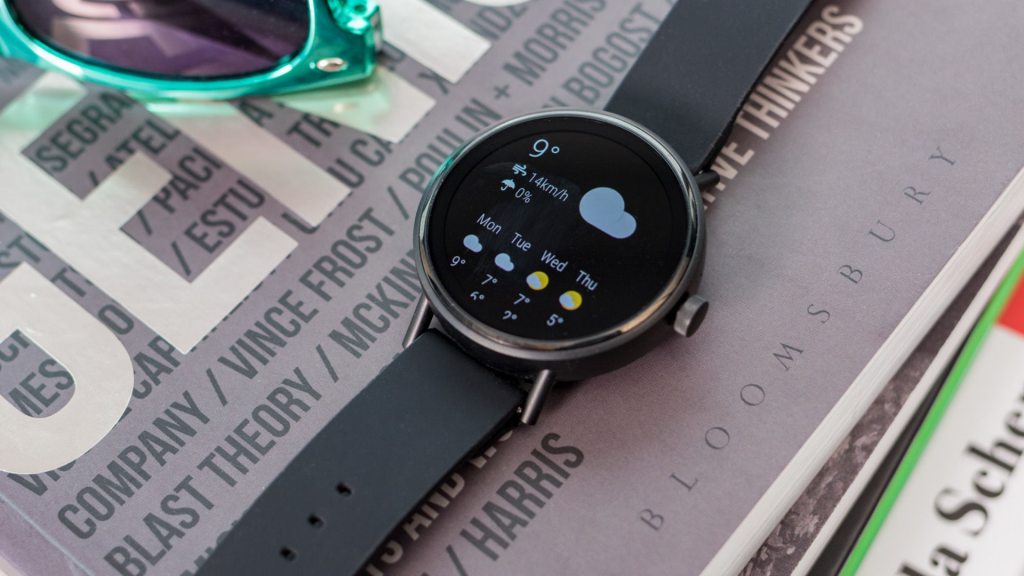
    The Vapor 2 is the second attempt of Misfit as a Wear OS watch. It is a positive step by Misfit in the right direction. This amazing product solves plenty of issues with the first generation. It has GPS to keep track of your steps, NFC for Google Play, and there are two different sizes.

    Misfit Vapor 2

    This watch has got a very simple design and it is something you can expect from a smartwatch. You can choose from a 1.2-inch and 1.4-inch display, which has enough space to navigate through. It is one of the best smartwatches for athletes. It is very affordable as compared to some of the alternative smartwatches. It is one of the best options for many people.

    7. Huawei Watch 2

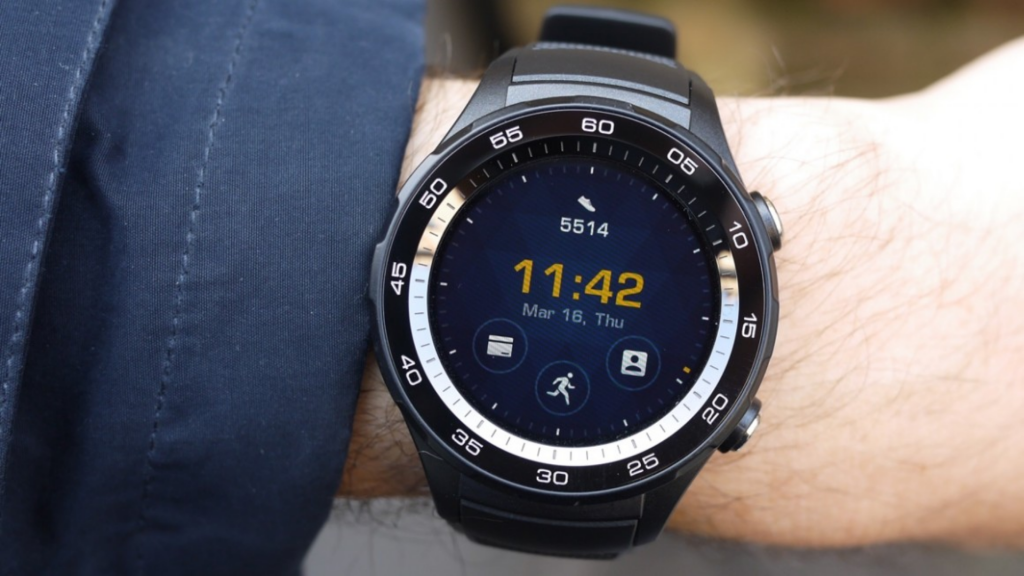
    The Chinese tech company Huawei has had a great attempt to launch Watch 2 to increase the users’ base of Wear OS watches. Huawei has attempted to add a lot of cool new features to its latest smartwatch. It is still not clear if it would succeed with this device.

    Huawei Watch 2

    It comes with NFC and GPS inbuilt along with 4G support. But the screen is quite small and it looks quite sluggish.  It may be best suited to a lot of amazing features and an appealing design. But the price is a bit on the high side as compared to the previous Huawei Watch.

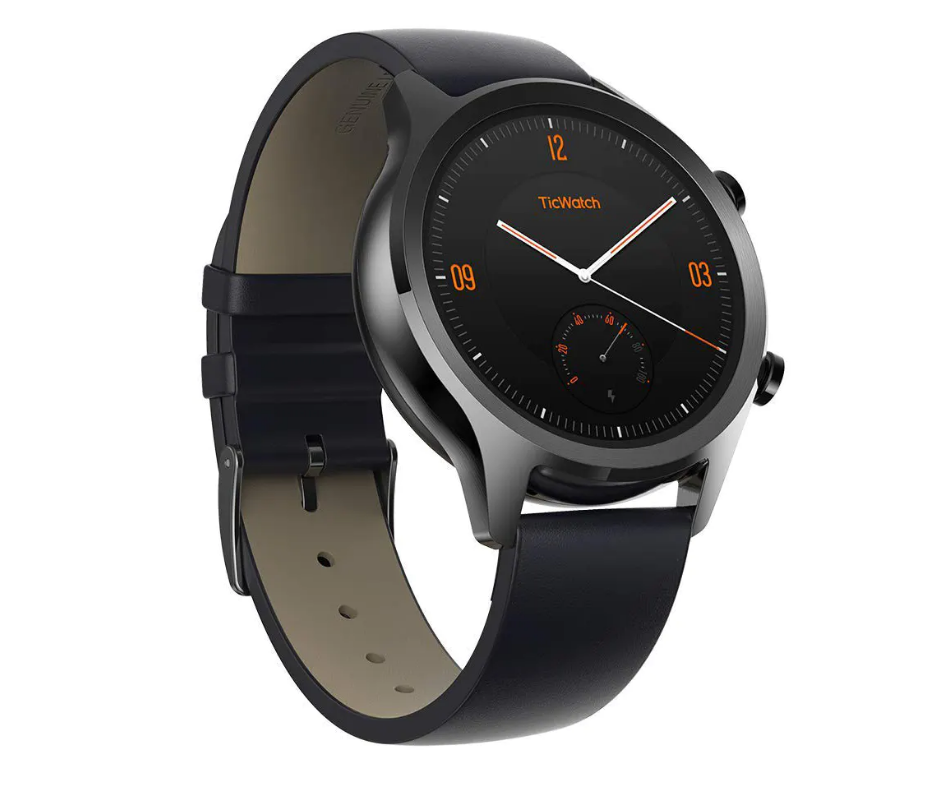
    8. TicWatch C2

    It is one of the least recommended Wear OS watches in the TicWatch range. It doesn’t look much innovative as compared to TicWatch Pro.

    TicWatch C2


    It is still a viable choice as an affordable smartwatch. It comes with Google Play and GPS support in one package. But fitness fans may not like it that much.

  • The Google Pixel Watch

    The Google Pixel Watch

    With the launch of the most awaited Google Pixel Watch, we are expecting Wear OS to come up at its best. But it doesn’t feel like we are going to see it anytime soon. According to the speculations, Google was expected to launch it with Google Pixel 4. But has it happened? No!

    The Google Pixel Watch: Here’s Everything We Know

    There are also rumors that Google was working hard to make its official smartwatch to showcase what Wear OS can do just like they had done by introducing Google Pixel phones to represent Android. But we haven’t seen any Google-branded watch yet.

    In 2018, @Evleaks, a reliable Twitter leaker, had reported that Google Pixel Watch was being developed and he got the leaks from a trusted source. According to his source, it was supposed to be announced with Pixel 3 and 3 XL. But it didn’t happen either.

    Meanwhile, we are about to break down all the details we know about the Google Pixel Watch so far. We don’t know whether it will really happen. But we have listed some of the speculated designs and features of the first flagship smartwatch by Google.

    Key highlights

    • What is Google Pixel Watch?

      – Google’s first flagship watch

    • How much it will cost?

      – The price might be on the high side, but there is no specific detail yet.

    • When it will be launched?

      – Probably in 2019, Maybe later

    Release Date and Price

    For the rumored Pixel Watch, the official release date has not been announced yet. We heard the latest rumor which claimed that it is October 15 but it didn’t happen and we got only Pixel 4 launch.

    We got our first rumor of the launch date in a tweet from Evleaks who claimed that it would be launched with Pixel 3 and 3XL earlier this year, according to his reliable source.

    Along with second-generation Pixel Buds and Pixel 3 and 3 XL, a reliable source was fully confident that, a Pixel-branded watch would also be launched during the fall hardware event by Google. And it was reported in May 2018.

    But in 2018, Google also confirmed that there would be no Pixel Watch anytime soon. Does it mean we would see it in 2019? Maybe there is no guarantee.

    According to a report about 3 variants of Google Pixel Watch by WinFuture, the device has been on another level of verification of the design. So, it means it is being tested to find out if it is ready for mass production.

    It shows that the design would be final enough for the production line in the future. Also, it has been cleared that a new codename has been found for a device “medaka”.

    It is nothing new because Google always gives its products with a codename of sea creatures. Medaka is a small fish and the device may not have a notch. So, it seems to be a Pixel Watch.

    Price-wise, we don’t have any strong information. Since the Pixel range usually brings high-end products with some flagship-level prices, it is expected that the smartwatch would also come at high prices. But we don’t have any evidence currently to prove that.

    What about the news and speculations?

    There is nothing much known regarding Pixel Watch when it comes to specs. It is all set to be a high-end device that uses the latest smartwatch techs.

    It is expected to run the latest and most powerful Qualcomm Snapdragon 3100 SoC which is known to improve battery life and give more power to your favorite apps.

    The Google Pixel Watch: Here’s Everything We Know

    The codename “Blackghost” is another rumored feature that is somewhat related to the power management circuit in the chipset. With this feature, your watch will hear your voice commands all the time without affecting battery life.

    It is not actually the feature of Snapdragon 3100 chipset. But Google may have found a way to add this exclusive feature.

    Another report from WinFuture suggests that the Pixel Watch will actually have 3 versions to be developed. The website has suggested some codenames for devices like Triton, Ling, and Sardine. All of these are being developed at Google HQ.

    The exact differences between the devices are still unclear. It seems that there will be three variants of the smartwatch. According to the same report, one version would come with up to 1GB RAM, which is huge in terms of the smartwatch.

    It is also speculated that one watch will be based completely on fitness and others will have LTE support. We still haven’t heard so far as to what those versions are going to be.

    Here are some of the features expected from Google Pixel Watch –

    1. Rotating bezel or crown

    Android Wear 2.0 has been focused on the way design is reworked to go well with rotating crowns or bezels before switching to Wear OS. We are yet to see other watches having that feature.

    The Google Pixel Watch: Here’s Everything We Know

    2. Waterproof

    We have seen smartwatches with some level of water and dust resistance. But only a few have managed to come with high enough IP rating to ensure that they can survive when we splash into the pool. We expect a completely waterproof Pixel Watch which would let you keep it on in the pool and also track your activity without any fear.

    3. Up to 3 days of battery life

    Well, this one is quite simple. We expect Google Pixel Watch which doesn’t need to charge up even after 2 days of heavy usage.

    Wear OS features a handy battery saver mode which can give even more time with smartwatch while limiting some features when it is turned on. Google definitely needs to improve the longevity of the smartwatch after a single charge.

    4. In-display fingerprint sensor

    Adding an in-display fingerprint sensor can definitely put Pixel Watch ahead of the competition. Currently, Apple Watch and Wear OS watches are locked with a PIN code.

    But it is not that secure. The in-display fingerprint scanner can fit smoothly into the watch without having to affect its visual appeal. You can also allow purchases with NFC.

    But there are a few challenges. First of all, the thickness of the watch could be increased by adding this technology. Second, it might also cost higher. If Google manages to deal with these challenges, Pixel Watch could be a killer tech for Android users.

  • How to Find Cheapest Flight Tickets

    How to Find Cheapest Flight Tickets

    Feeling lost in the sea of travel apps? Actually, there are so many travel apps that claim to save you both money and time. Choosing the best travel app for the cheapest flight tickets is a matter of trial and error. Don’t worry. We have searched the digital world and came up with a range of top travel apps to book cheap flight tickets for international travel.

    How to Find Cheapest Flight Tickets for International Travel in android apps

    But before that, we are going to list some of the golden rules to help you find incredible flight deals. Keep in mind that traveling has nothing to do with how rich you are.

    Over the years, finding affordable flight deals has never been so easier. The key here is timing and using the right tools.

    1. Always search for the cheapest flight on the private browsing mode until you actually book the ticket.
    2. Always consider the best price for the route you are looking for.
    3. You need to be as flexible as possible with your time of the day, dates and airports.
    4. Get to know about deals and promos and check prices as early as possible.
    5. Collect miles using Frequent Flyer Programs if you travel a lot.
    6. Look for cheapest airlines
    7. Sign up for email notifications.
    8. Choose the right websites and apps for flight comparison.

    Best Apps for Cheapest Flight Bookings

    Of course, trips usually need enough money. But you can save money with the apps listed here. You can save up at least half of your travel expenses.

    TripAdvisor

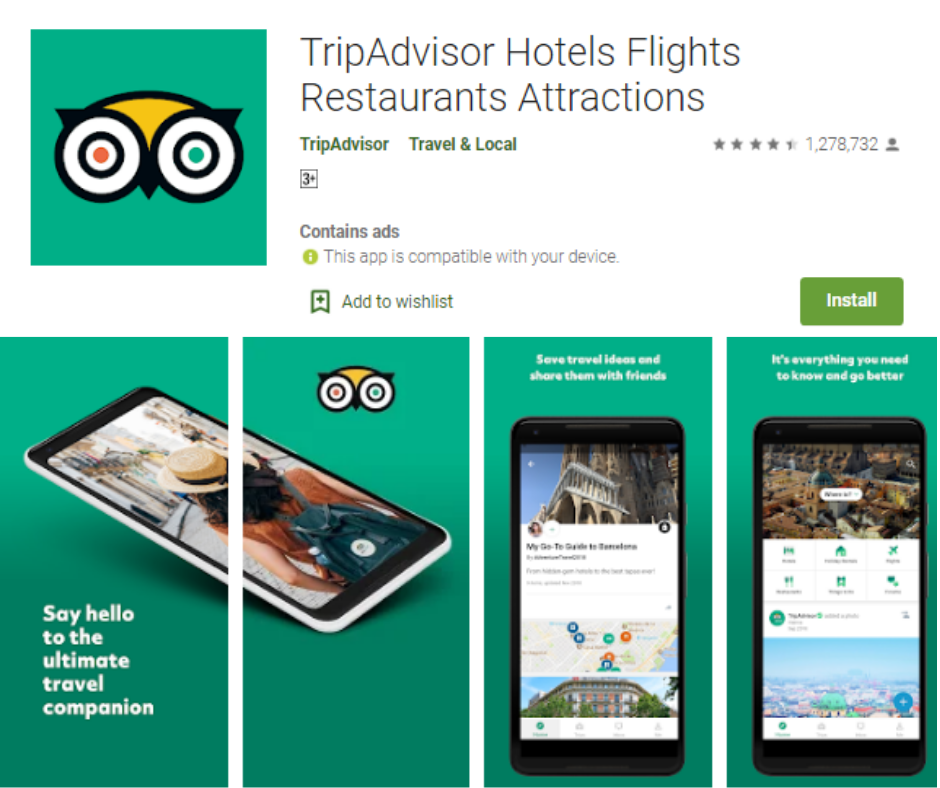
    TripAdvisor is an all-inclusive app for cheap flights and hotel deals. After choosing a cheap hotel, you should also get a cheap flight that can help you save up. This app features simple and intuitive UI which can save your time and take you directly to the features.

    How to Find Cheapest Flight Tickets for International Travel in android apps

    You can easily find a flight from any airline across the world and plan ahead for a round-trip or one-way ticket. Both arrival and departure dates are chosen by the user, along with the cabins they want to use. There is also a filter to find out the cheapest flight of the search results.

    You can set a range as per your budget. Flights will be highlighted in green that matches your price range. This way, you can easily spot a flight. You can easily save a lot from both hotel bookings and flights with this app.

    Skyscanner

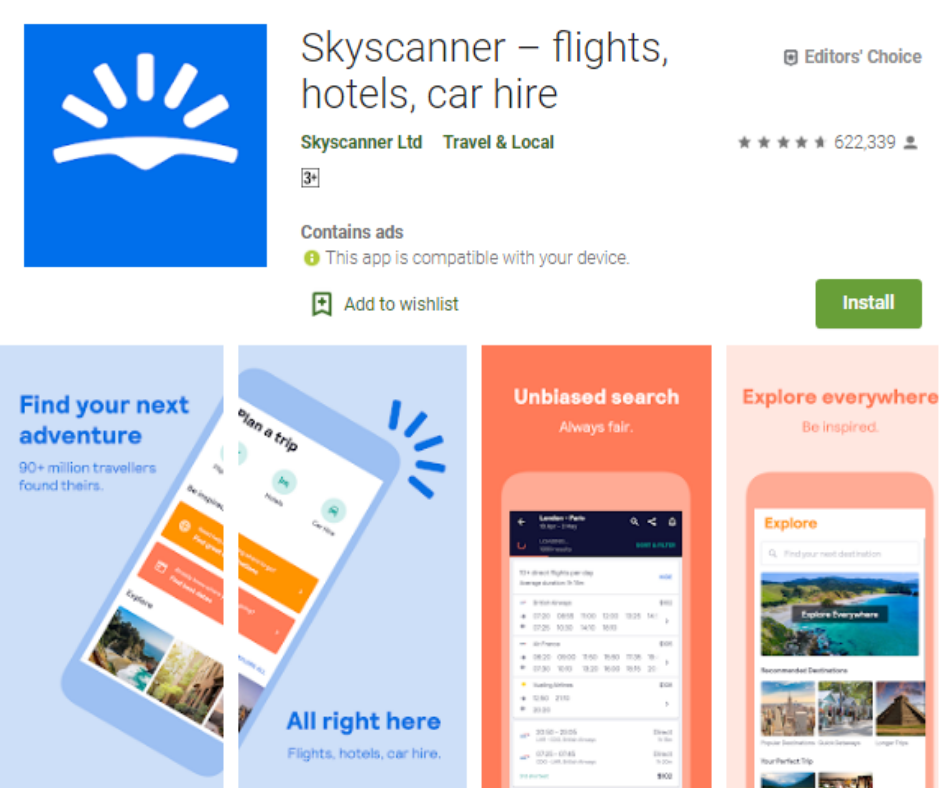
    If you don’t know where to find cheap flights, Skyscanner is here. You can also visit its official website to choose great flight deals. If you don’t have time or access to the laptop, you can use its Android app to bag a flight deal. It shows flights from all low-cost airlines and you can compare thousands of flights.

    You can choose the best flight deal with its filter. Simply search for a flight, apply a filter as per your budget, and get a list of flights in a few seconds.

    Skyscanner

    There is also an option to share flight details with your family and friends using just one tap. It comes very handy when your family or your friends are planning for a trip with you.

    KAYAK

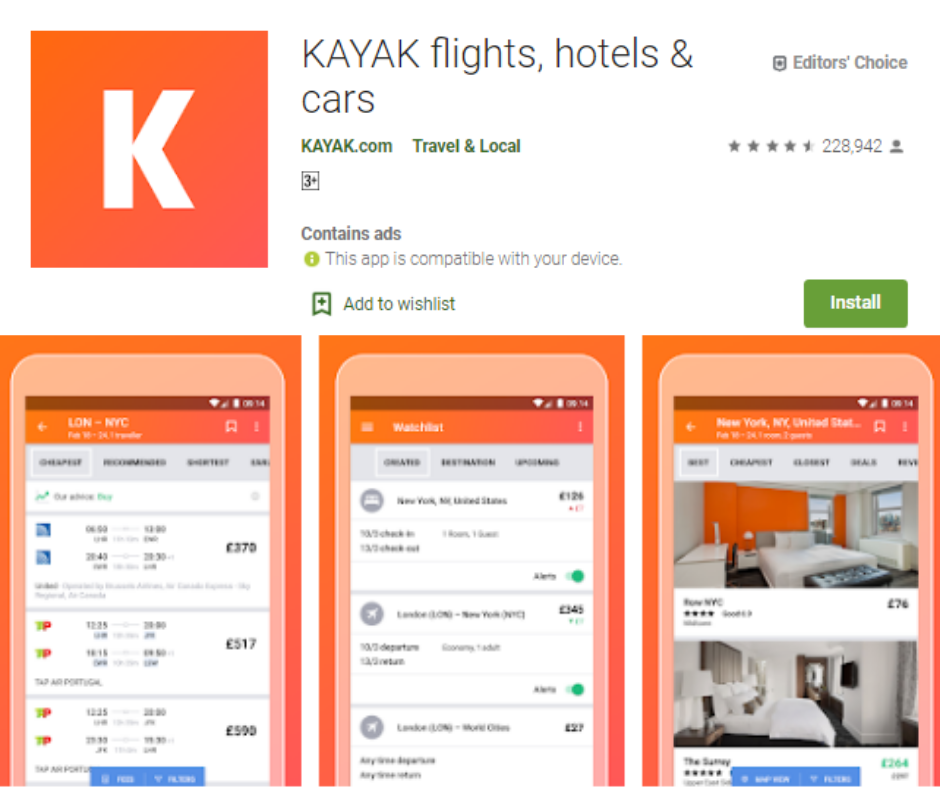
    Kayak.com is one of the most trusted portals for flights, hotels and cab bookings. You can also download its Android app to enjoy amazing services on the go. It has been made more convenient and accessible with a user-friendly interface.

    Compare flights with their filter options. Like other apps listed here, the filter option is the handy feature that presents the cheapest flights that can match what you have set.

    How to Find Cheapest Flight Tickets for International Travel in android apps

    Along with affordable flights, you can also keep track of flight status. It can send a notification to your mobile in case the flight has been delayed or canceled. You can download this app for free to search for cheap flights from Google Play Store.

    Hipmunk

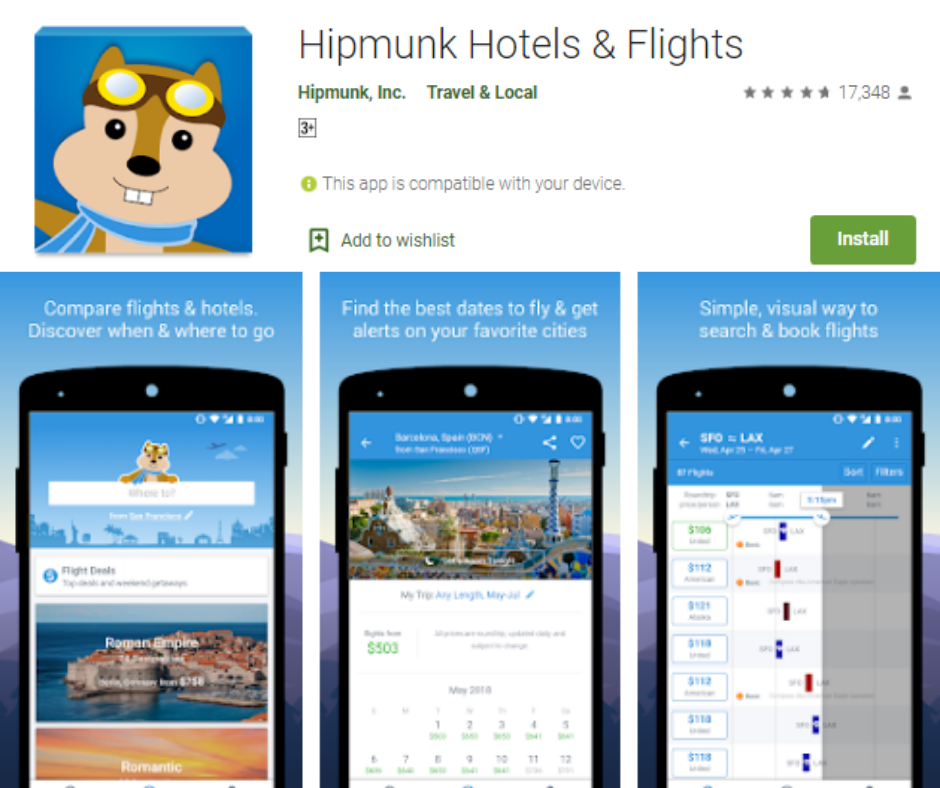
    The team behind Hipmunk really considers its customers and their needs. They know how painful it is for someone to spend several hours on a flight. If you are worried about both the time and price a flight would take, Hipmunk Hotel & Flight Search is just for you.

    Hipmunk

    Along with showing the cheapest flights arranged well, Hipmunk also shows how many stops and how long your flight will take with an ‘agony’ filter. Along with choosing the cheapest flight, you can also consider other aspects with a specific flight.

    After choosing the least agonizing and cheapest flight, you can easily book a flight directly with this app, share your file details through email, or book the flight directly from your computer.

    Searching and booking cheap flights have never been so faster and easier using this app, no matter where you are. You can download this app for free from Google Play to save money.

    JetRadar

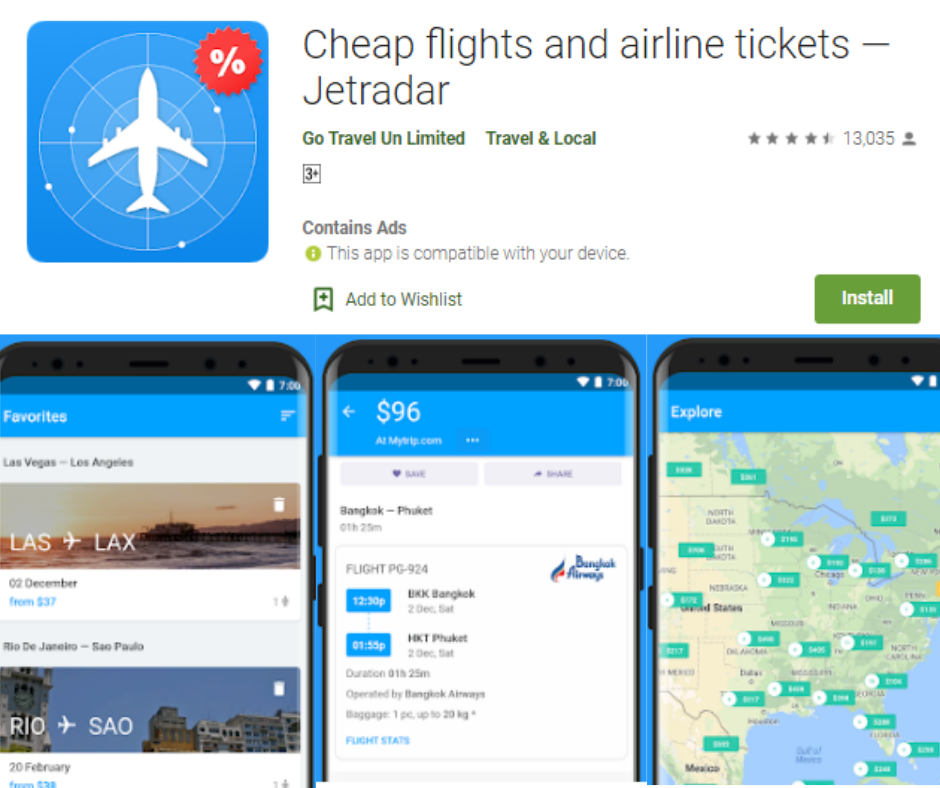
    This app searches fares from several low-cost airlines and helps you choose the best flights to your destination. Available for both Android and iOS, JetRadar searches for the flights and compare them on over 1000 airlines. It adds a lot of filters on its flight search feature.

    You can easily choose the right flight and add tickets to “Favorites” and keep track of price changes. It also allows you to narrow down your searches by total price, the number of stops, stopover duration, journey time, and other important factors.

    Jetradar

    Hopper

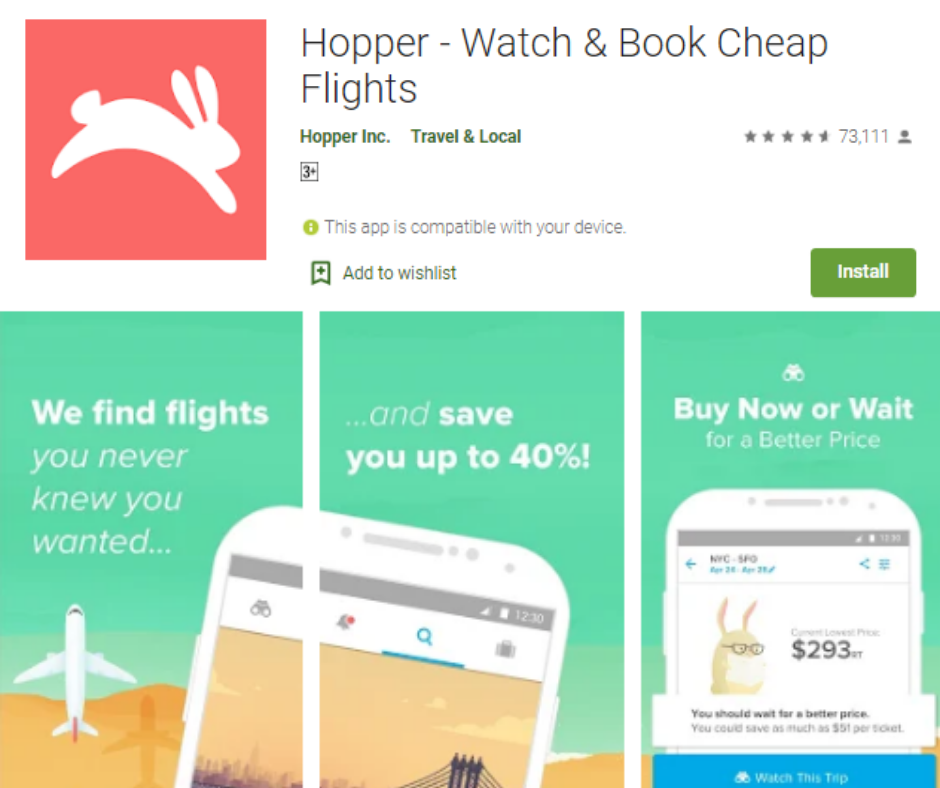
    If you want to know how much the price of a particular flight can rise, Hopper is the best choice. Along with searching for the cheapest deals, this app can tell you if the price of a particular flight is lowest.

    It will also suggest to you whether it is right to buy it or leave it. You can find out the approx price rise in the near future.

    Hopper

    You don’t have to face pop-ups and ads with this app. It is a clear and smooth app. If you have planned several trips, Hopper can help you as well. You can set it up to look for only nonstop or connecting flights, as you like.

    Verdict

    Traveling can be both fun and costly. This way, you may want to find the cheapest possible flight by choosing the above apps. You don’t have to pay anything extra just to get the best deal.

  • Samsung Galaxy A90 5G Review

    Samsung Galaxy A90 5G Review

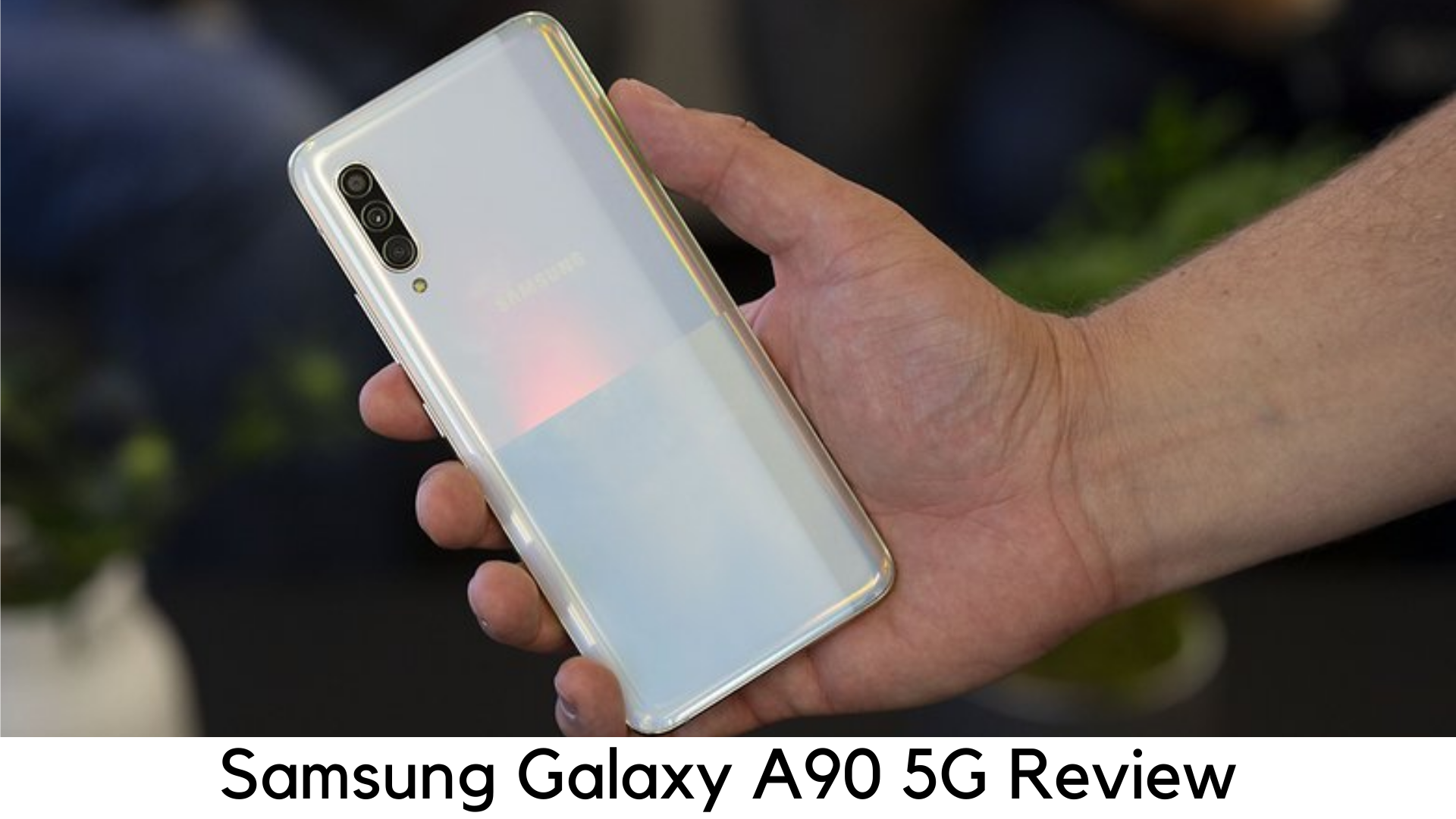
    Samsung has unveiled its Galaxy A90 5G at an annual Berlin tech show, IFA 2019. It is the latest addition to its 5G devices and the latest entry to the affordable Galaxy A range by Samsung. Basically, 5G is an expensive feature yet. So, the 5G devices are quite on a high side currently. We have got a hands-on with Galaxy A90 5G.

    Samsung Galaxy A90 5G Hands-on Review

    Price and Launch Date

    Just after its September 5 release, Samsung Galaxy A90 5G has been available for purchase in Korea. After a month, it was launched in the UK on October 4. If you live in the US or Australia, you need to wait a bit longer as the release date is still not clear in those regions.

    Samsung Galaxy A90 5G Review

    When it comes to price, the 5G device will be available for €749 (which is roughly £630, $830, and AU$1215). So, we cannot claim it to be an affordable device yet. But it’s a bargain as compared to other 5G devices. We couldn’t convert the launch price exactly to other reasons. So, it might be priced more or less in your region.

    Display

    On paper, the Samsung Galaxy A90 5G is an ‘affordable’ smartphone, but it’s only in comparison to other 5G handsets. It still holds a premium price tag, according to many people. On the other hand, it is going to be built with materials that are expected from a mid-range device and it can be felt with its weight.

    Samsung Galaxy A90 5G Display

    Samsung Galaxy A90 5G is, of course slim, but not that thin at flagship level. The tactile volume rockers and power button on the side feel solid and well placed but there is still some heft on its thickness.

    Weighing around 206g, it feels quite heavier than its price. It is quite tall with dimensions of 164.8 x 76.4 x 8.4mm, even though not as wide as other devices with the same screen sizes.

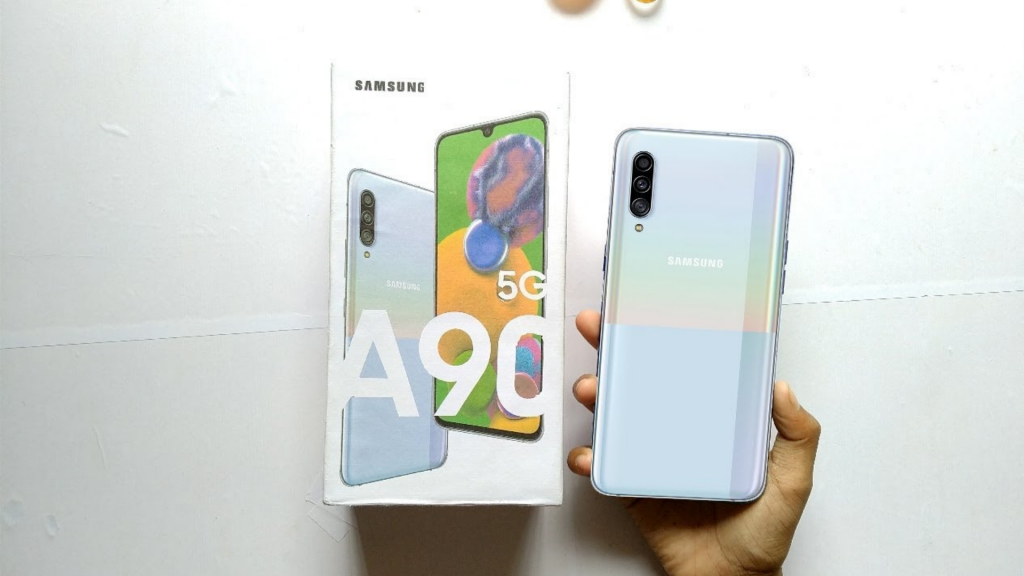
    With dual-tone rear panel, black plastics are quite heavily used in its built. The upper half comes with gloss shine but it splits halfway down. The rear panel of the phone shifts to the rainbow-black effect. It reminds us of Google Pixel 3 somehow.

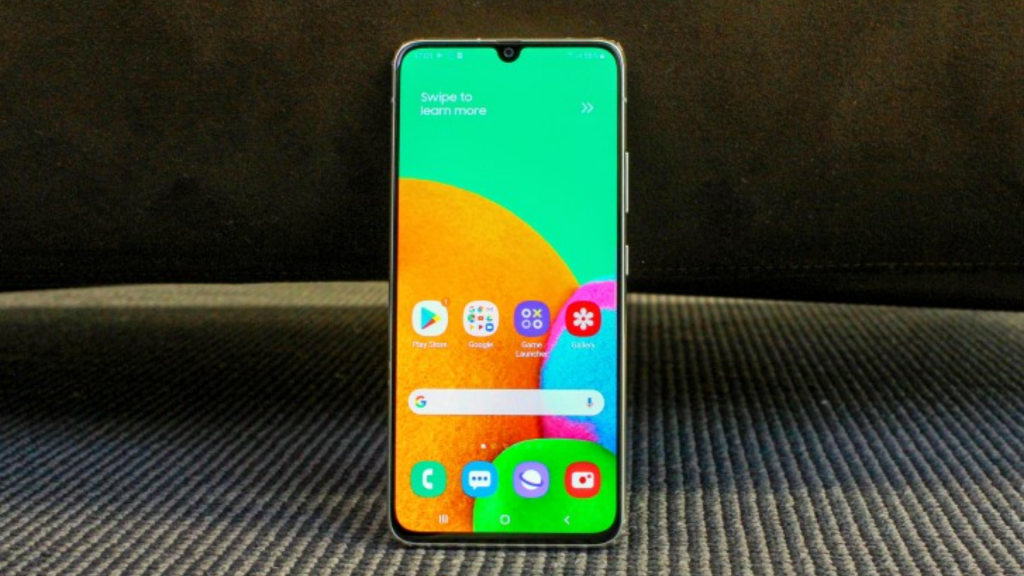
    At 6.7 inches diagonally, the display is quite large but appealing too. It held its own brightness and vibrant colors to deal with the glare of several overhead lights at the showroom. But it dropped the color vibrancy at an angle.

    Super AMOLED display is really very sharp but not that crisp like other Samsung devices. The apps and text looked legible but the pixel density is apparent and gets close enough. Well, you won’t find any change in daily use. But it seems that its 5G support ramps up the price tag over everything else.

    Like most of the Galaxy A series of phones, it has got an Infinity-U display. There is a tear-drop notch having a selfie camera.

    Camera

    There are triple rear cameras in the Samsung Galaxy A90 5G, including 48MP main, 8MP for the ultra-wide-angle lens, and 5MP depth sensor. Today, even mid-range smartphones have ultra-wide-angle lenses. But there is basically a telephoto zoom lens with optical zoom rather than the depth sensor in a 3-camera setup.

    Samsung Galaxy A90 5G Camera

    It means you can take pictures of your meals, pets, or friends with Samsung Galaxy A90 5G instead of far-away objects. It also has a 32MP front-facing camera, which is a high resolution for taking sharp selfies.

    When it comes to responsiveness, it is truly visible in the device camera as well. The snapper launches quite quickly and focuses on the subject with just one tap and jumps into AR modes quickly.

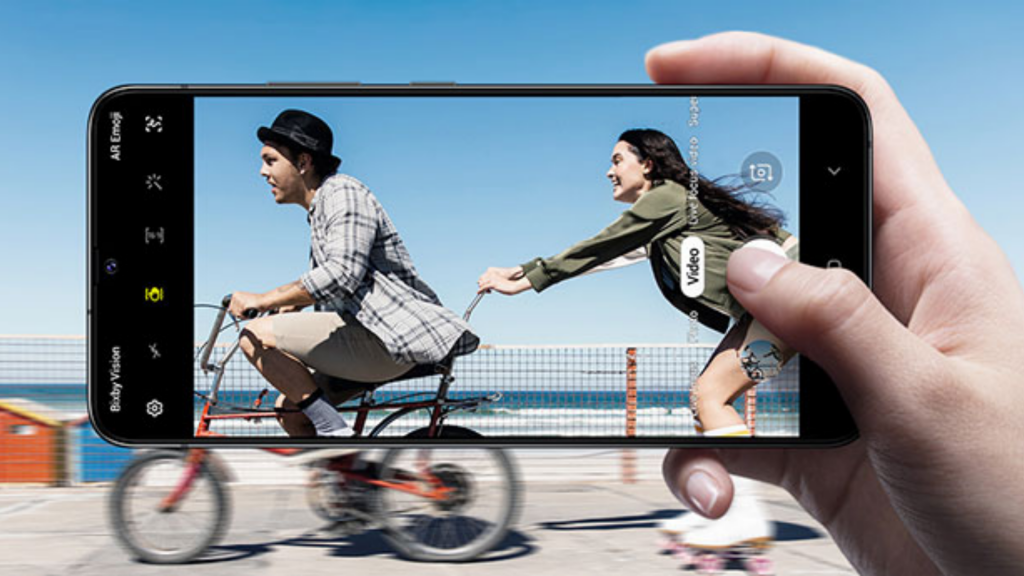
    You can quickly toggle between the camera modes with one swipe of the display. It also allows you to choose the mode and use it in a jiffy, even single-handedly. If it’s the first Samsung phone you are using, each setting’s name is confusing at first glance. You never know what “Live Focus” means before actually getting a hand on it.

    When it comes to battery life, Galaxy A90 5G packs over 4500mAh of juice, which is quite huge. It takes some time to know the actual backup of the phone. But its capacity can definitely accompany you for longer.

    Even though it seems discharging, its 25W fast charging is quite snappy. Let’s see if it comes with a fast charger bundled or you will need to buy it on your own.

    Specs and Performance

    When it comes to performance, our hands-on time was quite promising with Galaxy A90 5G. It was quite smooth when switching between apps, flipping through menus and loading apps and games. The screen response was quite fast and smooth with no lag or stutter.

    The handset packs 6GB or 8GB of RAM, according to the model you choose. However, the processor the device would get power from is still not clear. According to the region, it could be Snapdragon or Exynos, just like other Samsung phones.

    Similarly, it had no issues when switching between taps and apps for multitasking and firing up games. The demo model we tested had no games pre-installed to test. But the company claims that its processor would optimize with the game requirements on the go.

    When you will need a power-packed headshot, it would supercharge the game. When using casual apps like Facebook or WhatsApp, it would bring back the performance to normal to save battery. It would have both faces unlock and in-display fingerprint scanner for security.

    Our Verdict

    The Galaxy A90 5G is all set to come up as an affordable 5G phone which wouldn’t force you to break the bank just for 5G connectivity. The handset will come with all the features to make it impressive like the sleek design and sharp and bright display. Game optimization and other features make it worthy for gamers.

    Pros

    • Sharp display
    • Really long battery life

    Cons

    • Camera app UI is quite confusing
    • The device is quite heavy

    Overall

    Samsung Galaxy A90 5G is one of the first 5G phones which are quite affordable. So, there is nothing much to compare. Its sharp display and robust performance make it quite closer to premium status.

  • How to Set a Custom Name and Profile Photo

    How to Set a Custom Name and Profile Photo

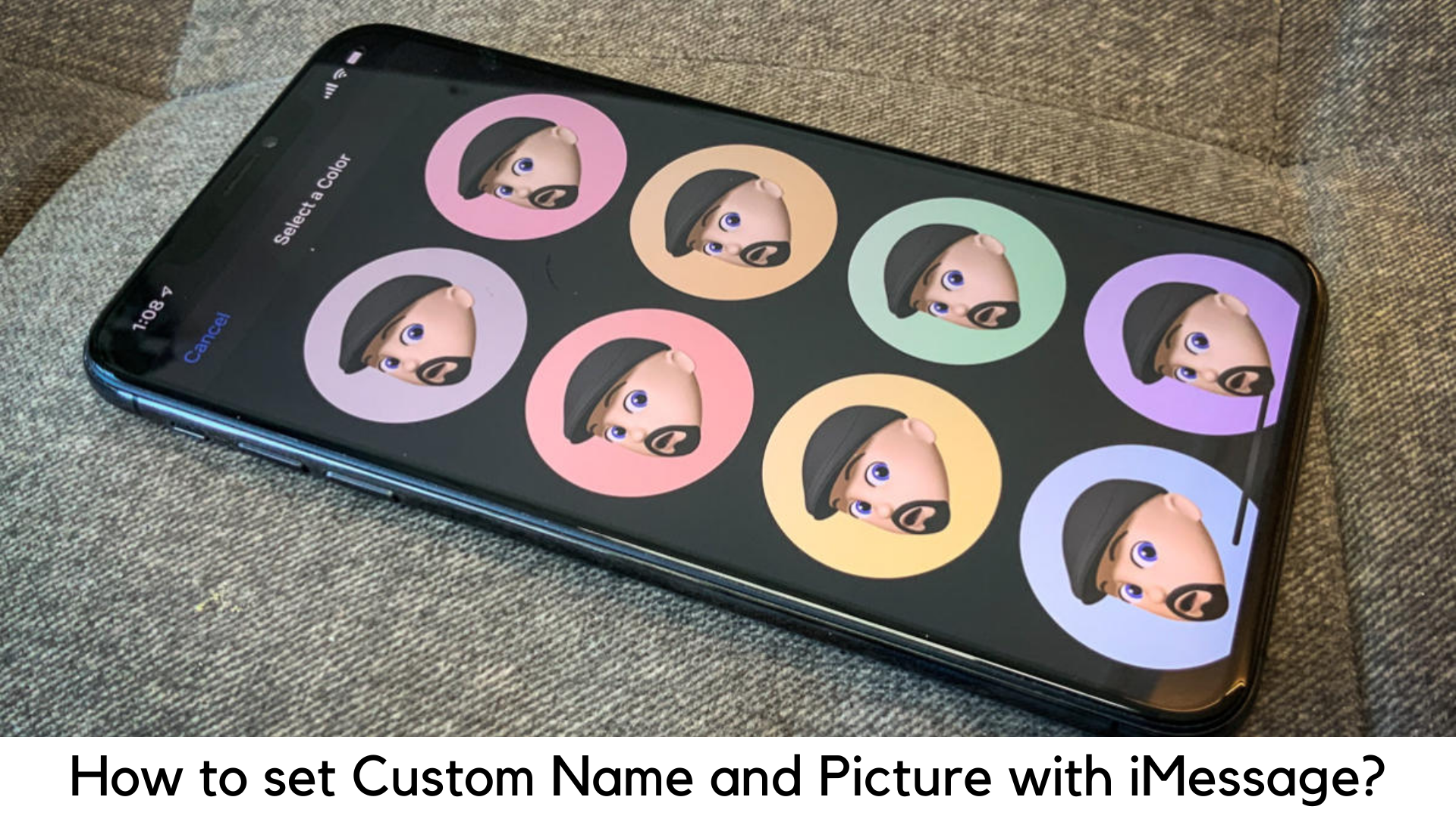
    You can set your display picture and profile name in most of the popular messaging apps like WhatsApp. Well, iMessage on iPad and iPhone was the only app that left without this feature until the rollout of iOS 13. If you have been missing out on this feature, it’s the best time to set a display picture and a custom profile name on iMessage. With the latest iOS release, you cannot just set your display name, but can also set a display picture from your gallery or even use Animoji or Memoji if you like.

    How to Set a Custom Name and Profile Photo with iMessage on iPhone and iPad?

    Keep reading as we will tell you about setting a profile photo and custom name in iOS 13 on iMessage.

    Setting a profile photo and name on iMessage

    Keep in mind that you will get a pop-up screen automatically asking you to set up your display picture and the custom name just after updating iPhone or iPad to iOS 13 and opening the Messages app.

    You can do it easily by following the on-screen steps. In case you missed this step, here are the steps to do so:

    How to Set a Custom Name and Profile Photo with iMessage on iPhone and iPad?

      • Tap on the 3-dots icon on the top when you open the Messages app. Tap “Edit Name and Photo”.
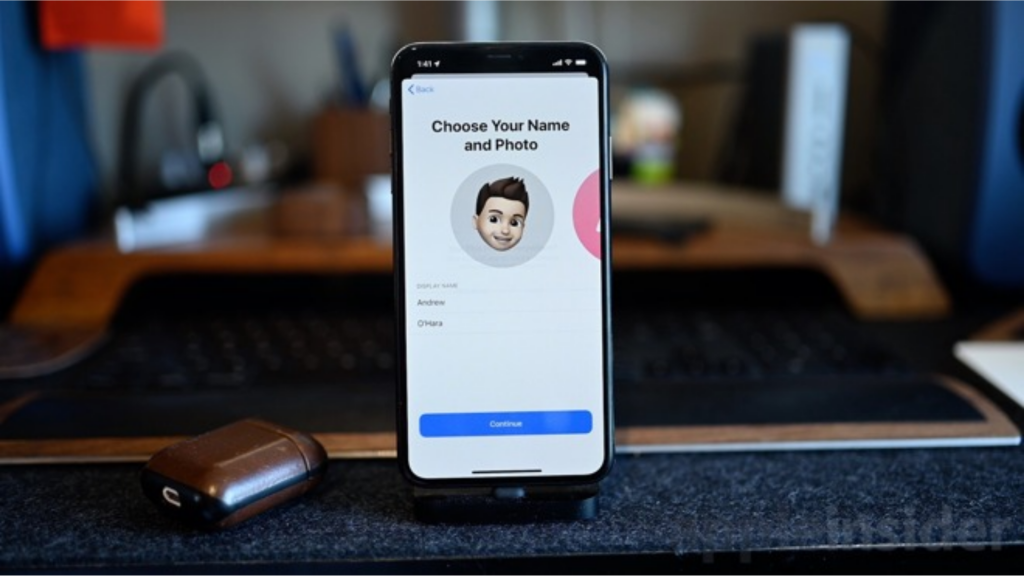
      • You can create a Memoji if your latest iPhone supports the same. Or you can skip this step and go to the next screen. Now you can set your profile picture for the first time. Simply select “Choose Name and Photo” to do that for the first time. If you have set up your name and photo, go to the next step.
      • You can now choose a picture from your photo gallery. Simply tap the “All Photos” option or “Camera” icon to click the selfie. You can also choose a Memoji or Animoji. Once you have decided your option, simply tap “Done”.
      • You can now find a pop-up that will ask if you would like to use a specific picture in your My Card and Apple ID in your contacts. You can skip it by selecting “Not Now” or do it by tapping “Use”.
      • Once you have set up your profile picture, enter your first and last name. It is not important to enter a real name. For example, if you want to add a different name like “Phoenix”, you can do it so.
      • You can also share your photo and name with specific people. You can choose from two options – Always Ask and Contacts Only. Well, “Always Ask” is better if you have privacy concerns. All those options are available at “Settings> Messages> Share Name and Photo”.

    What’s New in iOS 13 for Animoji/iMessages?

    • Share name and DP

      – You can share a name and photo with the other person you know when starting a conversation. You can choose whether you want to share it with everyone, contacts or no one at all. You can also use an image, Animoji or monogram.

      How to Set a Custom Name and Profile Photo with iMessage on iPhone and iPad?

    • Improved Search

      – You can easily search what you want in Messages. Even before typing a character, you can see people, recent messages, links, photos, and locations you want.

    Memoji stickers

    – It generates sticker packs automatically on the basis of Animoji and Memoji characters to show a range of emotions.

  • Will Google No Longer Send Signal Data

    Will Google No Longer Send Signal Data

    Google is one of the leading tech giants offering a variety of Android services to the users. It has also been serving network operators by enabling them to find out the loopholes in-network coverage. But this type of data access can be a huge breach to the privacy of users.

    When it comes to sending signal data of your Android device, this ban was important because of its prolonged security concerns. Privacy protection is an important feature that is important for users. Hence, Google has been focusing more on protecting the privacy of the users. Due to this reason, the company has decided to stop providing those services silently.

    Google No Longer Send Signal Data from Android phones to Avoid Privacy Violations

    Why was Google so worried about privacy violations?

    According to an Android Police report, Google has been offering a map of network strength as well as speed to network operators since the beginning of 2017.

    This map was built through the data gathered from Android devices, which account for over 75% of devices across the world.

    Google so worried about privacy violations

    Reuters suggests that Google has completely stopped its Network Insights services. This feature was activated to show maps of signal strength to the providers and to raise data collection from devices. Later on, the data collected from those devices were anonymized.

    It asked users to share usage, location, and diagnostic details. Google has always been concerned about the privacy of users as it might lure in hackers. This service has had a very negative impact on network operators. It has been used for the decision-making process in order to extend the network coverage.

    In March 2017, the Mobile Network Insights service was introduced to help the carriers. Google’s Network Insights was indeed helpful for network operators with the availability of a lot of new Android devices.

    Any telecom company can easily get real-world usage states from the OS on a phone. Even though Google has kept the data sharing anonymous, but there were still concerns because it may affect the user’s privacy.

    Google was used to ask Android users to share network data when it comes to setting up a new device. Making the Network Insights anonymous means it shouldn’t be used to trace back any specific person.

    What Google has to say regarding this matter?

    Reuters further reports that Google has officially confirmed that Insights service will no longer be available to the network providers. It has been stated as a change because of the user’s privacy. There is basically no other reason to discontinue this service.

    Google No Longer Send Signal Data from Android phones to Avoid Privacy Violations

    Bottom Line

    Facebook also offers a similar service named Actionable Insights that also provides anonymous demographics to providers. According to Facebook, it will keep on providing this service because it is specifically built to safeguard privacy.

    Google also took a very strong action towards data privacy by completely shutting off its Insights service to providers. Google is already facing so many issues regarding allegations of GDPR violations and antitrust investigations.

    Maybe Google backing off from this service is just a way to not be on the radar again due to its data gathering practices.

  • Tinder is now bypassing the Play Store on Android

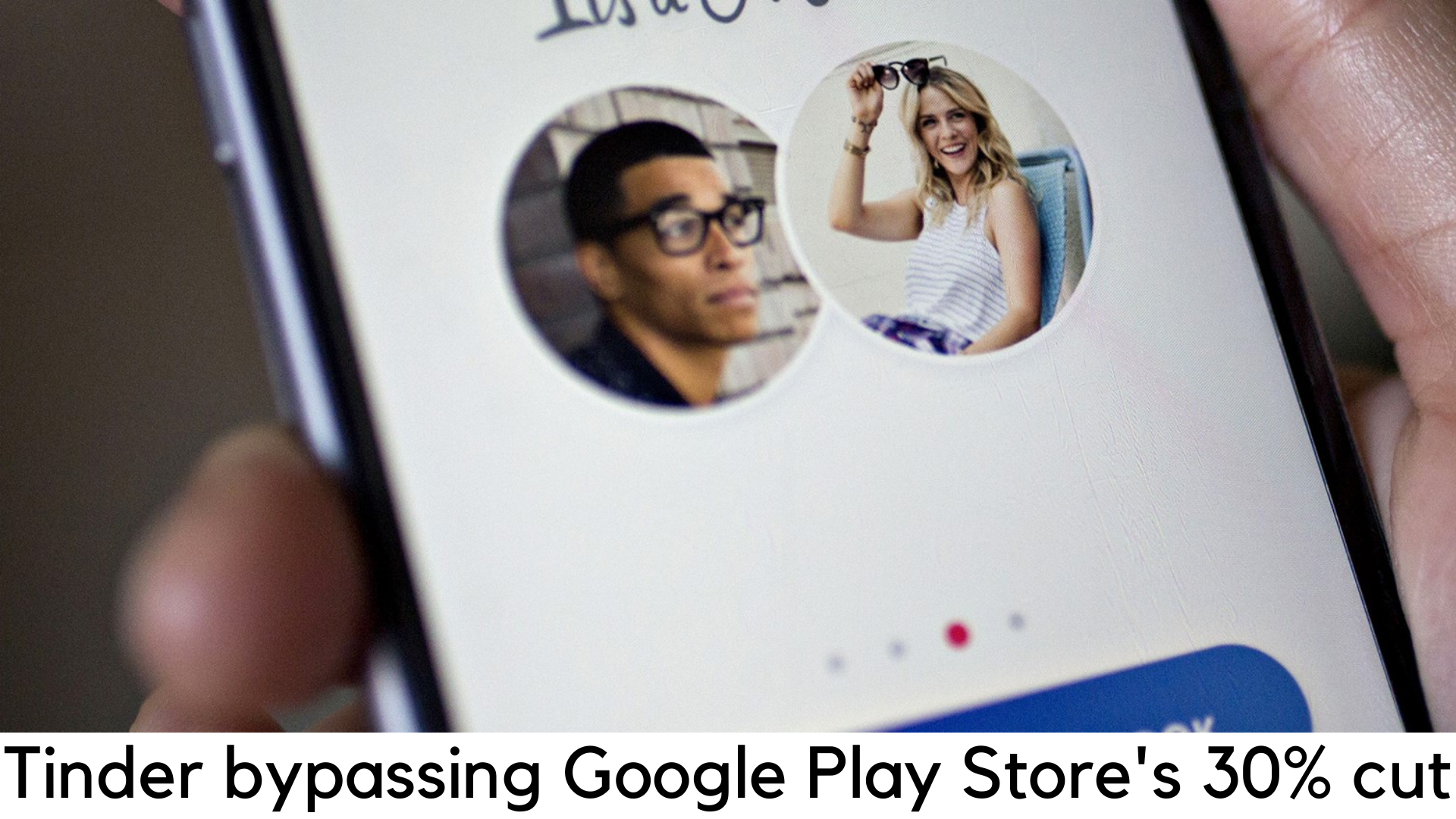
    Tinder is now bypassing the Play Store on Android

    The parent company of Tinder, Match Group has just been on a buzz these days for avoiding Google’s 30% cut, both for in-app purchases and applications front. It is believed that 30% is the way too much Google charging from developers and it is not just exclusive to mobile app developers. Even online stores like Discord and Epic are trying to make the name by charging lower fees.

    Tinder is now bypassing the Play Store on Android to avoid Google’s 30 percent cut

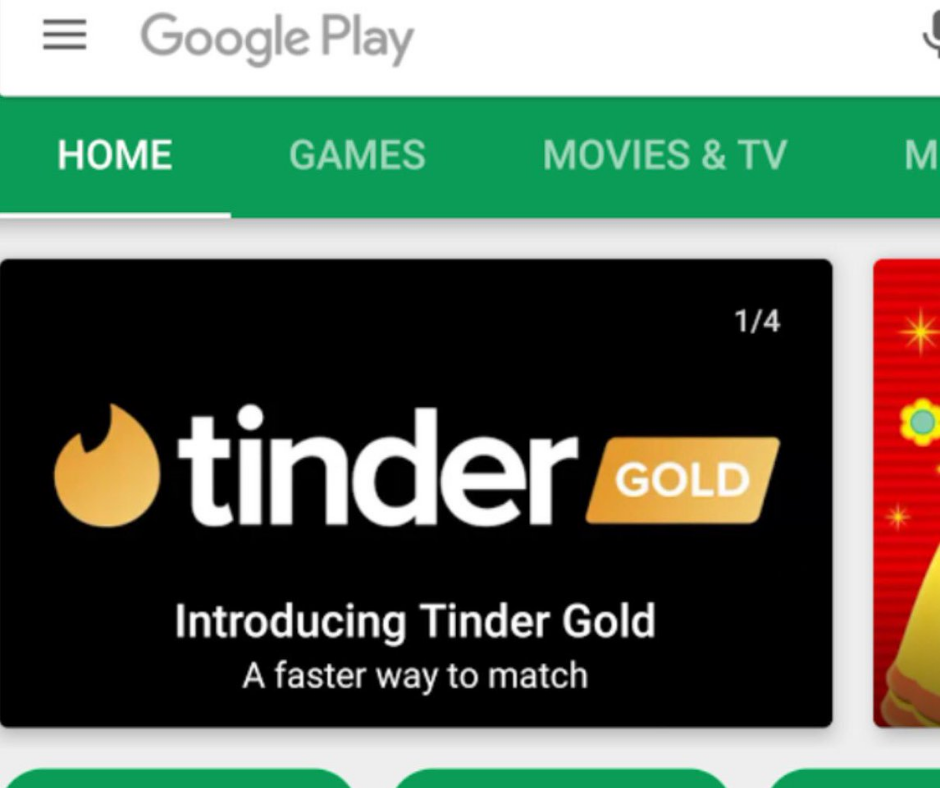
    Tinder has just developed its own payment gateway which completely skips Google Play Store’s gateway and takes payment from the users directly. If you choose this method, you will no longer find the Google Play Store for payment processing.

    Tinder develops a new payment processing system to skip Google’s fees

    The new approach by Match Group asks users to enter their card details into Tinder’s payment gateway directly, according to Bloomberg. However, users may or may not pay for the in-app purchases of services like Tinder Plus and Tinder Gold.

    This move is much popular and similar to the one made by Epic Games, the well-known game developer which has launched the popular battle royale game Fortnite earlier this year. To skip 30 percent cut by Google, it has its own launcher to download the same.

    Tinder is now bypassing the Play Store on Android

    Tinder is basically the most profitable app by Match Group. It is definitely one of the top-grossing free apps for iOS and Android with the ability to find out when your messages have been read. It has some IAP options and subscription services.

    According to a statement by Justine Sacco, Match Group spokesperson, to Bloomberg, it added, “We are constantly testing new features and updates at Match Group to offer control, convenience, and options to the users at Match Group. We will always provide options for great user experience and providing different payment options.”

    Once the user enters credit card info in the Tinder’s system, this app takes the users to that payment method by default for any in-app purchases in the future. This is the way Tinder bypasses a 30-percent cut by Google.

    Developers openly refusing Google’s 70-30 model

    Along with Match Group and Epic Games, several high-profile companies have been skipping Google Play store’s fees openly. But they are still trying to serve Android users. Some of the leading subscription service providers like Spotify and Netflix have already expressed their revulsion against the 70-30 approach by leading app stores for several years.

    Tinder is now bypassing the Play Store on Android

    Apple Inc. was the first to bring this model in 2008. Around a few months later, Google followed its footsteps for the Play store. Of course, Epic has bypassed the Play store but it has still launched Fortnite through Apple’s App Store on the iOS platform.

    You can get a smooth grip and quality control on Apple’s ecosystem which is quite not possible with Android. Developers like Epic have no other option but getting into 30 percent cut.

    On the other side, Android is more open and flexible for the developers to enhance their reach to their users and monetize it. This way, Match Group, and Epic took the opportunity to try out another way.

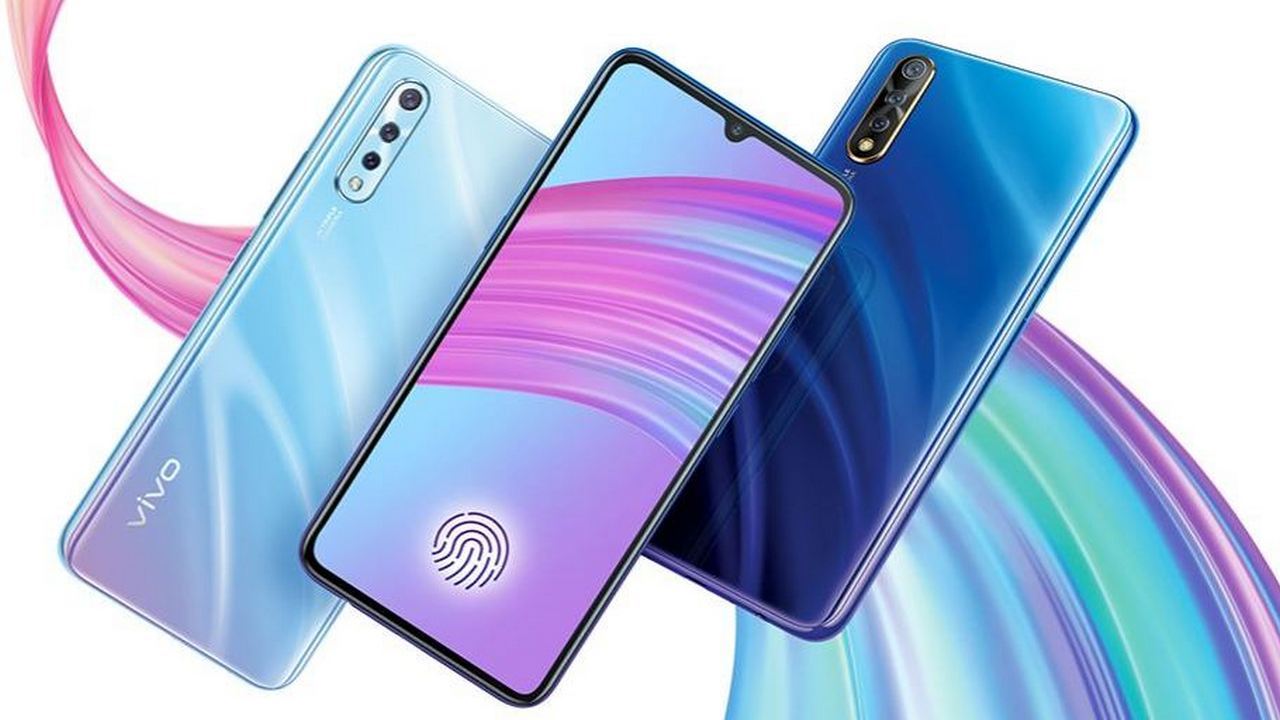
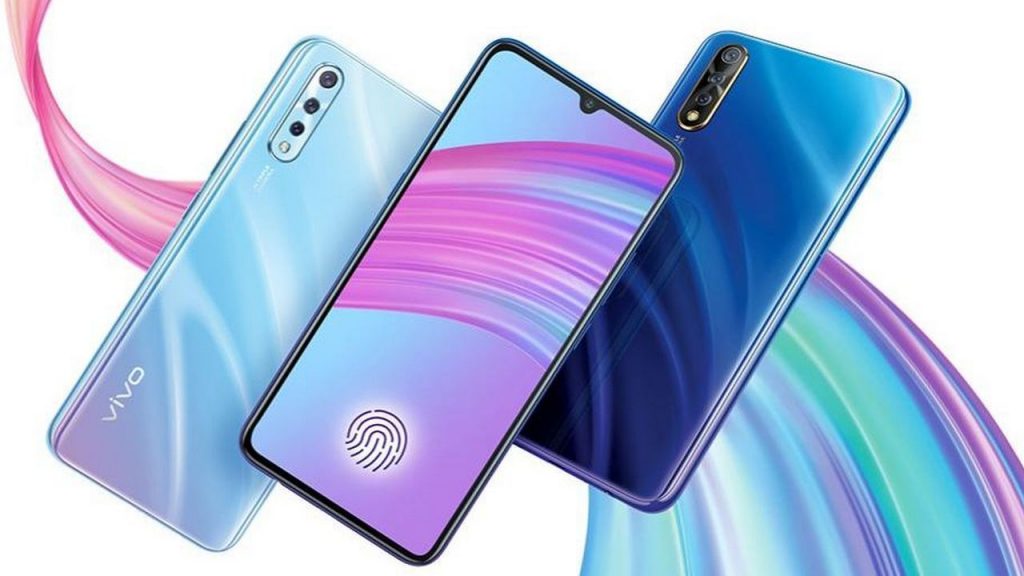
  • Vivo S1 6GB + 64GB Model

    Vivo S1 6GB + 64GB Model

    Vivo is already in the mind and heart of the people. Millions of people spell bounded with its features and they are head over heel in love with this Vivo. Now Vivo S1 is going to launch its best model in India till the date. The model of Vivo comes under one of the most trusted mobiles in India; several advertisements went viral because of its awesome features.

    Vivo S1 6GB + 64GB Model Launched in India


    Features of Vivo S1

    It has several features which people will surely recommend while making a purchase to this phone virus another phone. Vivo is actually offering some more features than others.  This one has 64GB RAM + 64GB storage option. Here is a list of its awesome features.

    Vivo S1 6GB + 64GB Model Features

    Display

    The very first thing which people notice. It has a super AMOLED capacitive touch screen and 16M colors. The resolution will be 1080 * 2340 pixels, 19.5:9 ratios with 6.38 inches and 99.9 cm2

    Memory

    Heart of any phone. Vivo is offering microSD and up to 256 GB dedicated space. The internal memory will be 128 GB 4GB RAM, 128 6GB RAM

    Sound

    It has brilliant loudspeaker with 3.5mm jack

    Battery

    The battery life of the Vivo s1 is 4500 mAh battery. That gives you a fast battery charger 18w.

    Misc

    The color which is available is diamond black, cosmic green and skyline blue.

    Selfie camera

    When anyone is carrying a camera along with themselves. It becomes necessary for them to have it the best one. During their destination catching moments with Vio s1, it becomes easy. It will have 32 MP, f/2.0 and video with the resolution 1080p @30fps.

    Main camera

    There is a difference between selfie camera and main camera which is that, 16 Mp, f/1.8 (wide). ½.8’. there will be 8 MP, f/2.2, 13mm (ultrawide). Along with that, there will be 2 MP, f/2.4, depth sensor. The camera of Vivo s1 is offering LED flash, panorama, HDR along with this 1080p @30fps.

    Platform –

    it has OS, android 9.0 (Pie): fun touch 9. Plus chipset, CPU (of best quality octa-core) and GPU (mail- G52 MC2)

    Other key specification

      • Android v9.0 (pie)
      • 128GB internal storage
      • Mediate helio P65
      • Dual, Nano-SIM (Hybrid slot)
      • 38 inches
      • 4500 mAh battery
      • Triple camera

    Pros and cons of the mobile

    Although, pros are outnumbering the cons and one will surely fall for the mobile even more.

    Pros

      • Offering good battery life
      • Bundled 18W fast charger
      • A quick in-display fingerprint scanner

    Cons

      • Micro-USB port
      • Average CPU Performance
      • Cameras could not have been better

    These features are brought to help each and every user in the best possible way. The best part about Vivo S1 is special in so many ways as this model is especially taking care of almost all the needs of the users.

    When it comes to mobile everyone looks two or three at first if comparing from the last decade it is storage space or model and last number of features.

    What they miss to notice the quality of those given feature. Well, along with Vivo feel free in receiving each feature with promising quality.

    More VIVO phone, you may be interested in.

  • Google Stadia: Price, Availability and Confirmed Games

    Google Stadia: Price, Availability and Confirmed Games

    Google Stadia is one of the best and most popular ways of streaming the entire games on your tablet, phone, laptop, TV, or even any other devices that is able to access the Google Chrome web browser. While launching, it shows numerous upcoming blockbusters along with various indie darlings that are ensured and confirmed to the players.

    Only a few months to launch the Google Stadia, the streaming service that claims to transform the gaming feature when compared to other things with the help of its own console or countless physical games.
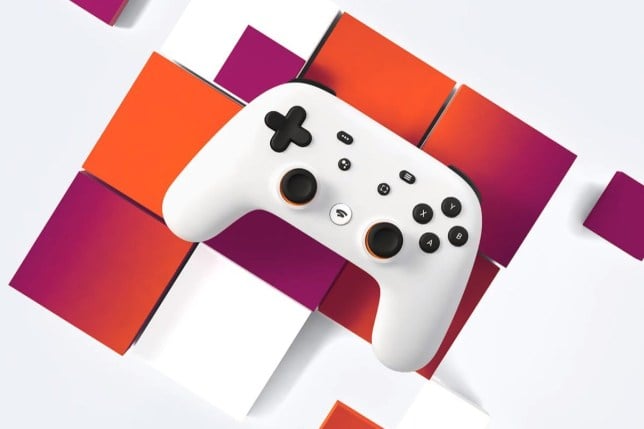
    Google Stadia: Price, Availability and Confirmed Games

    It is yet to confirm a few information like online components, user-friendly interface, final release date, and many more. The users can expect a few more information within the upcoming weeks after its release from Google.

    It includes various details to prove its best results. You can try it yourself by reviewing more information about Google Stadia such as pricing, release date, confirmed games, and many more.

    Release Date of Google Stadia

    Finally, it is confirmed that Google Stadia is going on release on 19th November 2019. Google Stadia will simultaneously release in various countries (maybe 14 countries) including the UK, Denmark, Spain, France, Netherlands, Ireland, Canada, Germany, Sweden, Norway, the U.S., Italy, Finland, and Belgium.

    Currently, the Stadia Pro subscription will be launched during the release date and the other free Base subscription will be available by 2020.

    Pricing of Google Stadia

    There are two different types of pricing models available with Google Stadia. The first pricing model is referred to as Stadia Pro subscription and it costs around $10 per month. It offers entire access to the old console and PC games similar to a Netflix-style business pricing model.

    It is also compatible and supports 60 FPS for games & 4K HD (High Definition) resolution. However, within Google Stadia, you can find individual pricing for each newer game.
    Pricing of Google Stadia

    This service will be priced at $12 per month in the Canada region. But, it is not much clear about the pricing for each individual game within the Stadia Pro subscription. Google Stadia will also release a newer version named “Founder’s Edition”.

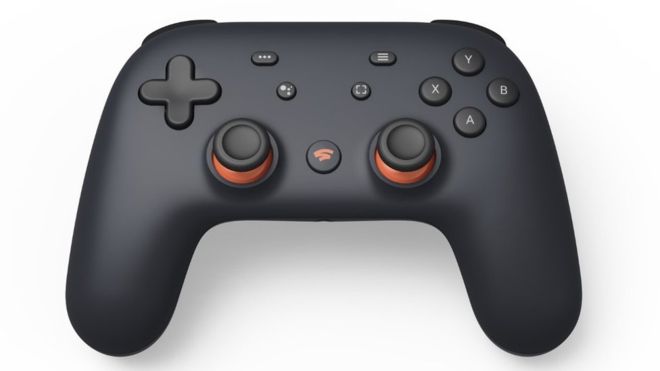
    This includes the Google Stadia’s game controller with Night Blue limited edition, a Chromecast Ultra, and also three months service of Google Stadia Pro subscription.

    Google Stadia Founder’s Edition will also include entire access to Destiny 2, Bungie’s first-person Sequal Shooter, and also Stadia Pro three months buddy passcode to share with your friends.

    If once you purchase Google Stadia’s Founder Edition then it is possible to choose your favorite Stadia name before it was chosen by regular users.

    This subscription is priced at $169 in the Canada region and $129 in the U.S region. Users can choose the Individual Stadia controllers (not available with the Night Blue Color) will be priced separately at $69 in the U.S region.

    List of Confirmed Games – Google Stadia
    Google Stadia

    Find below a few lists of confirmed games and available within the Google Stadia subscriptions:

    Wolfenstein Youngblood

    Google Stadia will also include the first-person shooter with co-op themed from Bethesda Softworks.

    Assassin’s Creed Odyssey

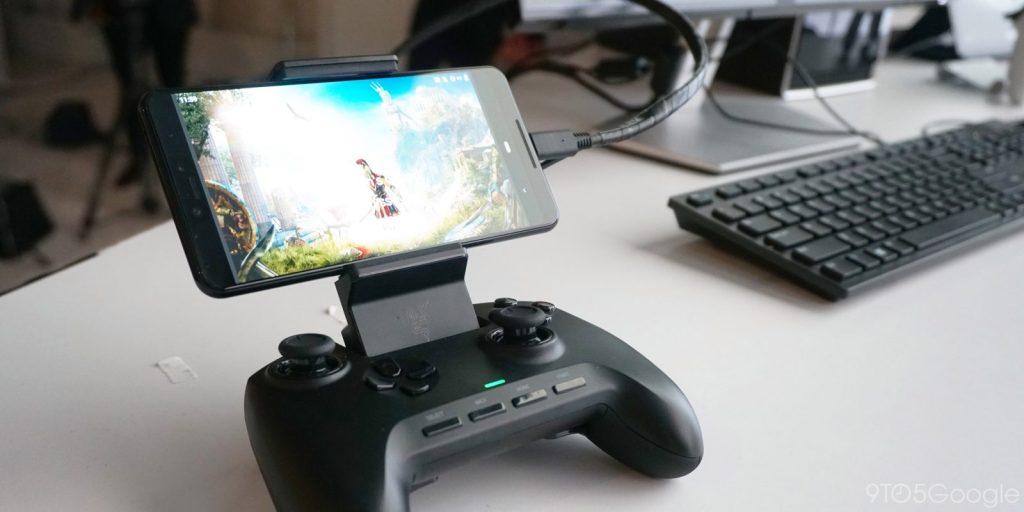
    This is one of the most recent and time-bending action games from Ubisoft. This game was also tested by Google Stadia using the earlier version with the help of the game code “Project Stream”.

    Windjammers 2

    The sequel top-down cult hit sports arcade game will also be launched in Google Stadia.

    Titan 2 Attack

    Stadia include this most popular manga and anime series game to its list.

    Watch Dogs Legion

    It also includes the upcoming new game of world action series of hacker-themed open game from Ubisoft.

    Baldur’s Gate III

    The long-awaited and upcoming D&D (Dungeons & Dragons) fantasy RPG sequel that is created by Larian Studios.

    Trials Rising

    Stadia will launch with the racing games of Ubisoft.

    Borderlands 3

    You can find the long-awaited RPG series of the first-person shooters with 3rd full game.

    Tomb Raider

    It is also available with action-adventure series with the last three games of Square Enix’s Tomb Raider.

    Cyberpunk 2077

    Another open-world RPG of CD Project Red will set a future world with numerous cyber implants.

    Division 2 of Tom Clancy

    Ubisoft’s currently released another online action-RPG game.

    Darksiders Genesis

    Darksider’s next action game series will be released by THQ Nordic.

    Ghost Recon Breakpoint

    It will also include the open world of the sequel with Ubisoft’s military shooter game.

    Destiny 2

    Another Stadia launch will be from the part of the online shooter sequel of Bungie Sci-fi.

    Thumper

    The Indie developer Drool created the best rhythm music game to list under Stadia.

    Destroy All Humans

    The action game series of revamping to hit the alien invasion will be released by THQ Nordic.

    Online Elder Scrolls

    You can play the fantasy MMO game of Bethesda Softworks through Stadia.

    Doom

    Rebooted Doom first game series from Bethesda and ID can also be played.

    The Crew 2

    Under the Stadia Streaming platform, you can locate the sequel racing game from Ubisoft.

    Eternal Doom

    The 2nd game of rebooted series of the first-person series of both ID software and Bethesda Softworks are also available.

    Superhot

    The best cult hit of a time-themed shooter game is listed.

    Dragon Ball Xenoverse 2

    It also contains the most popular and best anime fighting game named Namco Bandai.

    Samurai Showdown

    SNK’s fighting game from the old school.

    19 Farming Simulator

    The best and most popular farm selling simulator that allows you to tend your corps.

    Redemption 2 of Red Dead

    The open-world action game of Wild West from Rockstar Games from Stadia to play on your PC.

    Final Fantasy XV

    It also appears with fantasy action-RPG from the Square.
    Rage 2

    The Sequel of open-world shooter game from Bethesda Softworks.
    2020 Football Manager

    Sports Interactive’s most popular and best soccer management simulator.

    Battle for Grid (Power Rangers)

    Based on the Power Rangers movie, the most popular fighting game is also listed under Stadia.

    Get Packed

    Coatsink developed the best four players game or named as a top-down multiplayer game to play exclusively on Stadia.

    Orcs Must Die 3

    The exclusive tower defense and popular fantasy-themed game series.

    NBA 2K

    Pro basketball game offered from 2K Sports is also listed.

    Grid

    The best racing game designed by Codemasters.

    Mortal Kombat 11

    The Mortal Kombat 11 will be the classic and latest fighting game series available under this platform.

    Google team has planned to announce a few more best and most popular games to launch by end of November month. It is already got numerous interesting ideas to publish most video games from the publishers.

    Most of them are planned to display the brand-new games even from the high-profile franchises such as Ghost Recon, Darksiders, Doom, Wolfenstein, Borderlands, and Bethesda Softworks under the Stadia’s Catalog.

    Click here to read our next article.