Author: Poonam

  • Best Adventure Games for Android

    Best Adventure Games for Android

    Android or iOS? What do you have for your company? No problem, whatever you have they carry a complete package of entertainment. Everyone likes to play games when idle/or want to feel refreshed. Choices may differ like playing war games, racing games, solving puzzle games and so much. Here we are helping you choose the best adventure games for Android.

    Before we proceed further let us understand the meaning of adventure games. Adventure games contain a story that includes collecting important items and completing small tasks to move farther and step to the next level, or quickly escaping from a situation to save game life.

    10 Best Adventure games for Android

    Now comes the next point how to select the best games from the free ones because with the entertainment you get a very short storyline initially and then they convert to paid levels, some are full of ads, which honestly are a big no-no.

    Every player has his/her criteria for game selection. If we talk of giving points to each game while selection it can help us with the best selection.

    The game graphics, plot levels, balanced level of tough and easy situations in a game are some to be noted. Our game analysis experts went through a lot of Android games, held a conversation with passionate players and then came up with the most liked upon adventure games for Android. Here we go on an adventurous journey of Android.

    1. The Silent Age

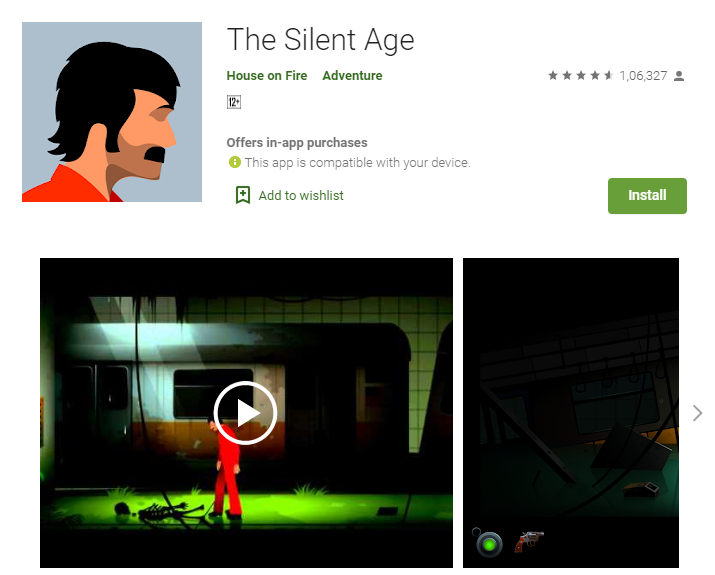
    Wow! What a point and click game. The game takes you to the imaginary world of the future, where mankind is extinct. The hero in the game has to cross several obstacles to travel in the future and past. Joe, the hero in the game has a time travel machine with him and when he uses it he finds himself in the future – without people. Some episodes of the game are free and k2some paid.
    Best Adventure Games for Android - The Silent Age

    2.  City of Secrets

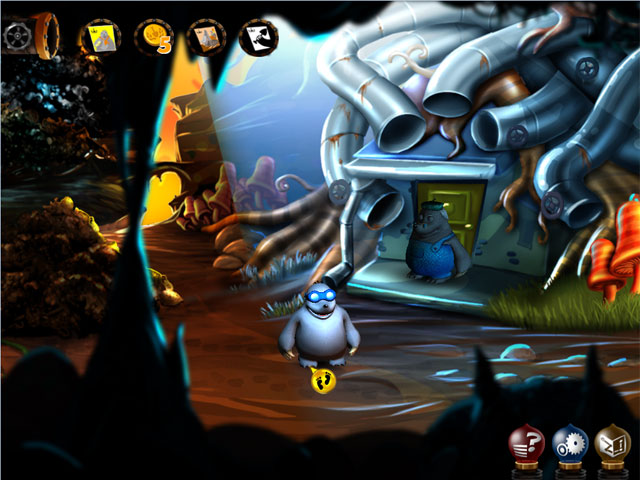
    Taking you to the town named Poco Pane and introducing to our heroes Mr. Moles and Rex. The story moves ahead as to how the residents of Poco Pane are not happy and what the player can do to make their lives happier. The most enjoyed part is the game graphics, elaborate puzzles followed by classic adventure.
    Best Adventure Games For Android - City of Secrets

    3.  PUBG Mobile

    PUBG does not need much introduction. It stands for Player Unknown’s Battlegrounds. It has turned into a global sensational adventure. The game has taken over many people’s interest since its launch in March’2017. It is also the world’s fifth-best-selling video game.

    Best Adventure Games for Android - PUBG Mobile LIte

    Every eight weeks the game gets a new season with new rewards. It runs on Multiplayer Mode where up to one hundred player’s fight in a battle royale and fights to remain last alive.

    4.  Pokémon Go

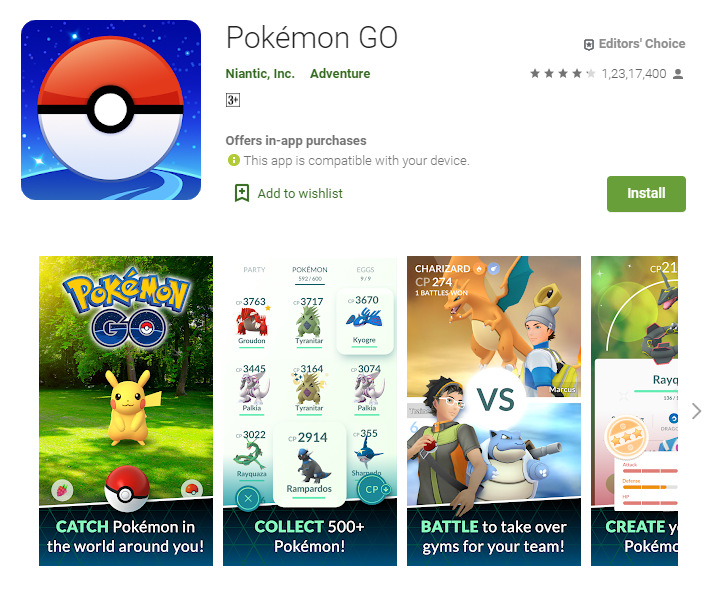
    Pokémon Go is an augmented reality game. Players get a chance to customize their avatars. According to players’ geographical location the game map is developed which is of immense adventure while the play is on.
    Best Adventure Games For Android - Pokemon Go

    The real map surroundings and own created avatars are placed in dangerous situations that are to be crossed. There are options like Poke Stops’ and Pokémon Gyms equipped with various items with locations of interest.

    5. Clash Royale

    The characters and the world, the folks at Supercell have created have always amazed the players. Once exhausted with Clash of Clans the adventurous world continues with Clash Royale. Elements like collectible card games, tower defense, and multiplayer online battle arena create a unique charm for the game.
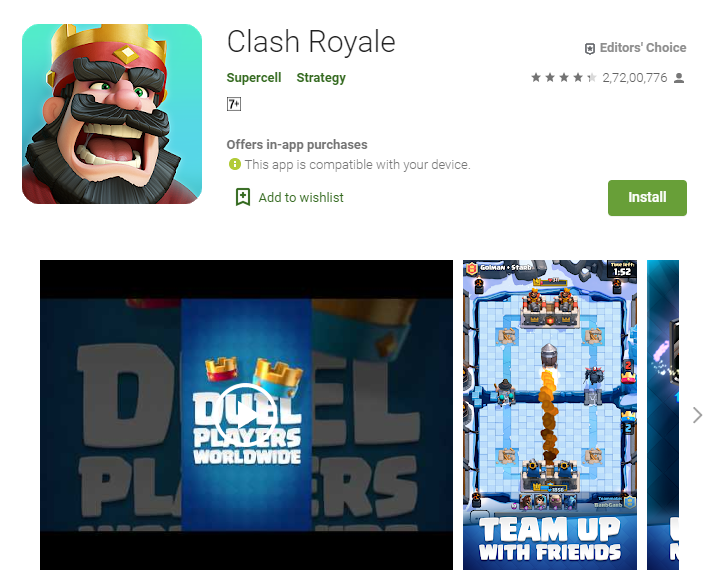
    Best Adventure Games For Android - Clash Royale

    Players are ranked as per their number of trophies. Cards, Clans, Clan Wars, Tournaments, Leagues, Quests are all part of the game.

    6. Sky Force Reloaded

    A completely loaded package with gorgeous visuals and excellent gameplay. It is a shoot’em up experience with flashy explosions and beautiful scenery. Nine missions to be accomplished while collecting stars and upgrading your ships and earning medals. It is a must-play game to get into the perfect storied setup.
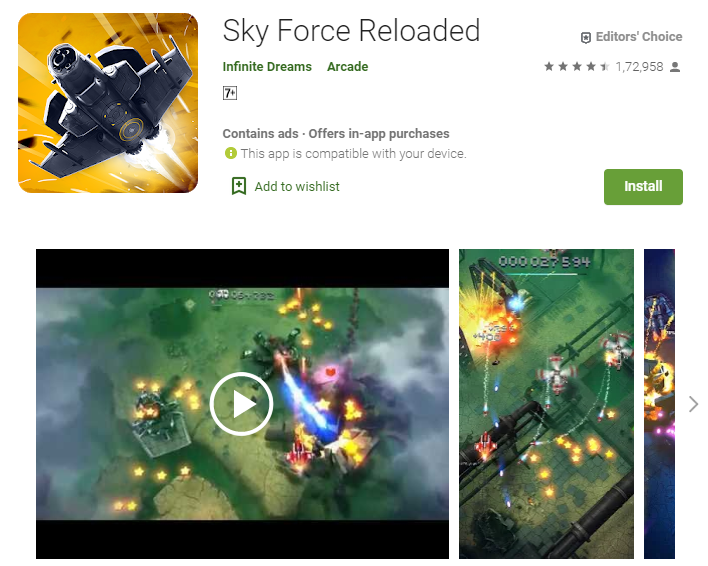
    Best Adventure Games for Android | Sky Force Reloaded

    7. The Wolf Among us

    We will start with the introduction of the main hero- Bigby Wolf, the sheriff of Fabletown. Once a person can be fooled with looks and misunderstand it as an animated film but no it is sure of the genre of point and clicks adventure game.Best Adventure Games For Android | The Wolf Among Us
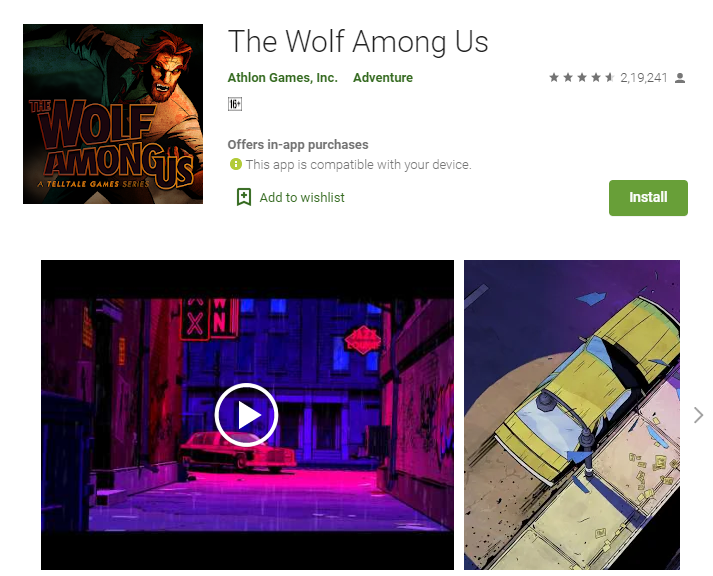
    The story falls as Bigby saves a young prostitute. Fabletown is depicted as a part of New York City where the fairy creatures live. They are often protected by magic and is the crux of the game also.

    8. AR-K

    The spectacular 3-D graphics attract the players. The heroine of the game, Alicia faces major changes in her life when unknowingly a mysterious golden orb is found in her cabinet. Once the player reaches the heroine the task starts to deal with the consequences.

    Best Adventure Games For Android - AR-K

    9. Alto’s Odyssey

    Unlike others, it runs on a single-player mode. It is a snowboarding game that moves automatically through procedurally generated landscapes. The new version has also come up with desert dunes, lush temple sections, hot air balloons, dust devils and a lot more. Our words are not enough to describe the game so go get it and start playing.
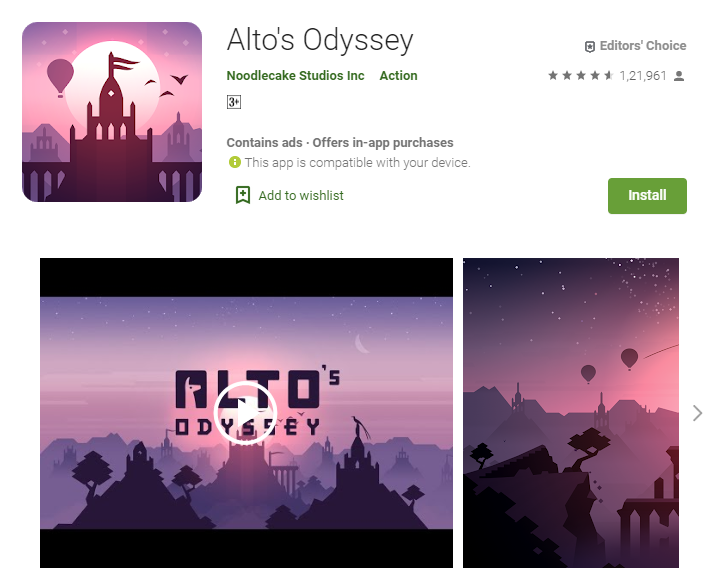
    Best Adventure Games for Android Alto's Odyssey

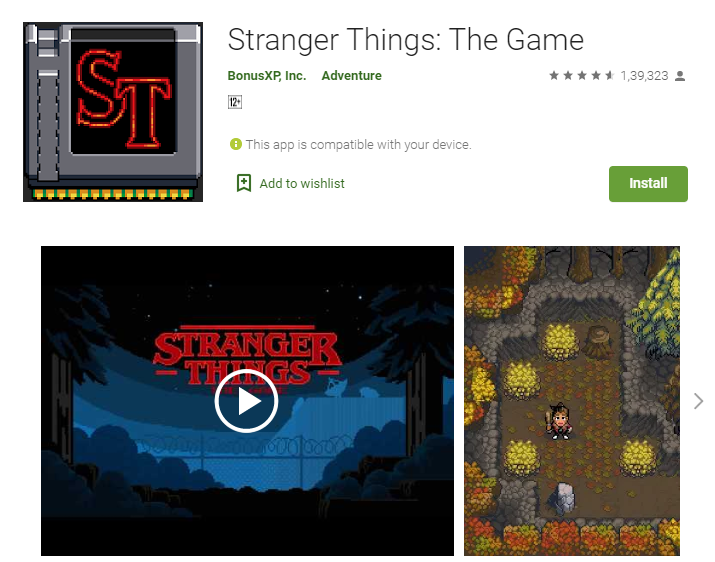
    10. Stranger Things: The Game

    Stranger things: The Game consists of two seasons with eight characters. 1-7 in the first season and 8th in the second season. With the number of plot chapters, characters, collectibles, locations it is one of the finest games developed. Simple tap control works well with puzzle-solving chapters and action. This is a completely free game at Google Play Store.
    Best Adventure Games For Android - Stranger Things: The Game

    Conclusion

    We are done with the best of games to date. The order above does not recommend ranking status as it is hard to decide which stands where. We are looking forward to your comments. Do recommend to us what best games you find, we will test them and create another best-of list.
  • Samsung Galaxy A70 review

    Samsung Galaxy A70 review

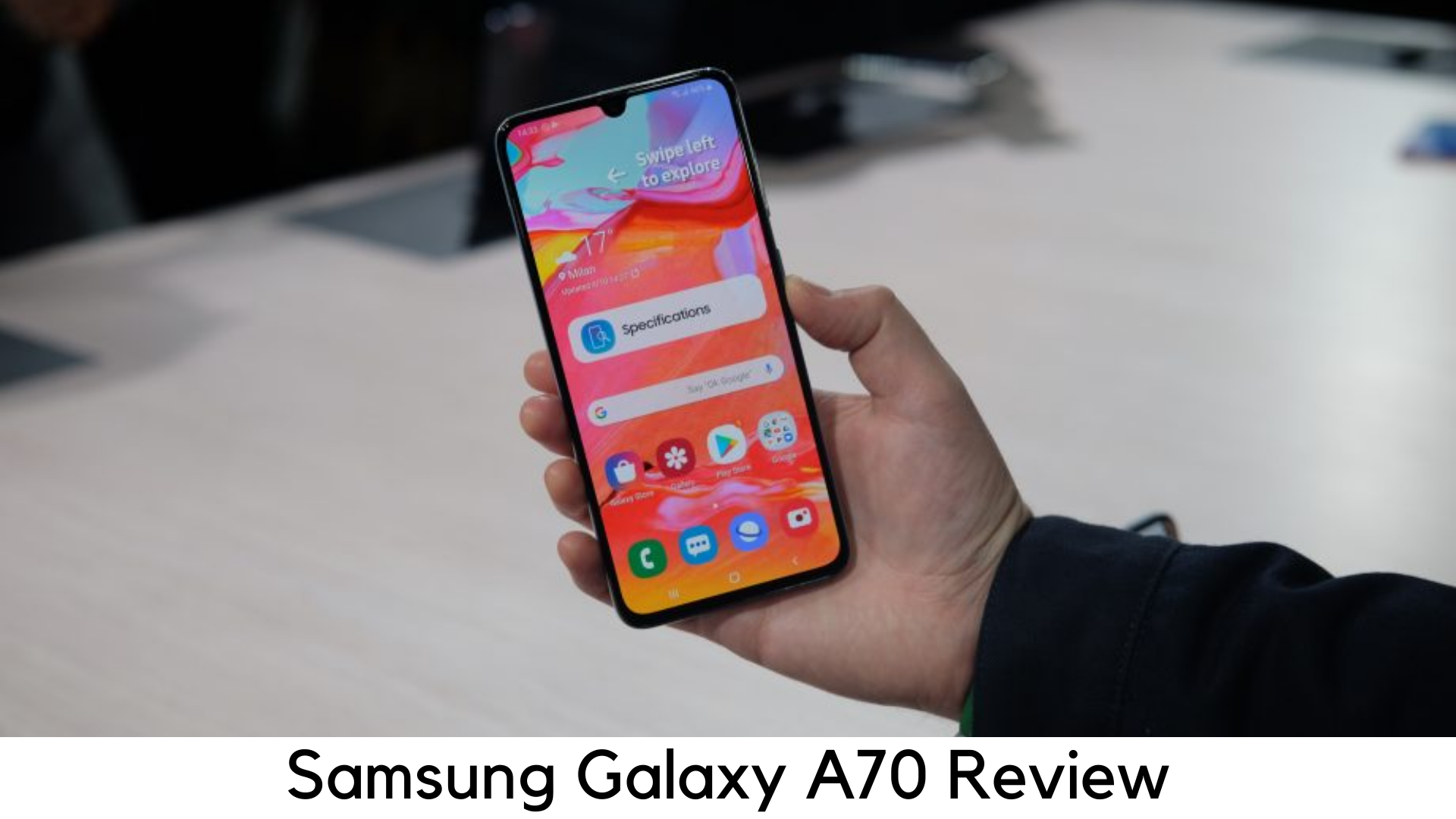
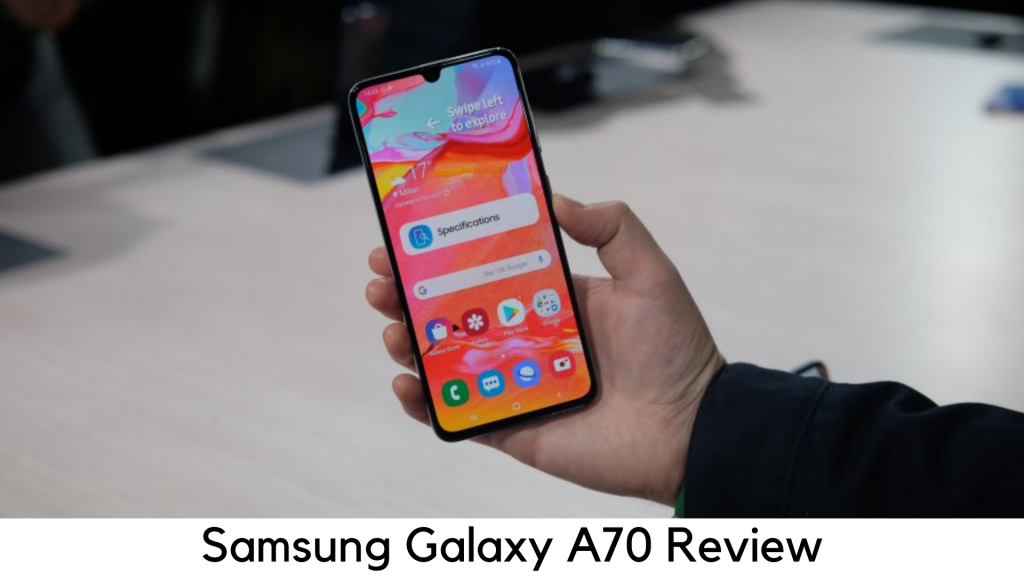
    The sixth addition to the refined A series of Samsung, the Galaxy A70 features the huge battery backup and one of the largest displays. It is basically a step towards the right path and to compete with more premium flagships like Oppo F11 Pro, Vivo V15 Pro, Nokia 8.1 and POCO F1. With that said, will Galaxy A70 have enough power to compete with premium devices?

    Samsung Galaxy A70 review

    Pricing

    The 6GB RAM/128GB storage variant of Galaxy A70 is priced at around $420. You can buy the device via Samsung’s official online store, Amazon or other online stores. The device has been a tough competition against the likes of POCO F1, Vivo V15 Pro and Nokia 8.1. The device comes as an ideal package in terms of usability. It has a flashy design but the pop-up camera might be a breaking point.

    In the Box

    The device comes with

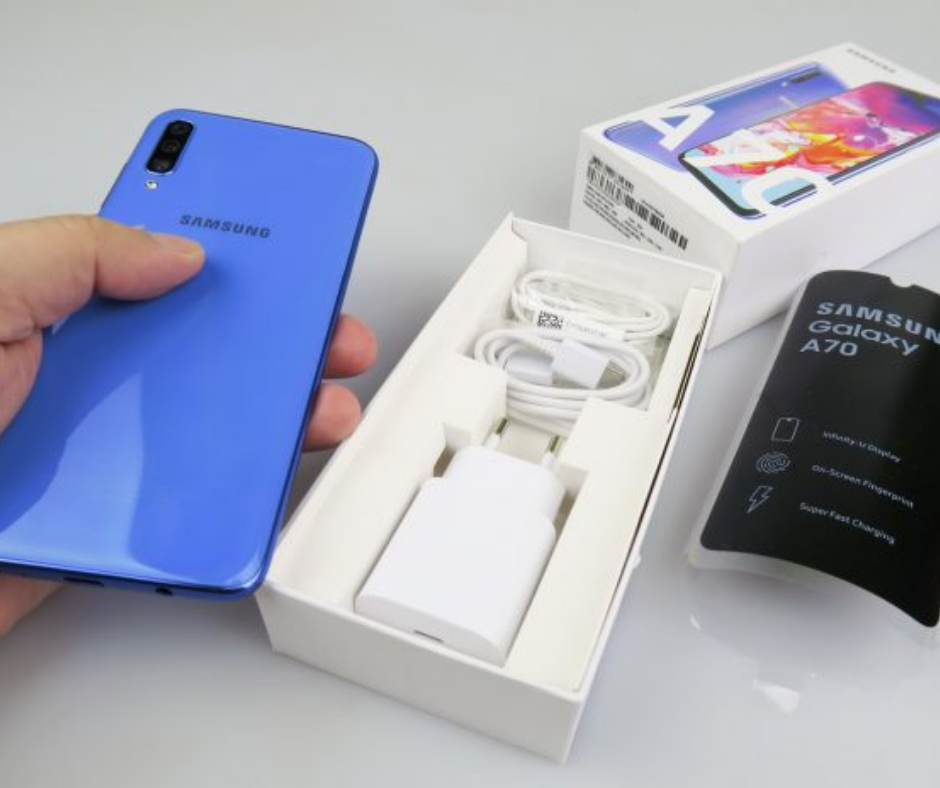
      • TPU Case
      • Earphones
      • SIM ejector tool
      • USB-C to C cable
      • 25W fast charger

    Samsung Galaxy A70 review

    The package includes 25W fast charger which is a great addition as compared to other devices that ship with a low-powered adapter.

    Design

      • In-display fingerprint scanner
      • Waterdrop notch
      • 183g
      • 5mm headphone jack

    Samsung Galaxy A70 review

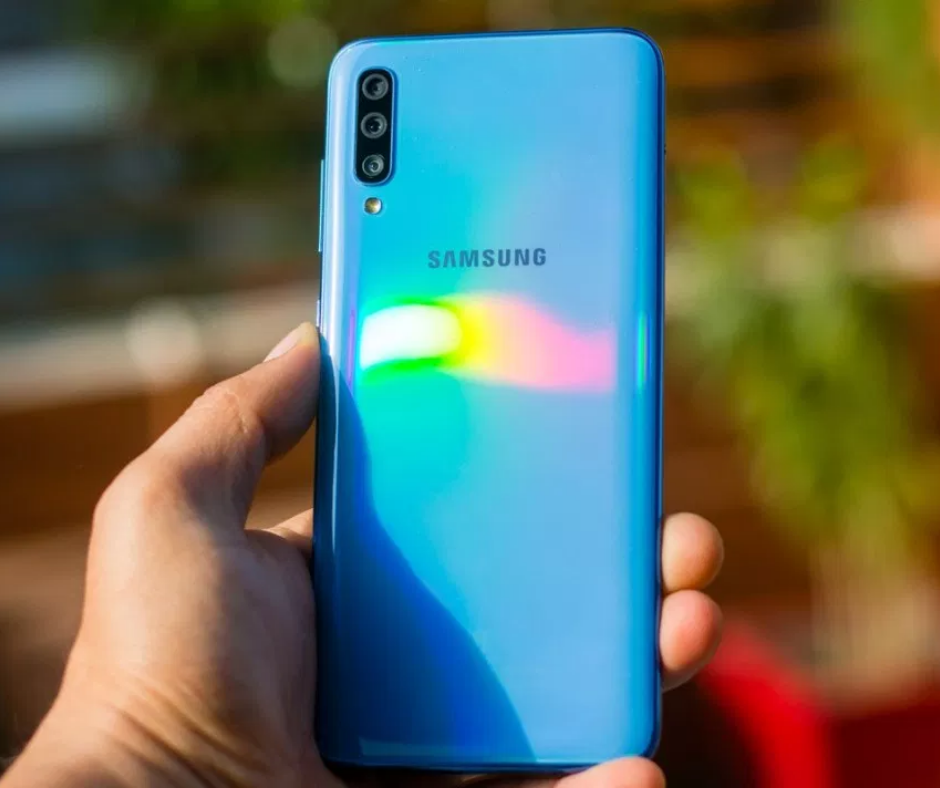
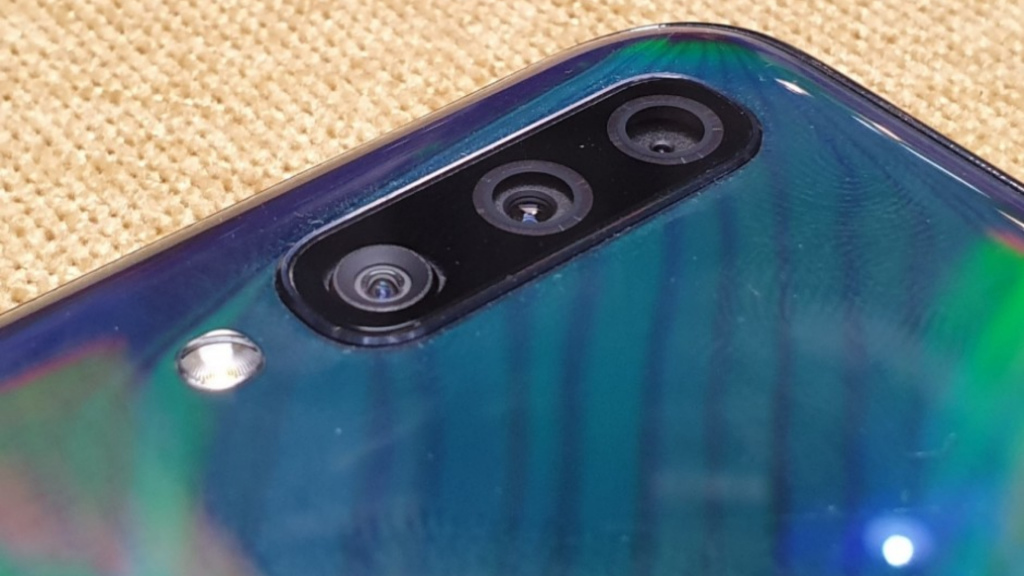
    Design-wise, Samsung Galaxy A70 seems to be like a stretched version of A50. It is very identical to both Galaxy A30 and Galaxy A50. It has got an ultra-glossy plastic back panel with a rainbow pattern. But the back is vulnerable to scuff and scratch marks. This way, the bundled TPUU case can come in handy.

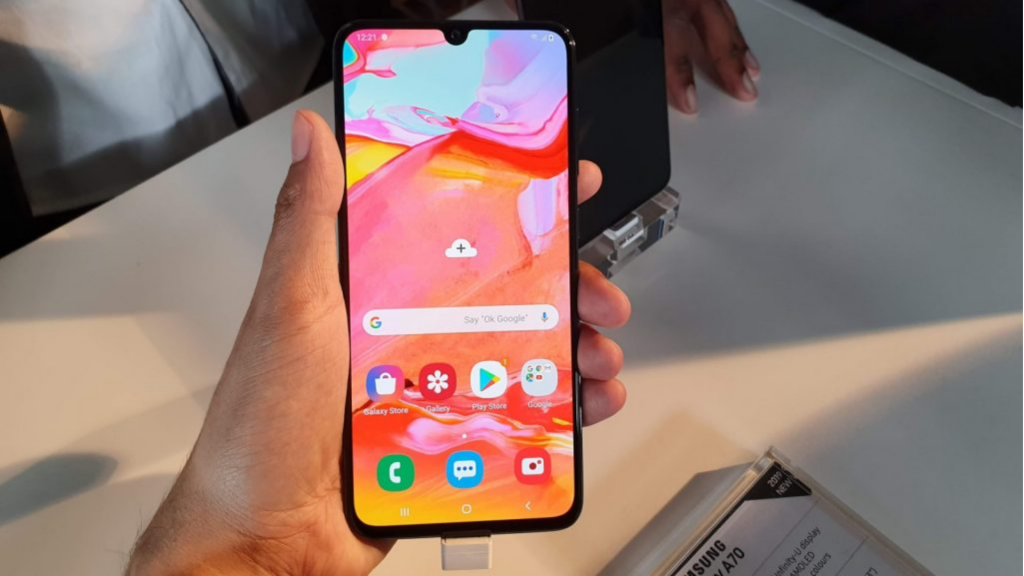
    The chin is very slim with Infinity-U waterdrop notch and 6.7” display serving as a nice canvas to enjoy your favorite videos. It features an optical in-display fingerprint sensor which takes hardly a second to detect fingerprint.

    Display

      • Super AMOLED
      • 20:9 Aspect Ratio
      • Full HD+ display
      • 7-inch screen

    Display

    The device comes packed with a Super AMOLED panel with vibrant, large and bright display to enjoy watching your multimedia content. Be it PUBG Mobile or your favorite Netflix movies, all the elements come out on the display and really provides an immersive experience.

    Performance

      • 6GB RAM
      • Snapdragon 675 Octa-core chipset
      • Adreno 612 GPU
      • Dedicated microSD card slot
      • 128GB storage

    Samsung Galaxy A70 Performance

    Galaxy A70 enters into competition with a lot of devices having SD 675 or higher. The SoC has a nice optimization in terms of battery life and performance and we got exactly the same in the real world.

    It is powered by 6 Cortex A55 cores and an Octa-core Snapdragon 675 SoC. They provide all the power to the device you need. The same processor is found in Vivo V15 Pro and Redmi Note 7 Pro.

    The processor handles various CPU-intensive roles quite well but its Adreno 612 GPU struggles behind Snapdragon 710 and Adreno 616.

    But the device comes with 128GB storage which is expandable through a dedicated microSD slot. It supports dual VoLTE in nano-SIM slots. The Galaxy A70 was quite great in daily use.

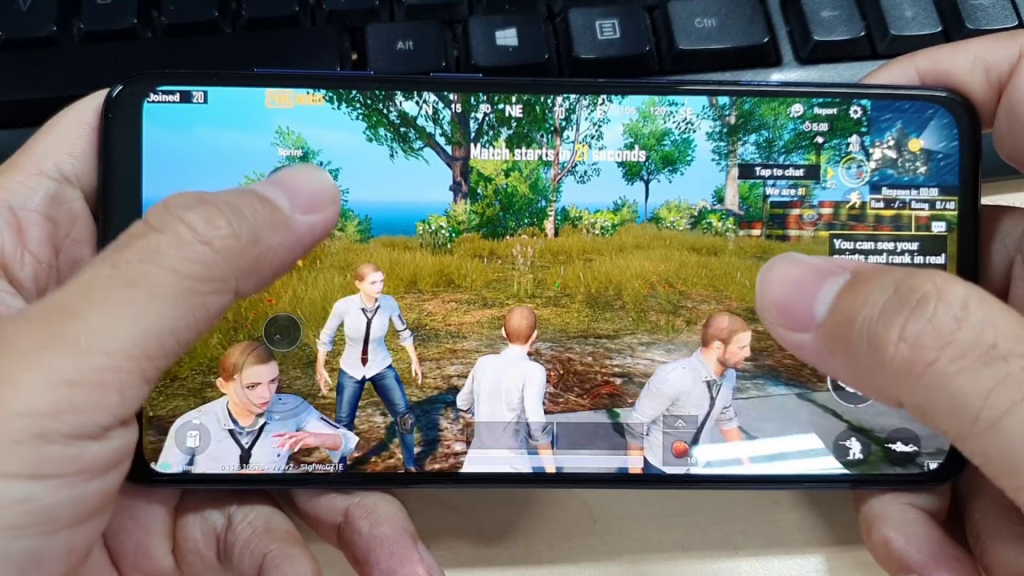
    The company has done a great job in software optimization. In ultra graphic settings, PUBG Mobile ran quite well, despite its warning against a lower frame rate. On longer sessions, the device got warm a bit but it was still easier to hold the big screen.

    Battery

    The A70 is powered by a 4500mAh battery to easily last a full day or longer. The device lasted up to 2 days on real use. The on-screen time was around 7 hours, which is quite good with such a large display.

    It is also the first Samsung smartphone to come with 25W fast charging support. You can charge it within 2 hours, though not faster than some other norms like Dash or VOOC charge.

    Platform

      • One UI 1.1
      • Android 9 Pie
      • Less bloatware

    The device runs One UI 1.1 with Android 9 Pie on board. The interface is quite user-friendly with different customization options. It supports traditional navigation keys as well as gesture-based navigation. Unlike Chinese competitors, this Samsung device comes with a limited set of branded apps.

    So, it’s up to you as to which one to keep and which to remove. It has limited removable bloat in terms of Daily Hunt, Netflix, Amazon, etc.

    Camera

      • 32MP GD1 Samsung selfie camera
      • 32MP rear camera (f/1.7)
      • 5MP depth sensor
      • 8MP wide-angle camera (120-degree)

    Camera

    The camera is one of the major improvements if you are expecting to upgrade to an upper mid-range device. In indoor lighting conditions, the camera doesn’t perform quite well with a bit of softness and warm white balance.

    But when identifying the subject outline, it works really well. You can find a bit of drop when shooting in low light and indoors. In fact, the selfie camera is quite good. With pixel binning shot of 8MP, the output varies as per the setting you pick.

    You can record up to 4K videos at speed of 30fps. In the recorded video, the dynamic range was not up to the mark as it lost most of the details in dark mode. However, it is great to shoot video in slow motion on 480fps at 720p resolution. It calls for proper lighting to show the best results.

    Summary

    All in all, the Galaxy A70 is among the balanced phones right now in terms of specs. It may not be that powerful and it doesn’t have the best camera either. But you will get the right balance of usability and performance. Reliability is the best definition to describe this device.

    We haven’t noticed any lag or stutter while using it and playing games. The massive 4500mAh battery can last longer for a day of usage. Design-wise, it looks premium but its plastic back needs a protective case as it is more vulnerable to drops.

    Pros

      • Good Performance
      • Superior battery life
      • Vivid display
      • Long-lasting battery

    Cons

      • Mediocre camera
      • Back panel needs case all the time

    Verdict

    Samsung Galaxy A70 is truly an ideal upper mid-range device. Between the great battery life and nice experience, the Galaxy A70 stands as one of the best devices for your average usage.

  • Oppo Reno 10x Zoom Review

    Oppo Reno 10x Zoom Review

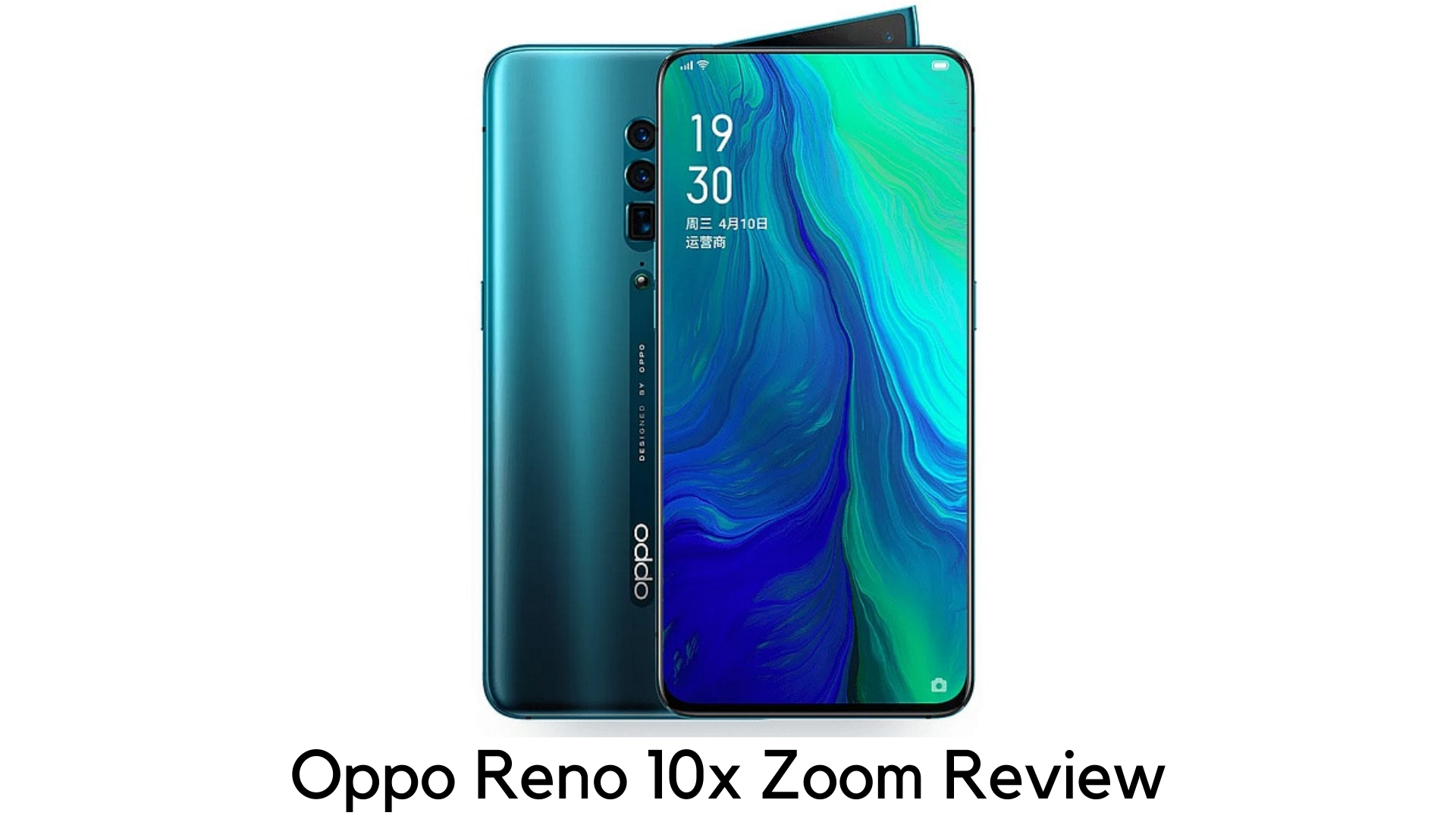
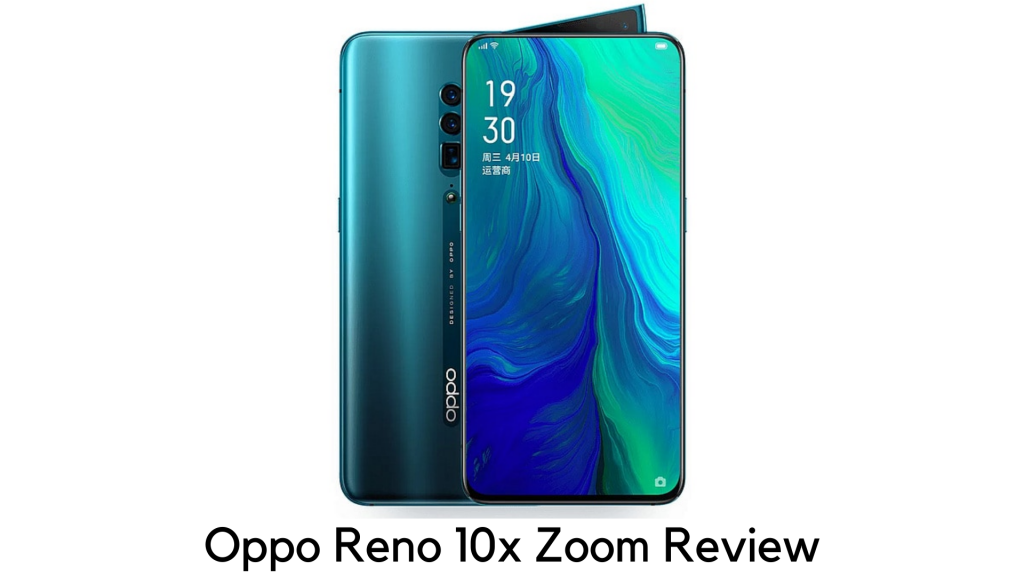
    Oppo is one of the top Chinese smartphone makers. It has come up to make its presence in the Western markets in style with Oppo Reno 10x Zoom. Oppo always experiments and makes new ways in every generation of its smartphones. The new flagship, Oppo Reno 10x Zoom has got some prowess in imaging.

    Oppo Reno 10x Zoom Review

    It is purposely an upper mid-range phone, with the high-end chipset, aggressive pricing, appealing pop-up selfie camera, and completely bezel-less display. It is the one to get the most of the best features at an affordable cost.
    Pricing

    The Oppo Reno 10x Zoom is currently available in Australia, Europe, the Middle East, the UK, and several Asian countries. However, the Chinese giant has no plans, currently, to bring this line to the US. If you desperately want this phone in the US, you may need to import it.
    When it comes to pricing, Oppo Reno 10x Zoom costs AU$1,199/£699 (roughly $889). So, it directly competes with OnePlus 7 Pro and Huawei P30 Pro, falling in between true flagship and mid-range pricing.
    You can also go with Oppo Reno standard version for just £449 (roughly around $570). Oppo justifies the price difference with a larger display, additional camera, and better processor of 10x Zoom, along with few minor changes.

    Design

    Size-wise, Oppo Reno 10x Zoom is slightly big as it measures 162 x 77.2 x 9.3mm and is thick enough to hold a big screen. It is also one of the heaviest smartphones as it weighs 215g. But you cannot feel it while using it.

    The rear panel is completely smooth, with no camera bump. However, it has a small O-Dot round button to keep it from lying flat to secure the camera lens.

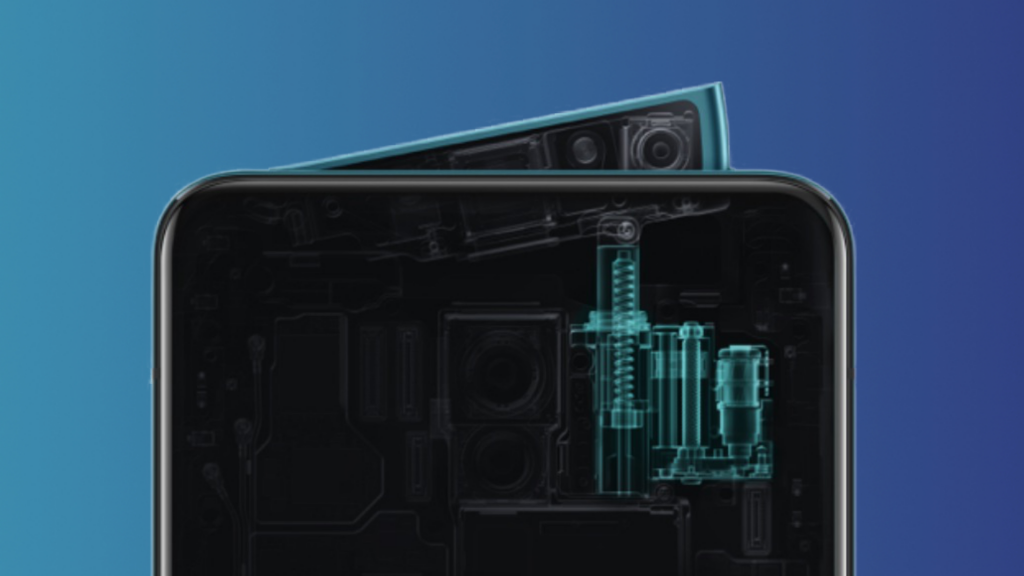
    The key selling point here is its shark-fin popup selfie camera and LED flash for both the back and front, making room for completely bezel-less display.

    Though it takes a bit to pop up and down than others, it is also very sturdy. There is volume rocker on the edges, the power button on the right edge, and speaker grill and USB-C port on the bottom.

    It lacks a 3.5mm headphone jack. The color options are Mist Pink (whitish-pink), Jet Black, and Ocean Green (Bluish Green).

    Display

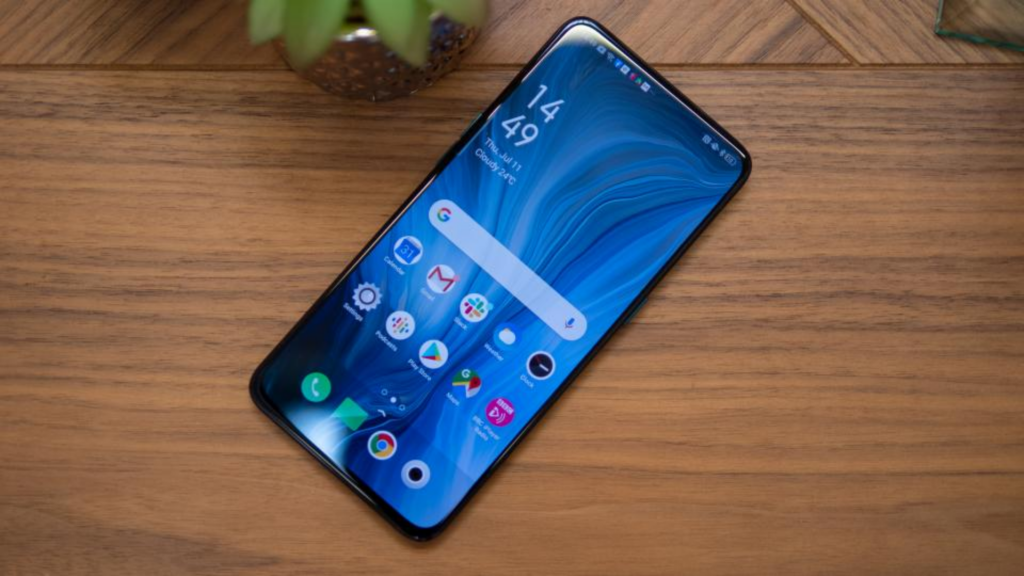
    Oppo Reno 10x Zoom has got the massive 6.6-inch display with no notch. The bottom chin is a bit thicker and the top bezel is thin. The best thing is that it has a 1080x2340p AMOLED screen with 387ppi.

    So, it offers great quality results when watching movies, playing games, viewing photos, and doing more tasks with bright colors and high-max brightness. The display quality is quite premium in this price range.

    Oppo Reno 10x Zoom Display

    Battery Life

    The battery life of Oppo Reno 10x Zoom is not that surprising. With medium or heavy use, it lasts only around a day.  With a capacity of 4065mAh battery, you could expect it to last a bit longer. But the bright AMOLED display drains the battery faster. Popping the selfie camera up and down also adds up.

    Oppo Reno 10x Zoom Battery Life

    But when it comes to watching content, the device seems to be optimized. By playing a long 90-minute movie with Wi-Fi and max brightness, and accounts syncing on the back, it dropped just to 91% from 100%. Especially for the device with such a bright and wide display, it was a great outcome in the real world.

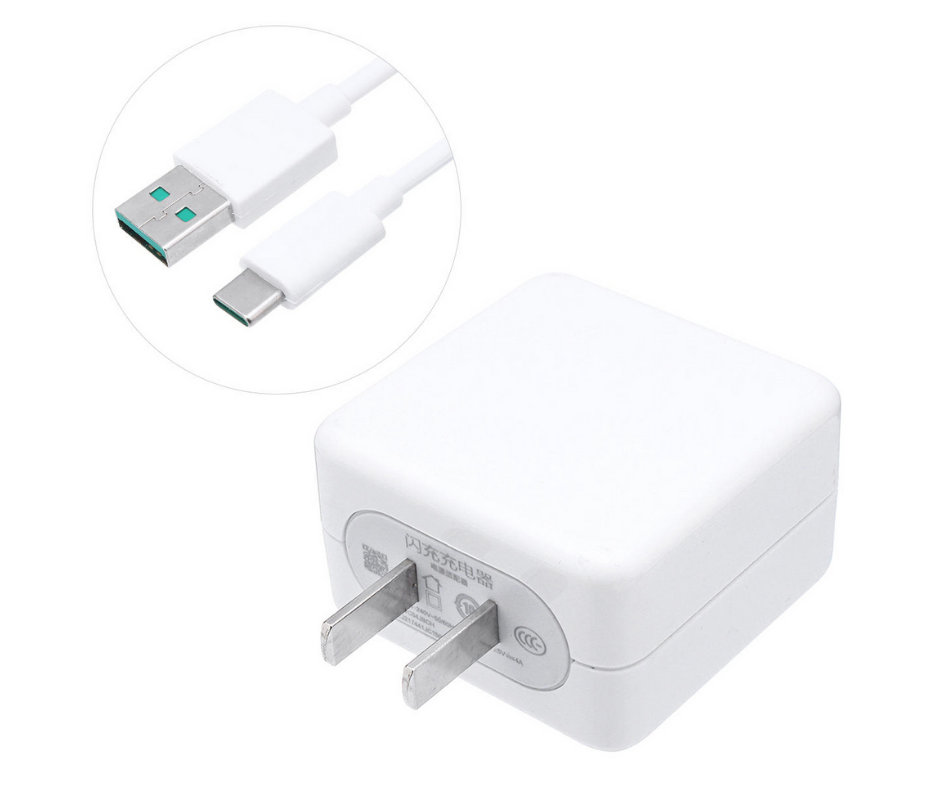
    The best thing is that the device comes with 20W VOOC Flash Charger to power up. The charging speed is quite average, considering the size of the battery.

    Camera

    The device features a triple rear camera setup, including 48MP main snapper with f/1.7 aperture, 13MP optical zoom lens and 8MP ultra-wide angle sensor. Irrespective of its name, the Oppo Reno 10x Zoom can handle just 5x optical zoom from its periscope lens.

    But it does support 60x digital zoom, which is quite highest in the smartphone. Don’t expect truly DSLR quality images with that.

    Oppo Reno 10x Zoom Camera

    Basically, the 10x zoom refers to a mixed output of digital and optical zoom. Most people don’t know very much about this new technology. On the front, it has a 16MP shooter with f/2.0 aperture, which takes decent selfies.

    Interface

    Most Chinese smartphones have quite divisive interfaces. When Huawei’s EMUI and Xiaomi’s MIUI have quite flashy and childish looks, the ColorOS looks even better in Oppo Reno 10x Zoom.

    The ColorOS runs on Android 9 Pie. The swipe-down menu is bigger and icons are a bit large than in stock UI. By default, the app drawer is turned off like with many Chinese devices. You have to go to Settings to activate it.

    Gesture controls are quite harder to use while navigating the phone. Another issue is that the device comes with a lot of bloatware pre-installed. Some apps could be useful like Hot Apps (a kind of Play Store) or Game Space (which is used to optimize games). But most of them were useless. But you can remove them later.

    Gaming

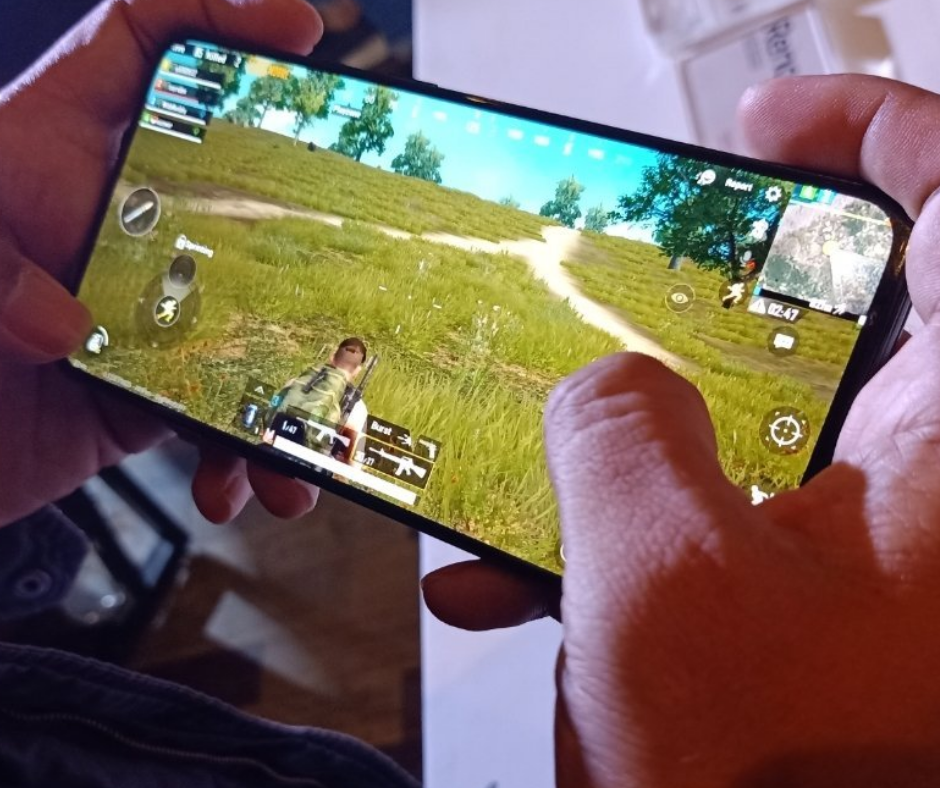
    Oppo Reno 10x Zoom’s loudspeakers are quite loud. But the sound quality is just decent enough. But if you are expecting it for gaming, it won’t disappoint in any way. We played some graphic-intensive games like Call of Duty Mobile, PUBG Mobile, and Harry Potter: Wizards Unite. We didn’t find any stutter or lags that can spoil your gaming experience.

    Oppo Reno 10x Zoom Gaming

    Even better, the phone didn’t get hot while playing games for a longer period. The rear camera bumps don’t interrupt your fingers. The full-view display and AMOLED has made the viewing experience even great.

    Performance

    Performance-wise, Oppo Reno 10x Zoom is literally a powerhouse with 2.8 GHz Octa-core Snapdragon 855 and 6GB/8GB RAM and 128GB storage. It scored 10,823 in terms of multi-core performance in a benchmark test, which means you won’t have any problem in-camera processing and gaming.

    Performance

    For

      • Superior performance
      • Bright display
      • Versatile cameras
      • Affordable pricing

    Against

      • Bulky
      • No wireless charging
      • No 3.5mm jack

    Our Verdict

    Oppo is one of the leading brands who are well known for making bold moves when it comes to launching innovative smartphones in the market. With premium specs, software improvements and unique shark-fin selfie camera, Oppo Reno 10x Zoom is no exception.

  • How to Change Bluetooth Codec and Improve Wireless Audio Quality:

    How to Change Bluetooth Codec and Improve Wireless Audio Quality:

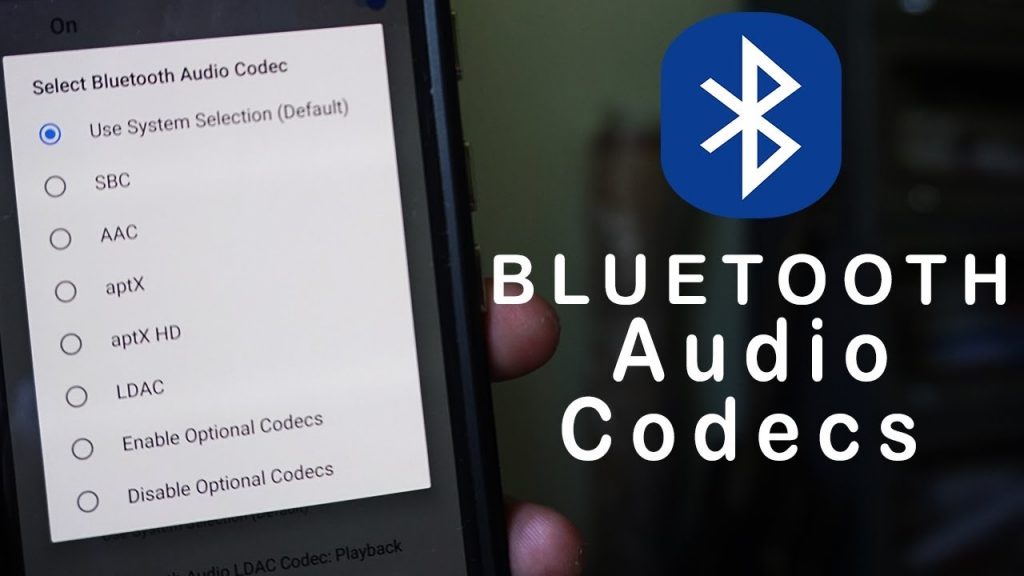
    Those who are electronic freak know the prominence of the role of the wireless audio experience as well as its latency. Many of us are in habit of using expensive wireless earphones such as Bose QC 35, and this becomes very important that they play it at the good audio codec. But sadly, the company does not give a good display and customizes Bluetooth codec.

    How to Change Bluetooth Codecs and Improve Wireless Audio Quality on Your Android Phone for Free

    Best Bluetooth codec: AAC, SBC, or aptx

    What is Bluetooth codec?

    It is for those who will be hearing about codec for the first time. It is one for using. Even, if it is a short form of coding and decoding. When someone has wireless earphones, the audio signal is coded and then one can even send that to the earphones where it is decoded.

    This has even perfect lost and founds sound compression, noticeable latency and less- power consumption. Latest codecs such as AAC and aptX!

    What is codec

    Android –

    it is even the most straight forward method is in Android. This device is one of aptX and AAC compatible and will even run at the highest codec when your headphones are good. If you are willing to change or pull the Bluetooth codec first, then you will be able to connect your Bluetooth to your device.

    After doing all these things you are able in enjoying your song on your phone (as codec will get activated automatically) now you will have to go to the settings menu and move to the Developer options. But just in case if you do not have any developer option then you can read this and follow up on the next step.

    When you reach the developer options menu you will have to connect to the network section and then tap on the ‘Bluetooth audio codec’. The best part has come as there will be options for singling out the best codec.

    The only thing which your Bluetooth codec will have to deal with is, being capable of supporting the device otherwise there will be no audio playing.

    The next step will take place by default and that the audio will be selected by itself and you do not need to do that. And if this will be there on the SBC, you will be able to switch to the AAC or aptX, whatever your headphone is supporting.

    MacOS –

    this one is, of course, different from the Android. Qualcomm aptX HD gets support on the macOS (this is not for the iPhone users) but here, Apple will not permit you for forcing p or changing it. MacOS even switch to the SBC for saving battery and managing thermals.

    There is even one thing which you will have to do which is downloading the Additional Tools for Xcode from the Apple developer website. But even if there is no registration on the site you are allowed to it for free.

    When you will be done with each step of downloading. Now double click for opening up the folder. Connect to the ‘hardware’ folder and there you will get Bluetooth Explorer.app.

  • How to Pair a PS4 or an Xbox Controller

    How to Pair a PS4 or an Xbox Controller

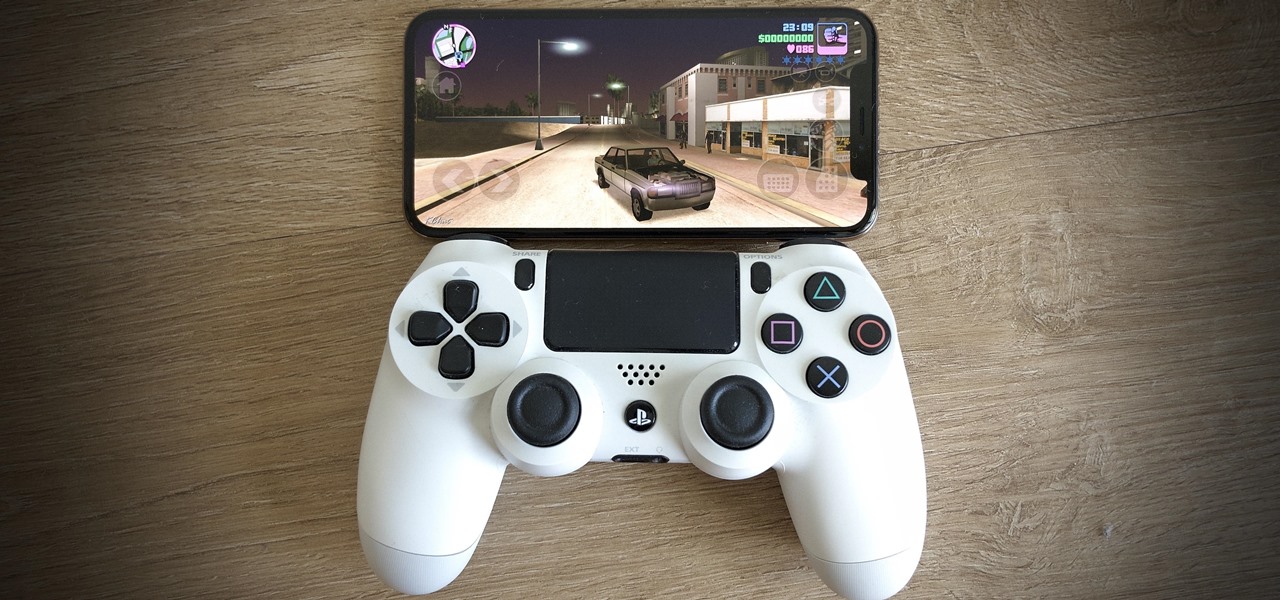
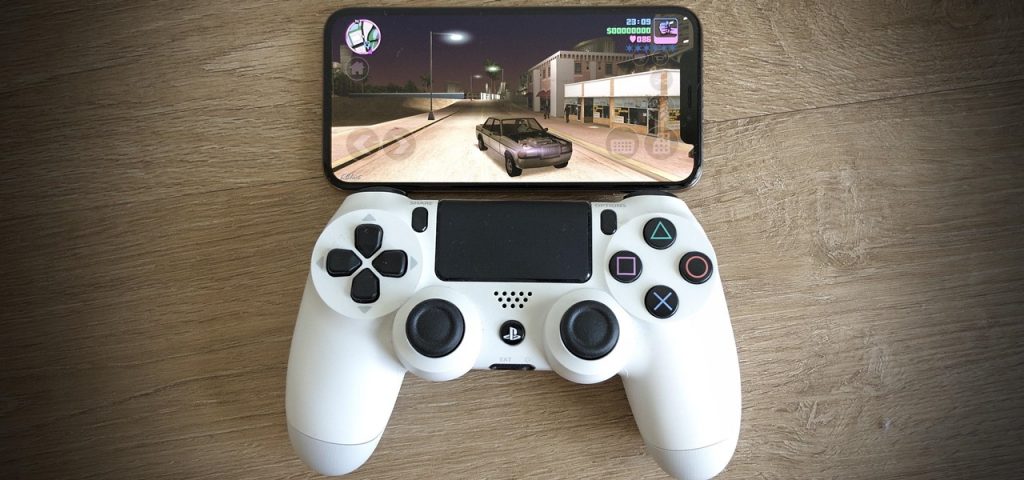
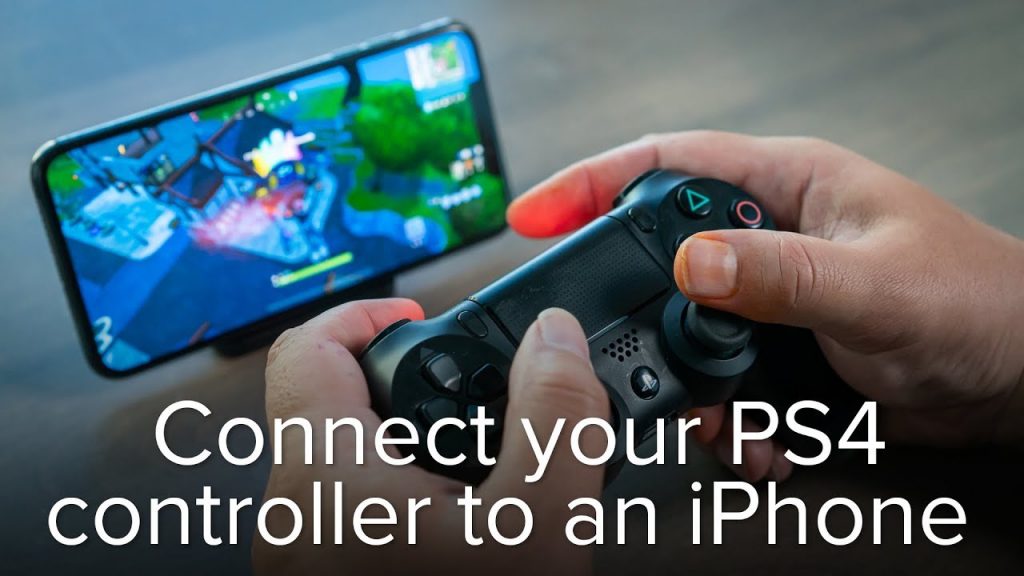
    Technologies have advanced our lives and this iPhone or iPad has changed our lives completely. So we use it for many purposes talking, playing, or chatting. Whatever is the reason but if you are looking for playing games you are allowed to use PS4 or even Xbox controller for playing and this includes sayonara: Rayman: Mini, Wild Hearts and what The Golf? Here is the way of pair a PS4 controller to an iPhone or iPad with iOS.

    How to Pair a PS4 or an Xbox Controller with Your iPhone or iPad

    Whether you are having fear about this or thinking about it as something big. It is one of the very easy and simple ways of connecting any other Bluetooth device and that involves which even put the pad into pairing mode. You can connect this to your device and detect it with the pad. Follow up on these steps.

    • Go to the settings and there visit the Bluetooth settings on your iPhone or iPad.
    • Now press that and hold the PS and share this button until you get to see the light bar starts flashing.
    • And when this happens the PS4 controller flashes white this is showing that it has come into paring mode. This should even show up to the other devices section in Bluetooth settings.
    • Now select the controller in the settings to pair it.

    Another way to Pair a PS4

      • At first, open the settings> Bluetooth and then switch it on. Now confirm that this stay on the page until the paring gets finished.
      • Now even press and hold the share + PS buttons on your PS4 controller all together and this would take some seconds. This will show up a light bar that would turn white and blinking rapidly.
      • Now, there you will find the ‘DualShock 4wirelss controller’ in your iOS device. When this will get done, also finish tap on the finish paring.

    Another way to Pair a PS4

    When you will be done playing and now you want to unpair the wireless controller from your device these are few steps to follow.

      • Open up the control center on your iOS 13 device by swiping upwards from the bottom of the screen.
      • Keep on pressing the Bluetooth icon until the menu stretches itself for further options.
      • Now you will have to tap on the Bluetooth icon for revealing up the list of the paired devices.
      • Now you will have to tap on the DualShock 4 wireless controller for instantly disconnect.
      • On the other hand, you can keep it long-press the PS button on the DualShock 4 wireless controller for disconnecting it from your device (iPad or iPhone).
      • But if you have to unpair it completely then the wireless controller from your device to the settings on your iPhone or iPad and open the Bluetooth.
      • The next step is to hit on the icon next to the DualShock 4 Wireless controller and from the next screen (from the list of the paired devices). here taps on the Forget this device.
  • Xiaomi Redmi Note 7 Pro: Detailed Review

    Xiaomi Redmi Note 7 Pro: Detailed Review

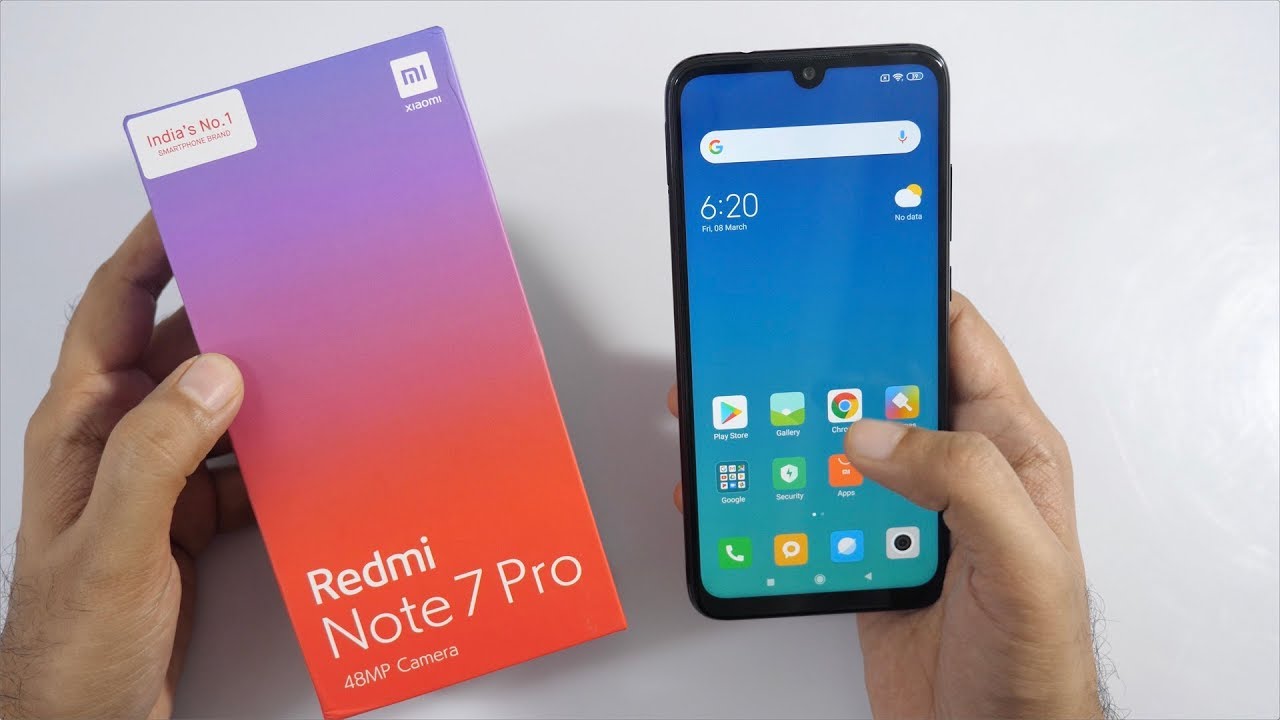
    Xiaomi Redmi Note 7 Pro which has introduced with a 48-megapixel camera for the price of Rs. 15000. The camera sharpness is excellently good and it does an excellent job at 12-megapixel resolution. It is one of the greatest offers designed with all multiple features at our comfortable price.

    Xiaomi Redmi Note 7 Pro review

    Overview

    Xiaomi  Redmi Note Pro is one of the excellent featured mobile phones with premium design captured with the 48-megapixel camera and also it is supported with fast charging. The phone is completely packed with 6.3 inches full HD and it is Protected by Gorilla Glass layer and the content is excellently sharp at the same time it is quite reflective.

    Pro is powered 675 Snapdragon Processor with 6 GB ram it is one of the heavy multitasking Processor and it is completely based on Android 9 with rich features. It captures 48-megapixel cameras with beautiful and attractive images with good vibrancy.

    When it is changed to night mode selfies can also be captured with 32 megapixels by using a front camera that looks sharp and Bright in the edge detection mode. It is completely designed with Qualcomm quick charger facility and technology has been improved lot to charge the battery quickly.

    Design

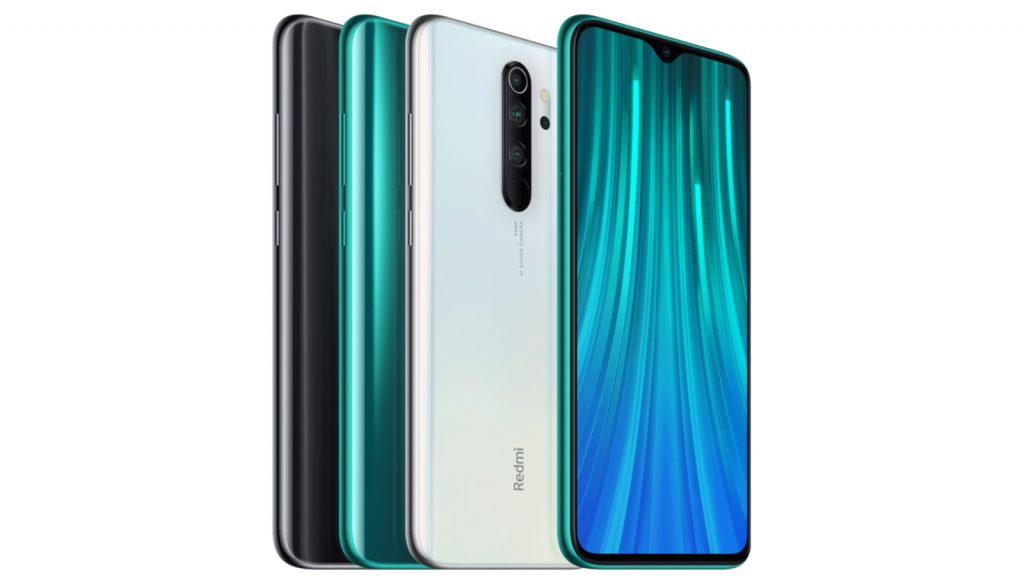
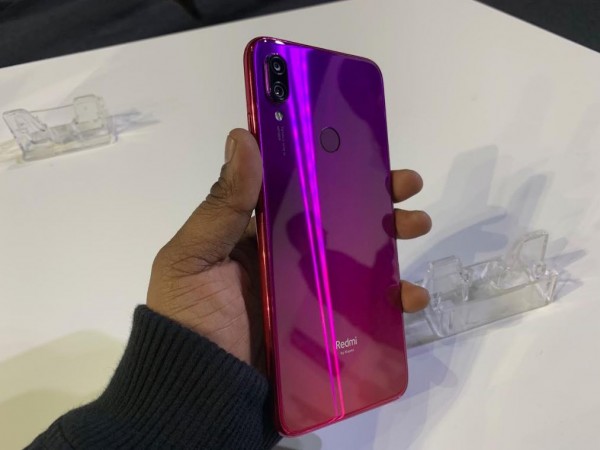
    Redmi Note 7 Pro is having a new Processor and it is manufactured with glass design with a complete stylish Smartphone. The panels are shattered with the class casting facility which looks ultimately stylish on both sides. The phone is completely durable which is manufactured with Gorilla Glass on both sides.

    Xiaomi Redmi Note 7 Pro review Design

    The black variant attracts a lot with fingerprints camera which looks excellent picture quality. The display should be focused only then the comfortable of the mobile will be excellent in Redmi note 7. The picture will be excellent with the LCD display panel, it has the option of power-saving. In addition, it is more consistent to view as per your choice.

    Performance

    When it is introduced company will Provide a lot of offers in order to upgrade the performance but still, it is designed with multiple segments that are ultimately useful. The customers for Redmi note 7 have been increased since it is based on Android 9 software. Also, the navigation is simply excellent which is having a lot of features.

    Camera mode

    Camera mode is one of the excellent performance that is built in the Redmi note device. It is manufactured with a dual camera with a 48 megapixel rear and 5-megapixel depth sensor backside and for selfies. It is designed with 13 megapixels.

    The picture quality is ultimately excellent. Also, it has the sharpness of the images, freezing of images also possible in this Redmi note 7 in order to shoot the images.

    Xiaomi Redmi Note 7 Pro review

    When you compare the pictures taken from another mobile, the sharpness and corners will be clear in Xiaomi  Redmi note 7 Pro. The adjustments in the camera can also be made based upon the settings.

    Battery

    The battery is really long-lasting which is designed with 4000 mAh. Xiaomi Redmi Note 7 Pro is 10 times faster than the other phone. It is a completely guaranteed mobile phone for purchasing. It also is available with a comfortable budget price with all extraordinary features.

  • The best RPGs for Android

    The best RPGs for Android

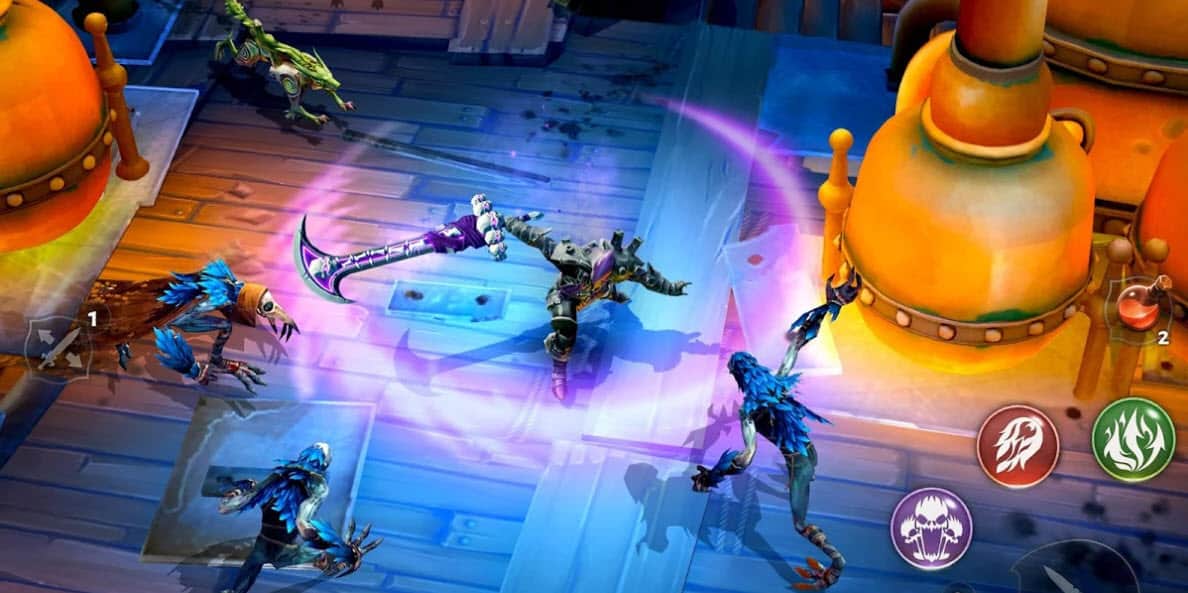
    RPGs are one of the most tried and true followings of any gaming genre. Here, as lots of things are there to do so folks can enjoy it as much as they want such as playing storylines and crafting characters. But those who might be confused about RPGs here is the list of best RPGs for android.

    The best RPGs for Android: fantasy for your phone

    Doom and Destiny Advanced

    It is one of the sequel, prequel, and reboot for the original Doom and destiny. This one falls under the category of best RPGs as the game has many functions of the same characters. Doom and destiny have free dungeons and monsters and secrets to find out. So those who love retro they will surely like it.

    The best RPGs for Android: fantasy for your phone

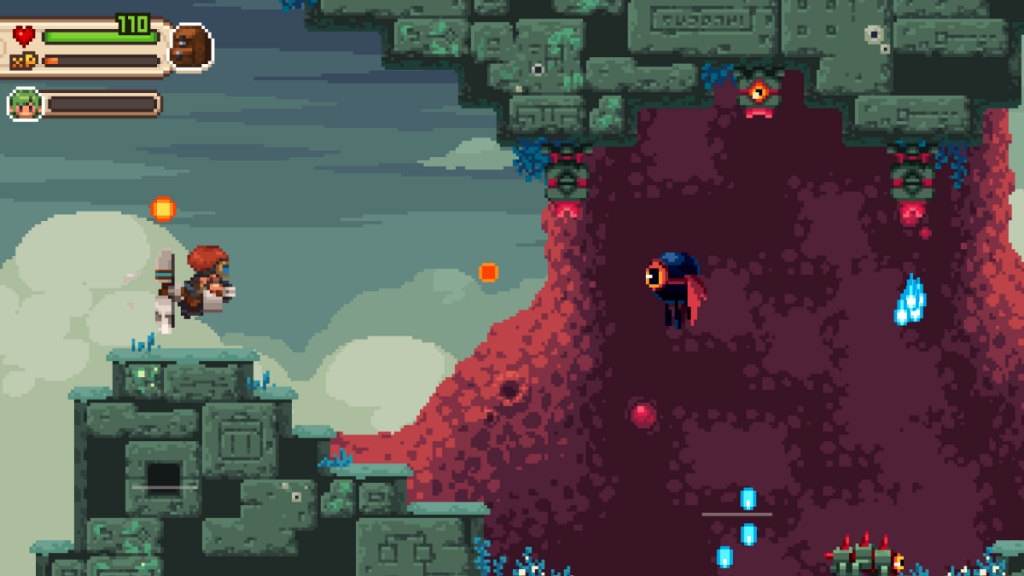
    Evoland and Evoland 2

    These two are also one of the very interesting games with a variety of features. This has a long list of 3D fighter, hack- and – slash, Puzzle, Platformer, and RPG trading card mechanics.

    The best part about this game is its continuous offline support, hardware controller support and 20 hours of rigorous play. The only thing which might trouble someone that would be mini-games because they are a little bit rough in the edges.

    The best RPGs for Android: fantasy for your phone

    Monster hunter stories

    As the name is suggesting it as very interesting so it is. Monster hunter even falls under the best RPGs since 2018. This one has a feature of turn-based mechanics, decent stories, graphics, and many more. This game has its own flavor to offer its player and which is of course not common in others.

    The best RPGs for Android: fantasy for your phone

    Sorcery 1-4

    This game is also made its own place in the list of RPGs, you must be wondering why so? It is because sorcery is modeled in nature and it is being compared with playing along with a graphic novel and that is a fair assessment. The game lets you explore an open world plus time travel.

    Square Enix games

    Those who do not know about this one. Here is the catch. Square Enix is working for hand over- fist for releasing their collection of RPGs on Android over the last few years. All the games under it are super fantastic. It also offers mobile RPG games such as Final Fantasy Brave Exvius and others.

    Square Enix games

    Exiled kingdoms – it is a single-player action RPG and this one is rare in this genre. What falls best in this game is, it is absolutely free! So Jaime now those who might be wandering until yet for contents like this. They will surely fall for it. Here, you will have to upgrade most of the characters and then complete the story. As you will be able to explore the world around you.

    Final words

    All the games are special ones on the list of RPGs and it gives perfect reason to be like that. Numbers of varieties are making their presence stronger each day. And their features are completely demandable because it knows what to serve and how to serve that whenever required.

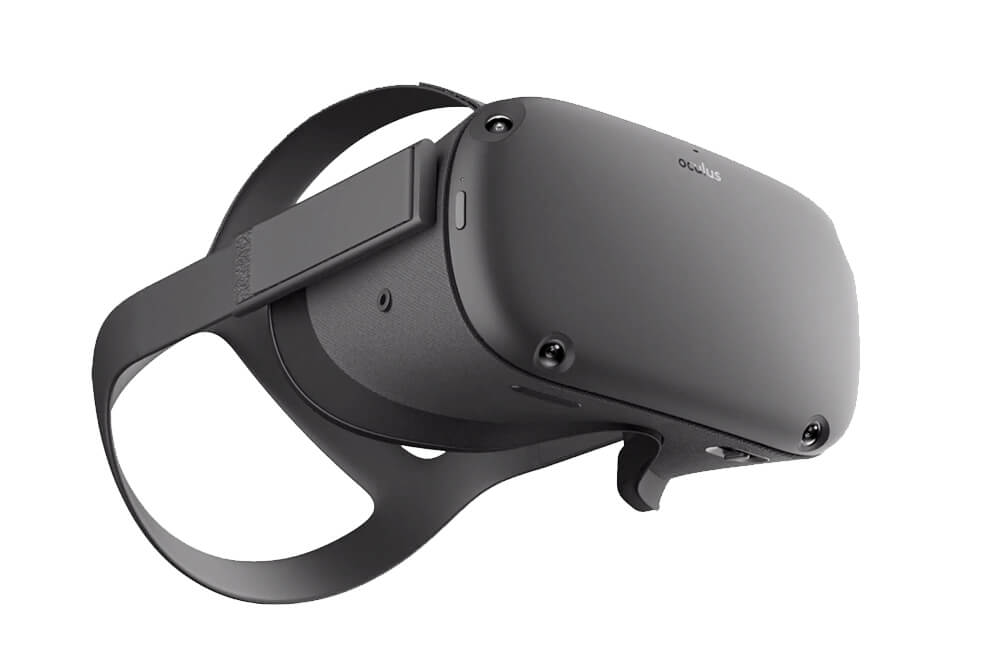
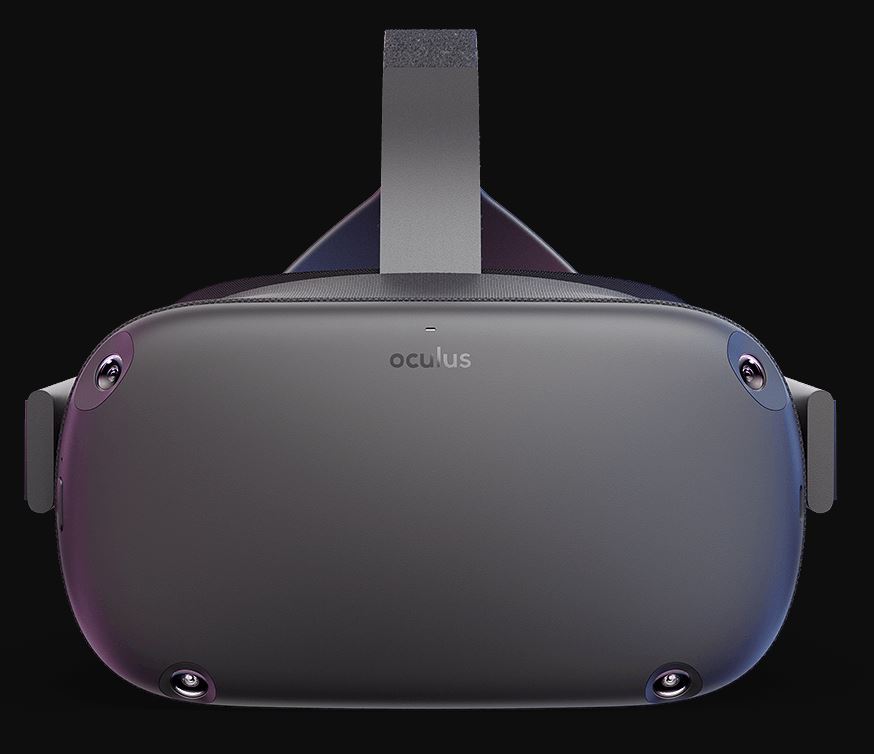
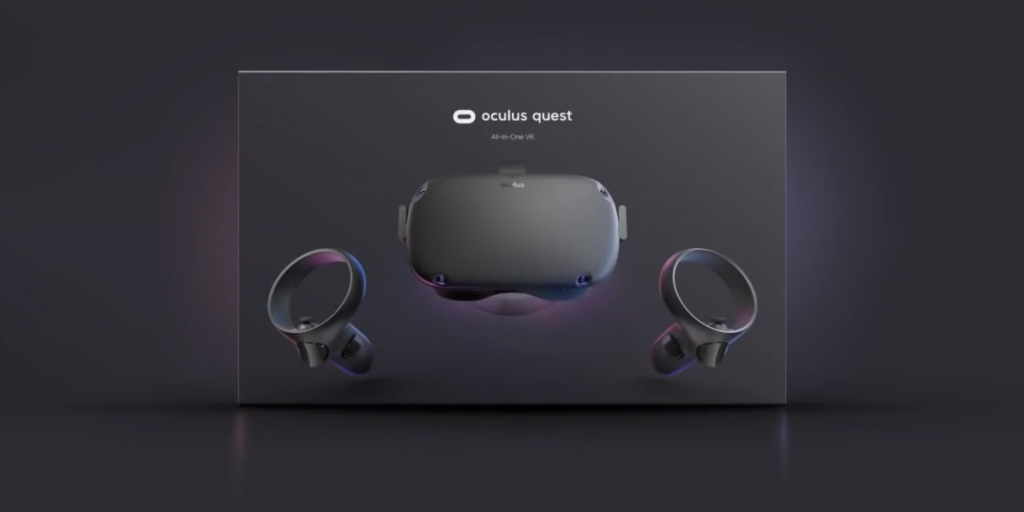
  • Oculus Quest is killing it in content sales

    Oculus Quest is killing it in content sales

    It is an all-in-one gaming system for de facto reality! That is why it is famous for VR gaming to the next level.

    Oculus Quest is killing it in content sales


    How does the oculus quest work?

    Oculus pass-through is one of the features of the oculus quest and that permits the user for seeing the real world in black and white with the help of built-in cameras.

    Need of having oculus quest

    Well, many of you might be struggling to get the answer to why this one is important to have. However, everyone has their own reason but these are worth justifying buying it.

      • Display panel- OLED
      • Used lithium-ion battery with 2 o r3 hours playtime and depending on what you will be playing
      • Display resolution – 1440* 1600 per eye (Oculus Rift had 1080 *1200 per eye)
      • 6 degrees of freedom ahead and hand tracking
      • It has 4 GB RAM (that is just wow!)
      • Plus 72 Hz refresh rate
      • It has even QUALCOMM snapdragon 835 processor 

    Features of Oculus quest


    Oculus-Quest-is-killing-it-in-content-sales

      • It lets reach to the next level of VR gaming
      • The world becomes your arcade
      • You can even make your move even listen up and all around
      • There will be no PC, wires, and limits
      • Able to listen to everything around you.
      • Feeling is believing
      • Oculus touch controllers – this permits one to arm yourself along with the award-winning oculus touch controllers.
      • Amazing VR Games – this device allows one to enter into the game rather than just watching. And this all experience would be very real
      • Guardian helps in keeping you safe – the sight of exploring the universe without tripping on your couch will be just amazing.
      • As the motto of the device is to help users in avoiding the close objects while playing the game (it means the user will be completely lost in the game) 

    News broke about oculus quest sell out

    Many game lovers might be waiting for this one to get out of their shell. However, their wait was over but still, this one is out but this went out of stock for some of the retailers. But soon, they all will be able to collect them. But do not lose your heart as you are still allowed to buy the quest from oculus.com from several of the stores around the world.

    Available games on Oculus quest

    Get happy because there is an exciting offer for all those who just truly loved it. Well, there is a list full of games and excitement. Get ready to explore them –

    Oculus Quest is killing it in content sales

      • Gone fishin’ Bait!
      • Cute castle defense: Ballista
      • LIGHT SABERS1 Vader immortal: episode 1
      • Bow virus bot: apex construct
      • Matrix VR: Superhot VR
      • Blowing up pigs: angry Birds VR: Isle of pigs
      • Accounting: accounting +

    Winding-up

    Well, those who have bought it go ahead explore the world and those have not gone ahead and bought it. The price which you would spend here is worth spending!

  • LG G8X ThinQ First Look – Review

    LG G8X ThinQ First Look – Review

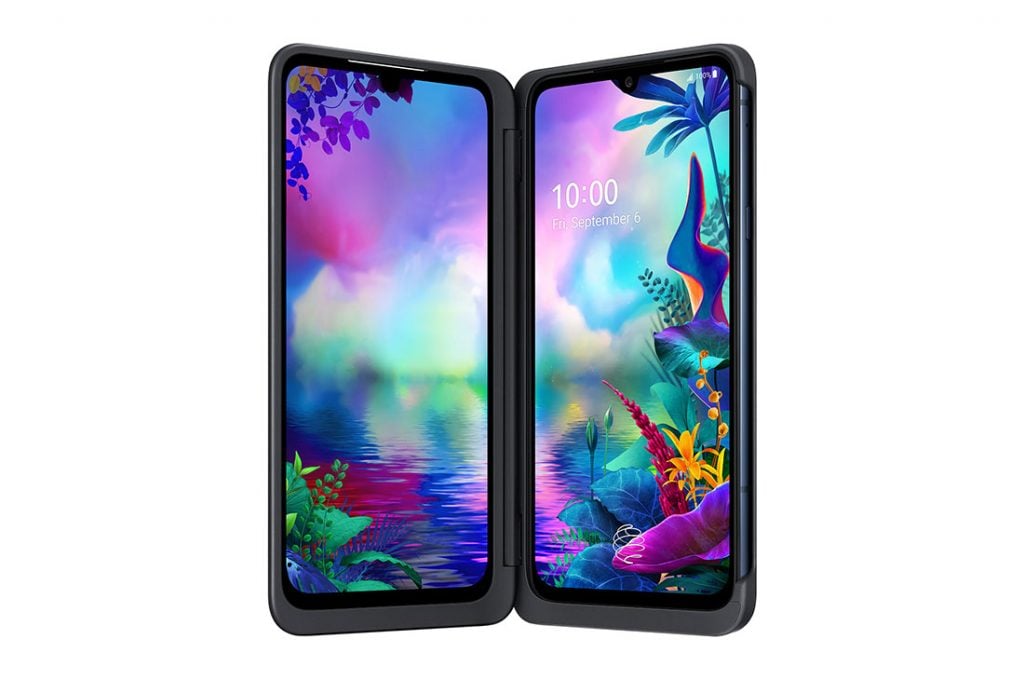
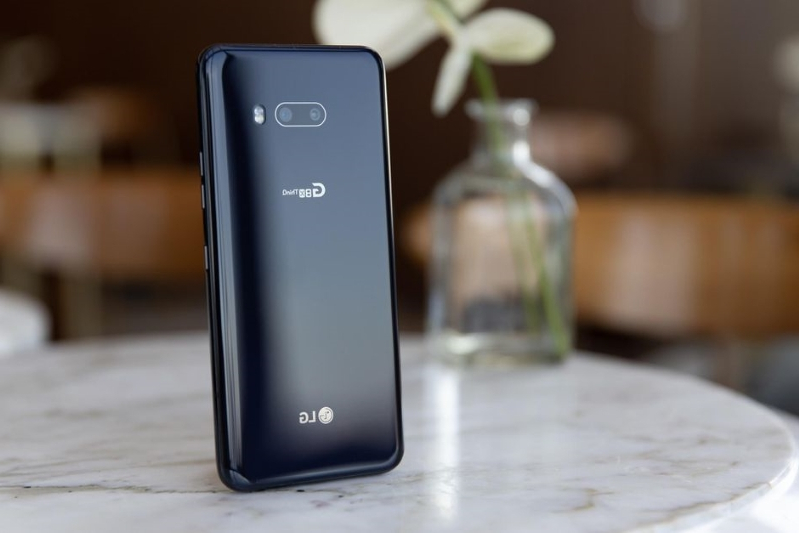
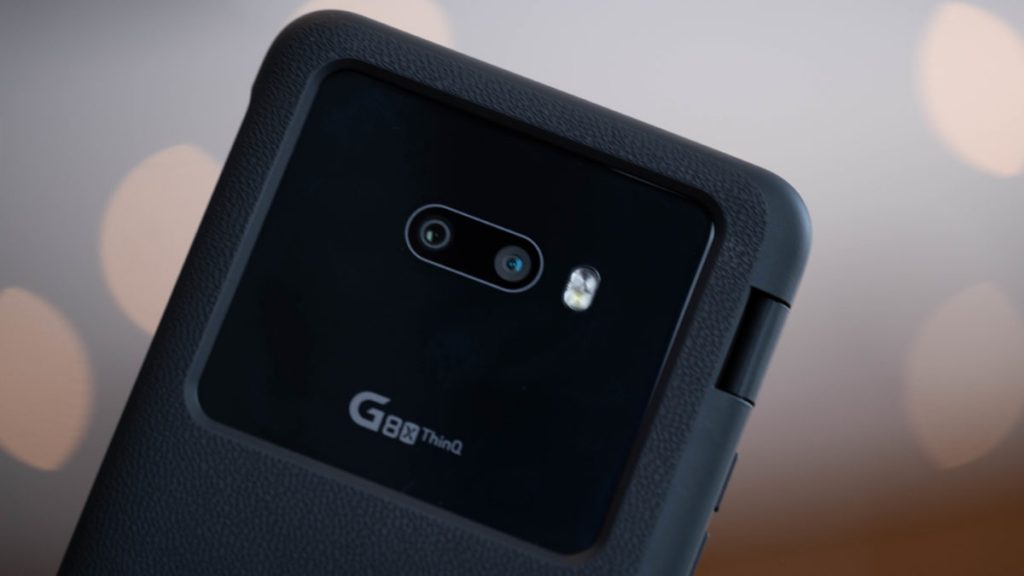
    LG G8X ThinQ smartphone runs on the Android v9.0 (Pie) operating system. This mobile phone is specially designed with an Octa-core processor such as Kryo 485, Quad-Core, 1.8 GHX, + Kryo 485, Tri-Core, 2.42 GHz, + Kryo 485, Single-Core, 2.84 GHz. It runs on the Qualcomm Snapdragon 855 Chipset. This model comes with an internal storage of 128 GB space and RAM with 6 GB capacity. LG G8X ThinQ smartphone has an OLED display. It measures 159.3 mm x 75.8 mm x 8.4 mm and weighs 192 grams.

    LG G8X ThinQ First Look - Review

    LG G8X mobile screen resolution could be 403 PPI and 1080 x 2340 pixels density. It has an aspect ratio of 19.5:9 and a screen-to-body ratio of 83.09 %.

    On the camera front, the buyers get a 32 MP Front Camera and on the rear, there’s a 12 MP + 13 MP cameras with features like-

    • Digital Zoom
    • Auto Flash
    • Face detection
    • Touch to focus.

    It is backed by a 4000 mAh battery. This smartphone includes numerous Connectivity features such as NFC, Volte, GPS, Bluetooth, Wi-Fi (wireless), and many more.

    Design & Security

    The LG G8X ThinQ looks and feels similar to the LG G8 ThinQ, but the changes made are extremely welcome. The notch is now a tiny teardrop rather than an iPhone-style cutout, due to the removal of sensors which enabled gesture controls on the G8 ThinQ. These gestures were fun, but entirely gimmicky, and aren’t missed on the G8X.

    LG G8X ThinQ First Look - Design & Security

    LG’s also moved the fingerprint scanner from the phone’s back to under the screen, a positive move in terms of design and modernity, but less so in functionality. It’s not fast and it’s not accurate.

    I’ve re-scanned my fingerprint several times, but it still has an unacceptable fail rate — by which I mean it fails on more than a few occasions every day — and it definitely doesn’t read overly dry, or slightly damp fingers well at all.

    The fingerprint sensor’s failings are compounded by the inexplicable lack of face unlock. A feature seemingly on every phone for years now is absent from the G8X ThinQ, forcing you to rely on the unreliable fingerprint sensor, a PIN code, or worse, just turning off security entirely.

    I can forgive fingerprint sensors for their idiosyncrasies when there is a usable, daily alternative that doesn’t involve me going back in time to PINs and patterns. The G8X ThinQ does not have that.

    Additional Design Features

    LG has made the G8X slightly thicker than some of its competitors at 8.4mm, but this has enabled it to fit the camera array flush into the body and add plenty of toughness, as well; the phone reaches MIL-STD810G specifications and has an IP68 water resistance rating.

    This means it’ll withstand minor drops and encounters with dust or water better than some phones, but it’s glass on both sides, so a case is still always a good idea. The phone’s body is slippery, and more than once it has slid off a table and fell a couple of feet onto a hardwood floor, but didn’t take any damage.

    It comes in one color, aurora black, which produces a lovely blue tint when it reflects light. The 192-gram phone isn’t particularly heavy, but the thickness can make it fatiguing to grip over a long period of time.

    The case is 134 grams, so when added to the phone, you’ve got a 326-gram device that’s 15mm thick to carry around. Samsung’s Galaxy Fold is 276 grams, and 17mm thick at its widest point.

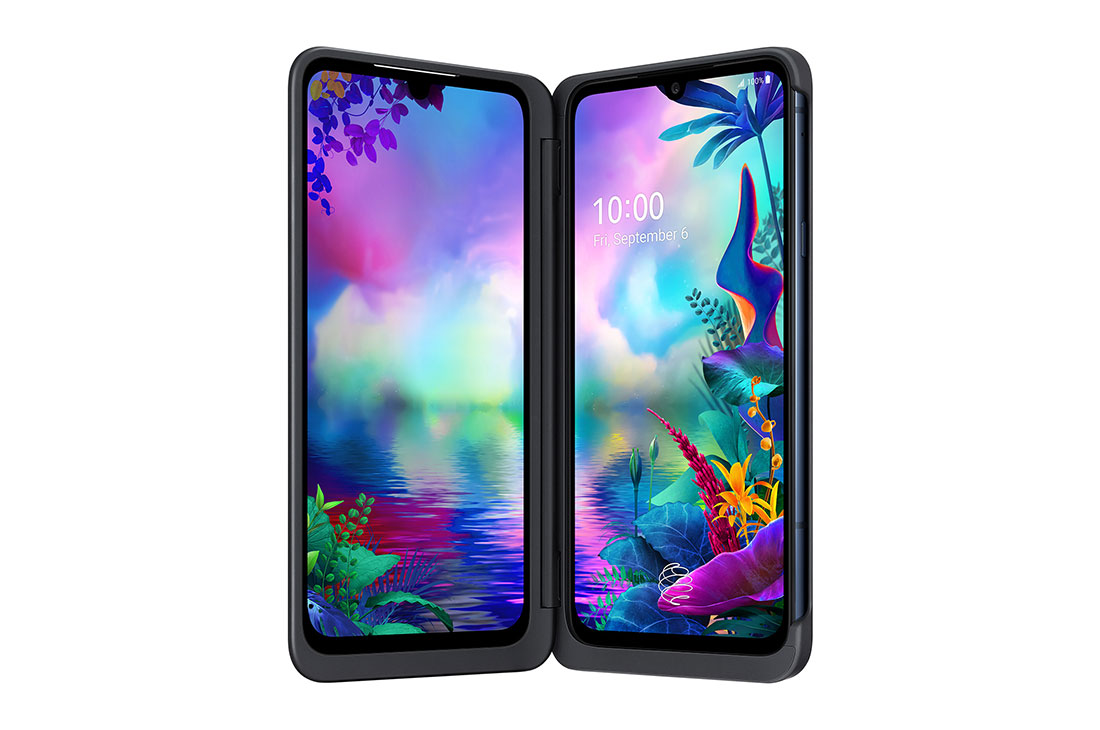
    Dual-Display Phone

    Dual-Display Phone

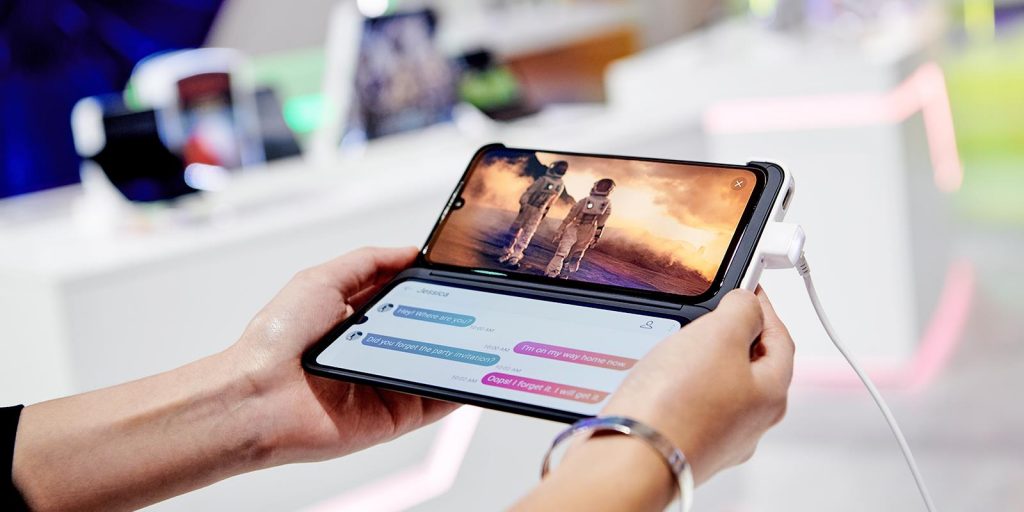
    Similar to other proper foldable mobile phones, LG G8X is simply offering dual-display screens for a better experience. In case, if you prefer to watch or stream any video content then it is possible to utilize a separate screen for scrolling text or Twitter.

    However, the entire kit is not awkward or too large to handle. Amusingly enough, the G8X and Dual Screen benefit from not having as advanced of screen tech as proper foldable.

    Same like Samsung Galaxy Fold’s model LG G8X is also configured with two simple screens that can be easily swapped as per your requirements without any slippery interface or confusing bleed over.

    Moreover, it does not even include a perfect interface that is a little bit buggy and can exchange the screens without a hitch. You can create a custom controller along with the provided gamepad tech that will not perform well for specific games.

    For example, sometimes it is not possible to shoot, aim, or even move simultaneously. As a workaround, you need to combine a few features with a long single press to play clunky games.

    Supportive Dual-Display Information

    Apart from other features, you can gain a better experience by playing the games on the full-screen mode and make it creative with your fingers.

    Within the Menu bar, you can find numerous game-specific tools under the navigation section (three-button icons) to take screenshots, mute media, disable alerts, and even browse your favorite games on YouTube. Some of the best gaming features are still not available in this mobile phone.

    Watching the media is unsurprisingly good on a phone with LG screens, especially when tenting up the phone to watch the video. When compared with the Google Pixel 4 mobile phone, the sound quality is not much better from the speakers either from the earpiece or bottom both sides are even louder.

    Extended View is another best feature that allows the users to utilize the second screen (similar to the second tab) for accessing the weblinks or viewing images. At this moment, this feature can be utilized only in Naver Whale and also LG’s Gallery. These are the original screen uses available on this mobile phone.

    LG G8X Performance & Battery

    The G8X is equipped with a Snapdragon 855 chipset. Day-to-day tasks such as browsing the web and launching apps run fast and smooth. There were instances, however, where apps froze or sputtered and I’d have to quit the app to restart it.

    This happened mostly with gaming apps such as Call of Duty and whenever I tried launching the gaming pad. I also noticed there were times when the second screen would take a beat or two to rotate itself to the proper orientation when I had the game open.

    Other than those examples, the G8X’s performance was reliable. On paper, its benchmark scores were comparable to other premium phones with Snapdragon 855 processors. (Note: The Galaxy S10 Plus and  Galaxy S10E have the same processor. We were also unable to run 3DMark Ice Storm Unlimited on the OnePlus 7T.)

    LG G8X Camera

    The G8X has two rear cameras: a 12-megapixel standard camera and a 13-megapixel wide-angle camera. LG was one of the first phone makers to include wide-angle shooters, and it’s useful to capture more content in each frame.

    There is a low-light mode called Night View, similar to Pixel 4, iPhone 11 and others. The G8X managed to capture a decent photo in a nearly dark living room — I was able to make out various furniture and objects in the photo that I couldn’t see in real life in front of me.

    LG G8X Camera

    But compared to the Pixel 4, the G8X’s low light mode isn’t as good. The Pixel 4 captured a much clearer image with less digital noise and more accurate lighting and color. With ample lighting, however, the G8X takes clear and bright photos with good contrast and excellent focus.

    While the HDR effect doesn’t make pictures look as cinematic or vibrant as the Pixel 4, colors and exposure are depicted more accurately with what I saw in front of my eyes.

    The results may appear “muted” overall, but the pictures are true-to-life. On the front is a 32-megapixel camera for ultra-clear selfies and it can take portrait pictures, too.

    Portrait photos were OK but not great. I noticed areas of patchiness around my hair (expected) and hands (not expected). This made the bokeh effect look artificial and unnatural.

  • How to Share Files Between Android and Windows

    How to Share Files Between Android and Windows

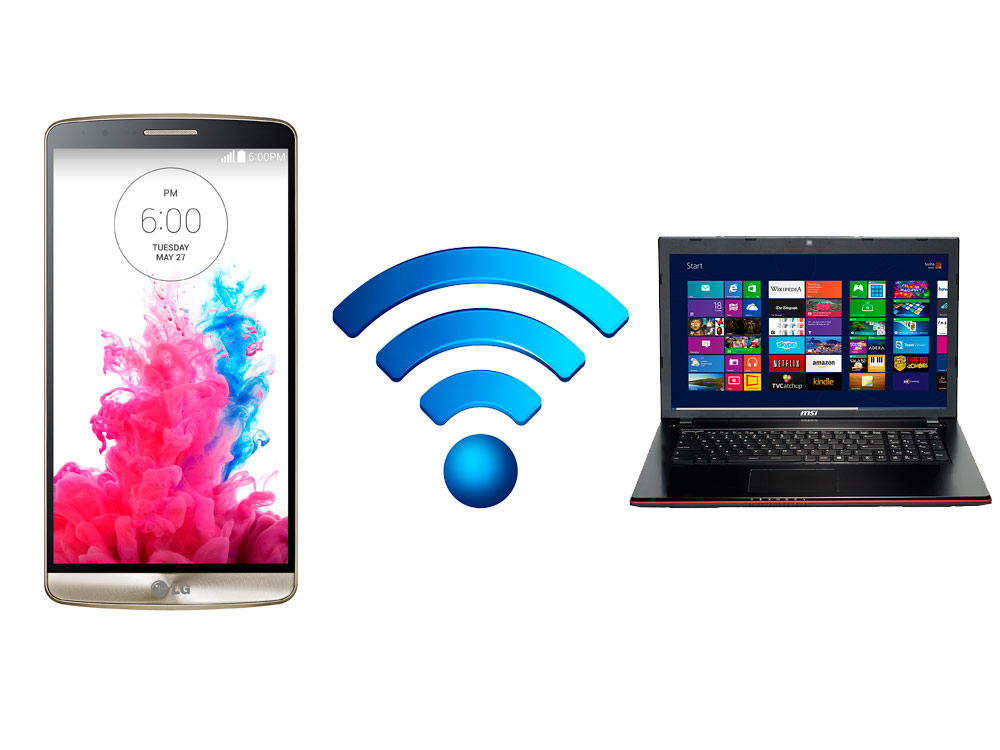
    When it comes to sharing the files between Android devices to Windows, there are certain things that you need to follow. Well, with the support of USB cable, you can get an opportunity to share the files without any hassles. Usually, while handling this process, most probably the people would go over with a slow option like Bluetooth to transfer the files. If you are the one who doesn’t want to experience this thing, then go ahead with the support of some free apps.

    How to Share Files Between Android and Windows Using Free Apps


    Let’s have a look at two different methods in order to share the files between the windows as well as android. Hopefully, it will be helpful in terms of transferring the files using the apps.

    Solution 1: Share files between Android and Windows using Your Phone app

    If you are looking at this app, then it has the potential to share 25 photos and screenshots. So, whenever people are looking for transferring the files without any hassles at a faster rate, then you can go ahead with the following steps.

    How to Share Files Between Android and Windows Using Free Apps

      • First of all, it is necessary for you to install Your Phone app.
      • After the above process is completed, then make sure to complete the process like country code, phone number in the windows app. Now, you will get an opportunity to receive the link in a text message for an android application.
      • When it comes to downloading the application, then you can go ahead with Google Play with the support of the link at any time.
      • Well, after the successful installation, it is necessary for you to click over “Connect my PC”.
      • Now, proceed further to sign in with Microsoft account. On the other side, i.e. on the android device and allow all permissions.
      • After the above process, tap to open the app on your windows.
      • Finally, you are ready to access recent photos as well as text messages without any hassles.

    Solution 2: Share files between Android and Windows using AirDroid

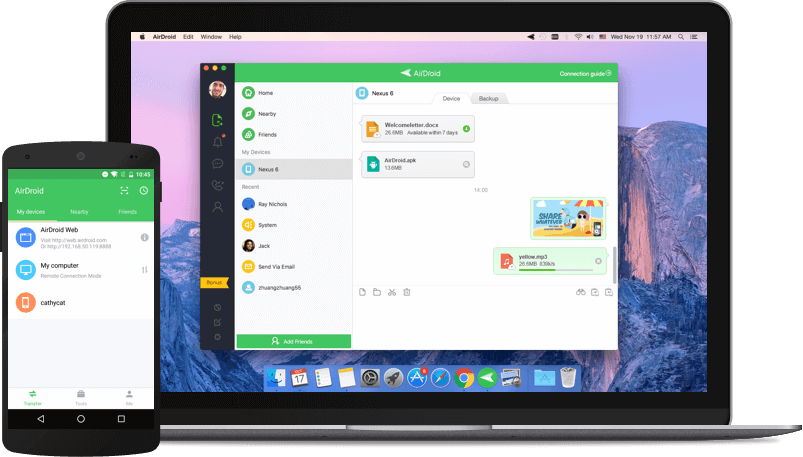
    It is the application that will allow the user to transfer the different files like videos, photos, audio and more. Even it will allow the user to share the multiple files.

    The best thing about this app is where you can also check out the remote camera mode which will allow the user to view the camera remotely. Let’s have a look at some of the essential steps.

    How to Share Files Between Android and Windows Using Free Apps

      • At first, you need to download the AirDroid desktop as well as an android app by visiting the official site of AirDroid.
      • Next, complete the registration process and proceed further to sign-in with the support of credentials on the windows app.
      • Make sure to check whether you are connected to Wi-Fi or not.
      • Now, the device and PC will shop up in the section of My devices in both the apps.
      • At last, you are ready to drag and drop the respective files that you want to transfer at any time.